Accessing Junior/Smart Moves/Brainfit Baby Sub Games Management on ACP
This feature is for SA
Steps to Access
- Navigate to BrainFit ACP.
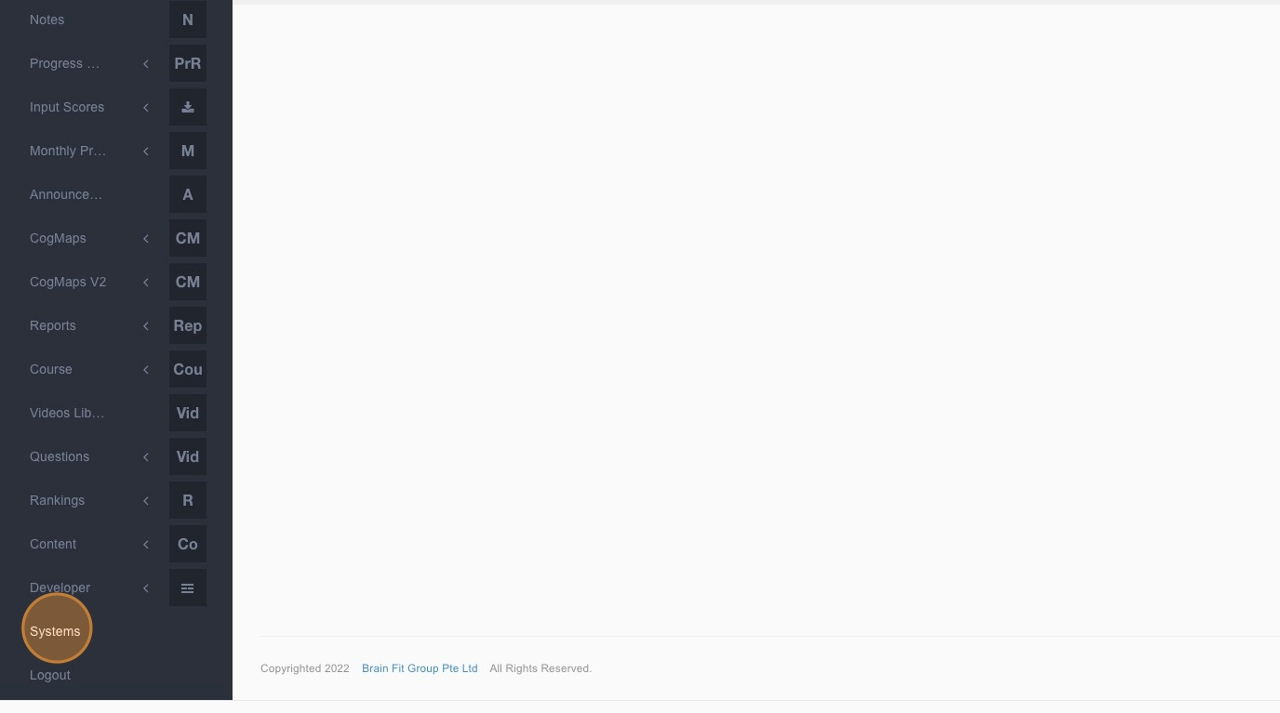
- Click "Systems".
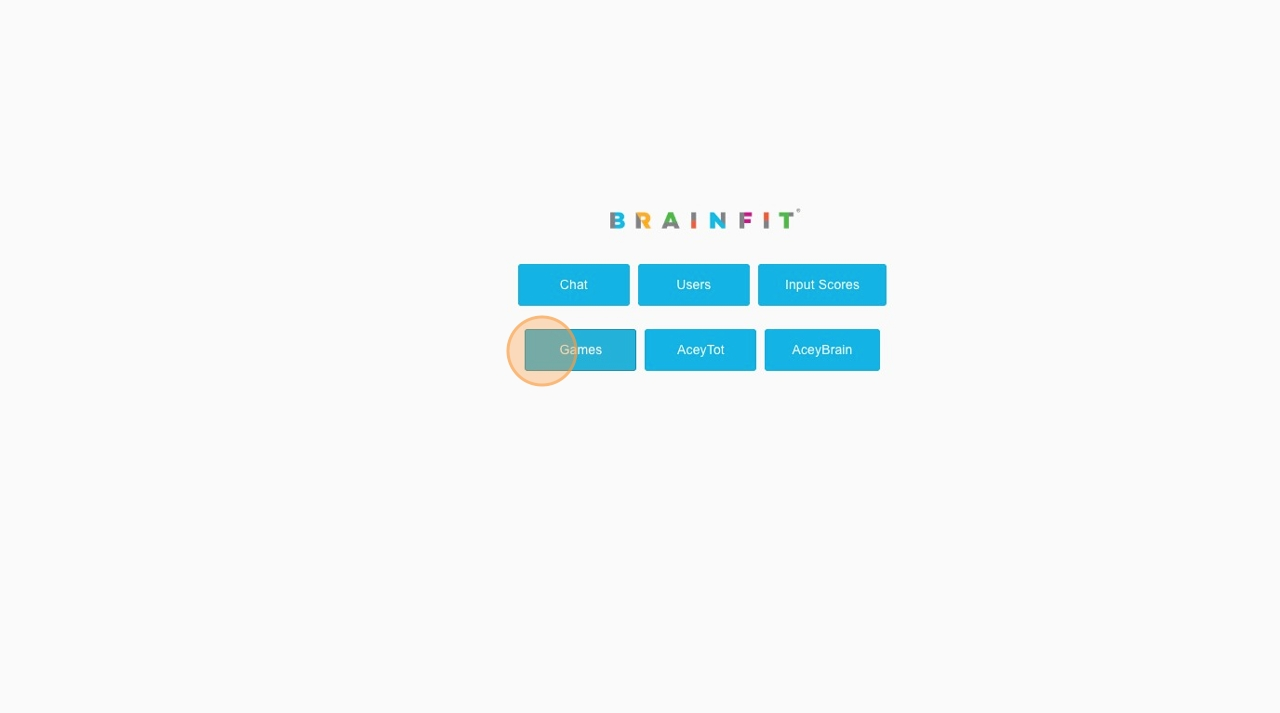
- Click "Games".
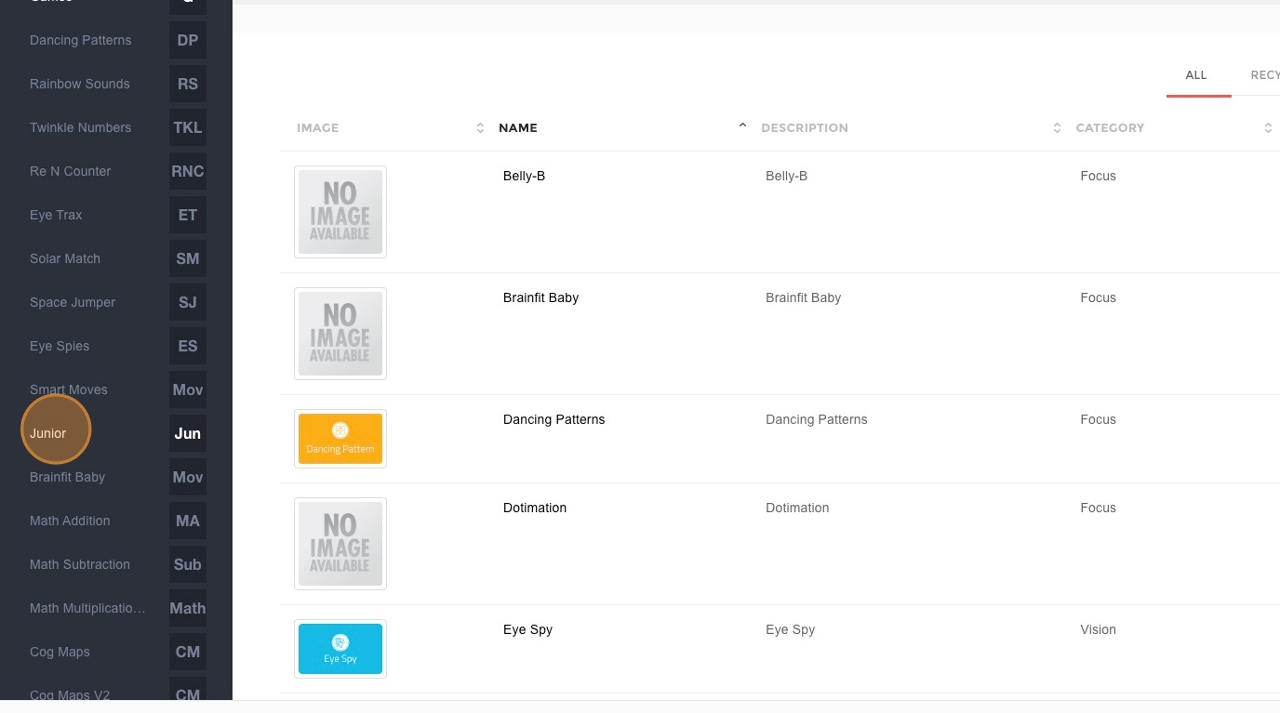
- Click "Junior" or "Smart Moves" or "Brainfit Baby".
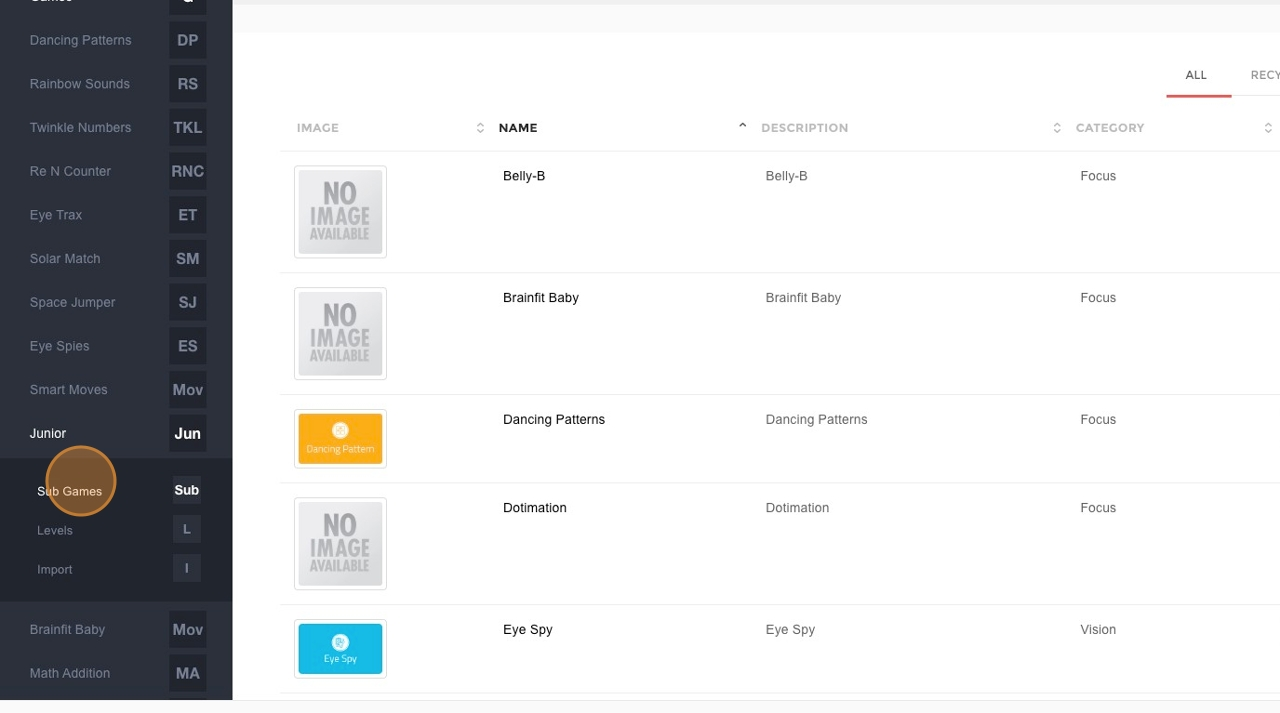
- Click "Sub Games".
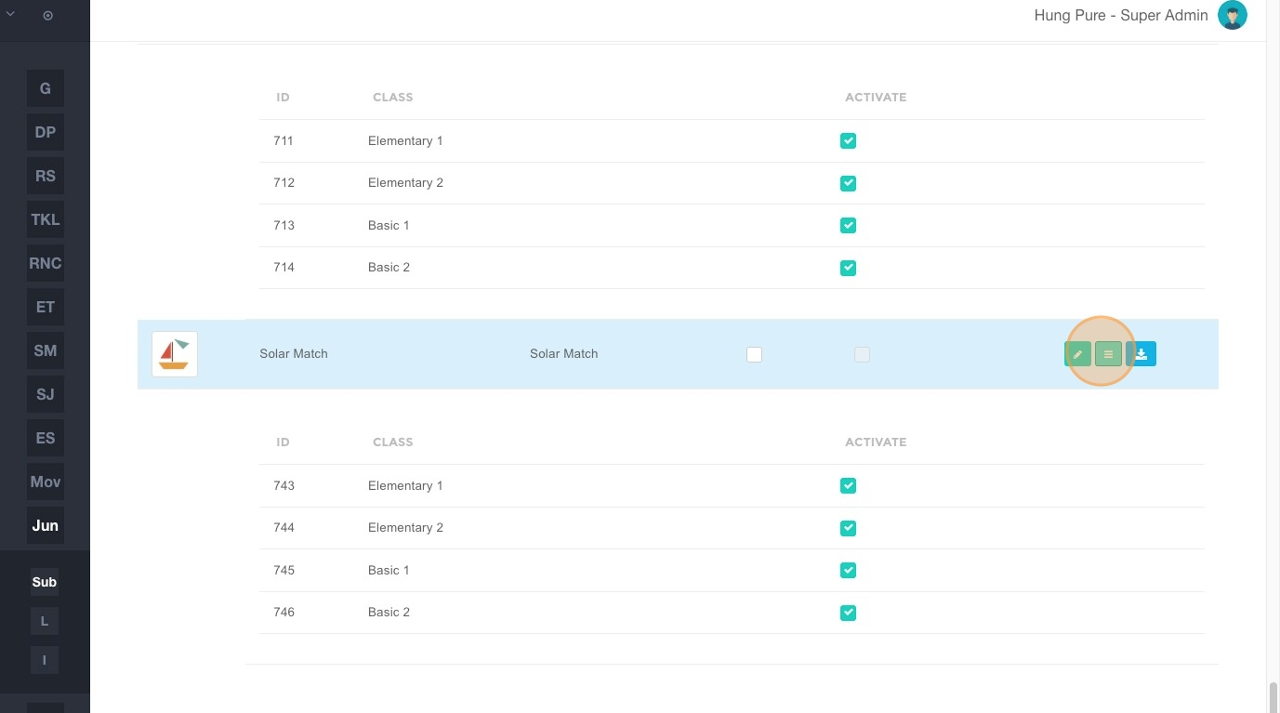
- Click here to redirect to the level detail view.
Managing Sub Games
-
In this view, you can see the exact status of attachments for each level.
- Click "Edit" in the Action column to view the details of a specific level.
-
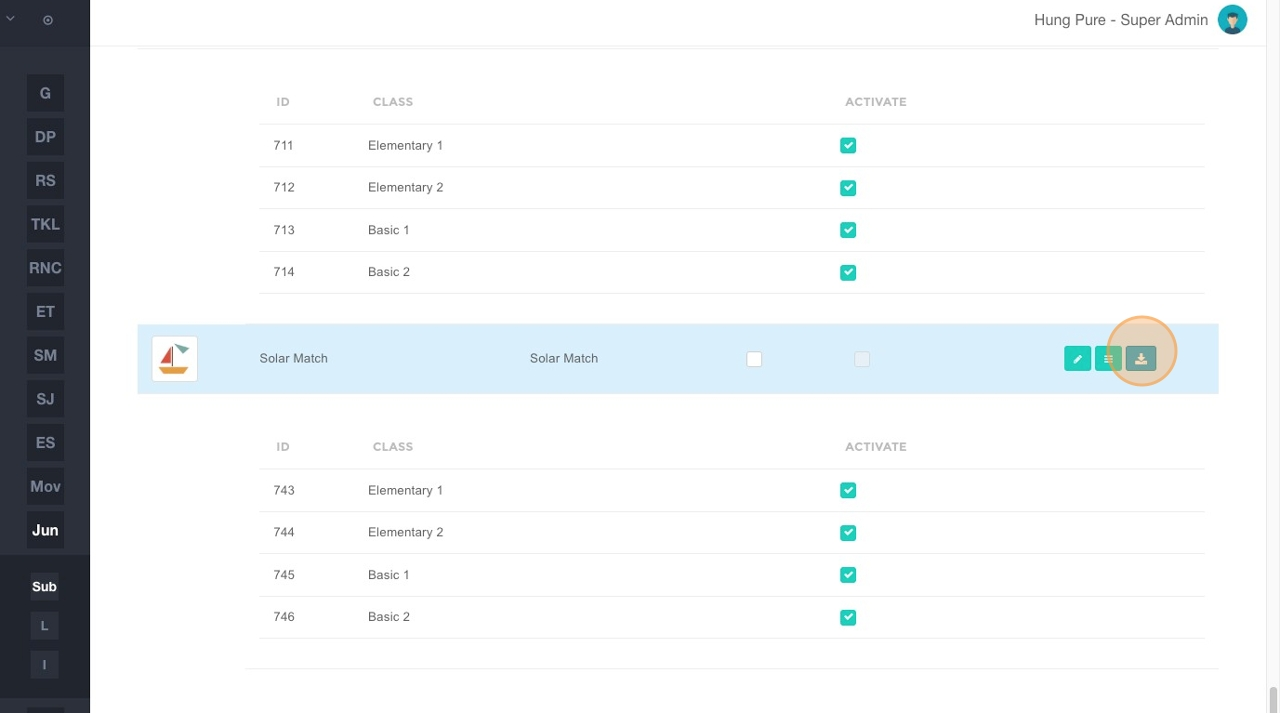
Click the download button to get the Excel file of the sub-game.
- This file contains the complete content and configuration of each level.