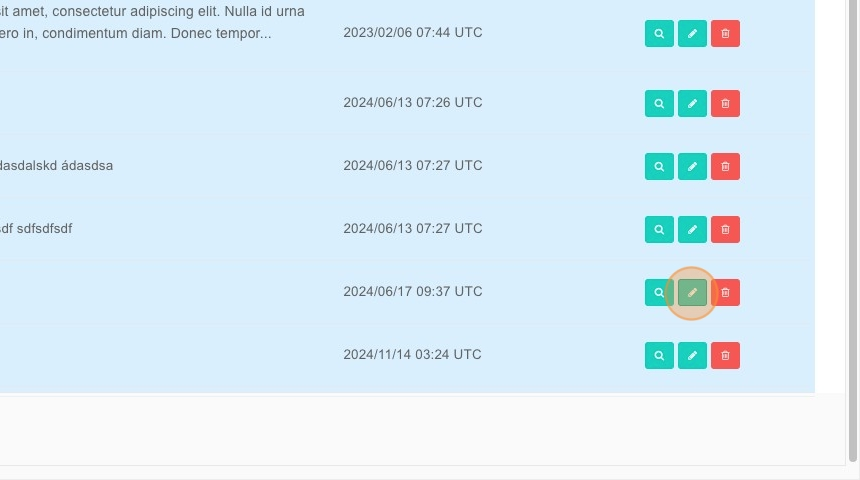
Adding Comments for Student in BrainFit ACP
This feature is for SA, ML, CA, Trainer
Steps to Add a Comment
- Navigate to BrainFit ACP.
- Click "Students".
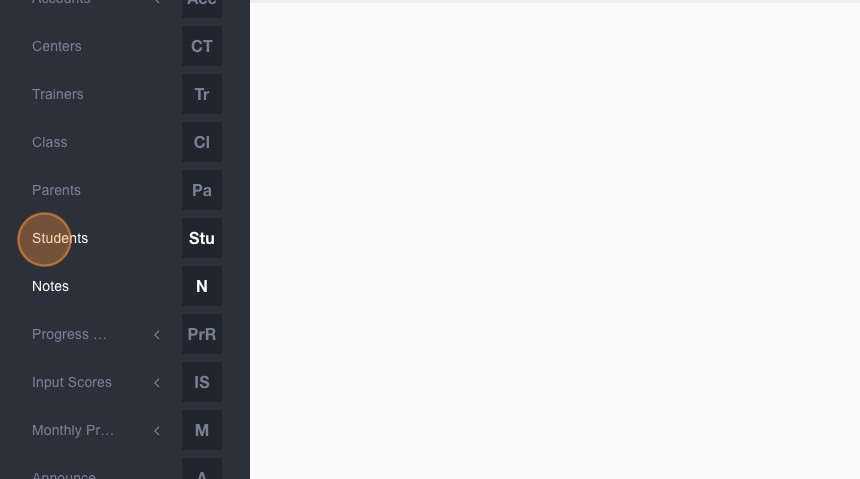
- Type the student's name.
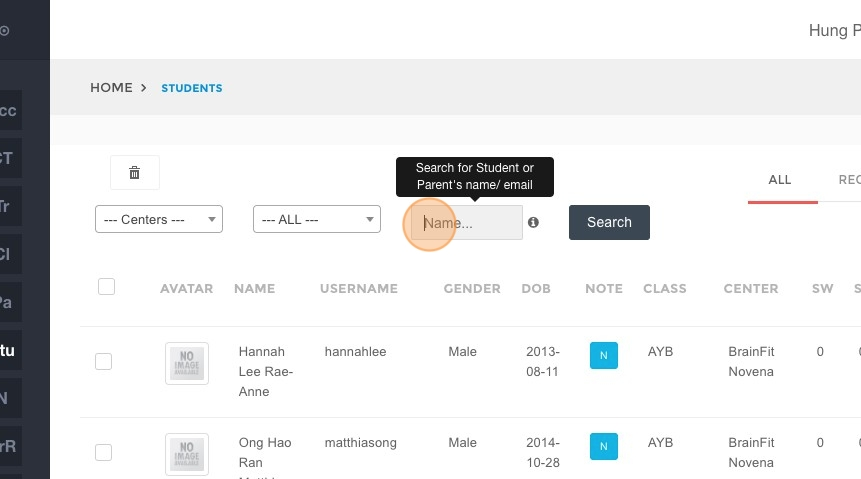
- Click "Search".
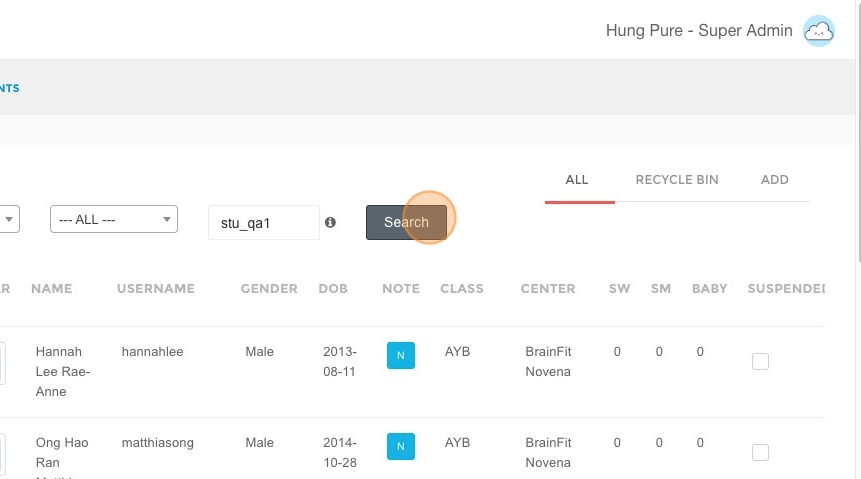
- Select the student's profile.
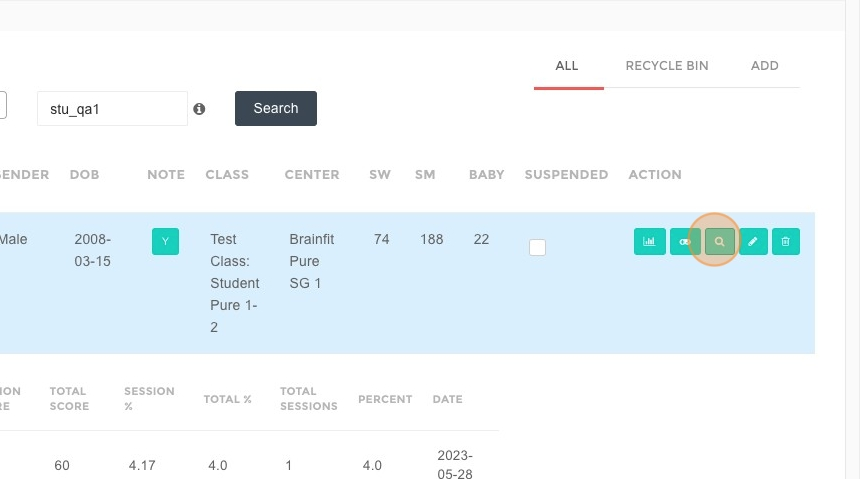
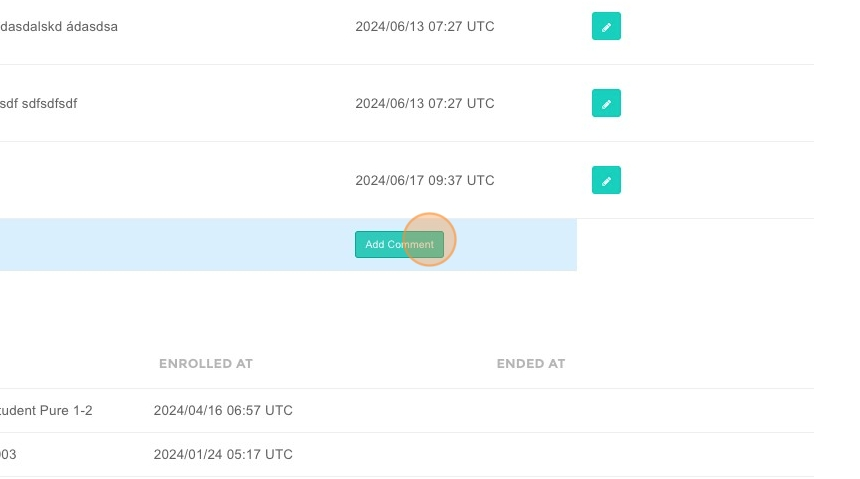
- Click "Add Comment".
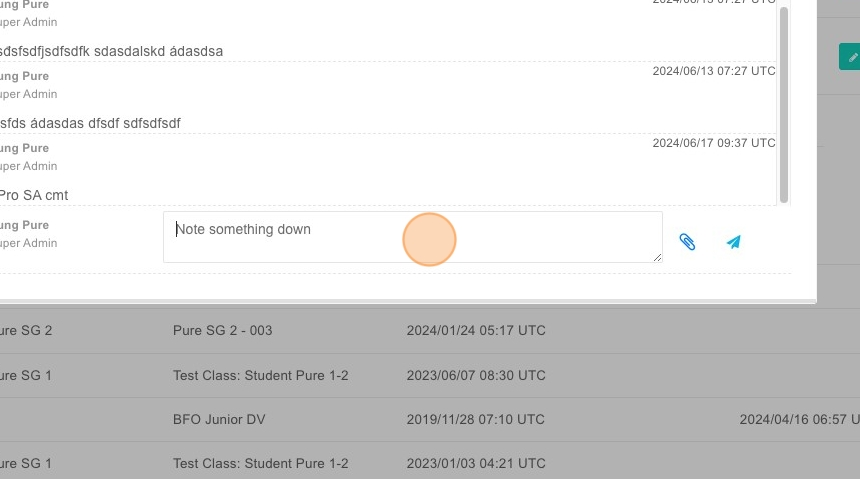
- Type the comment in the provided field.
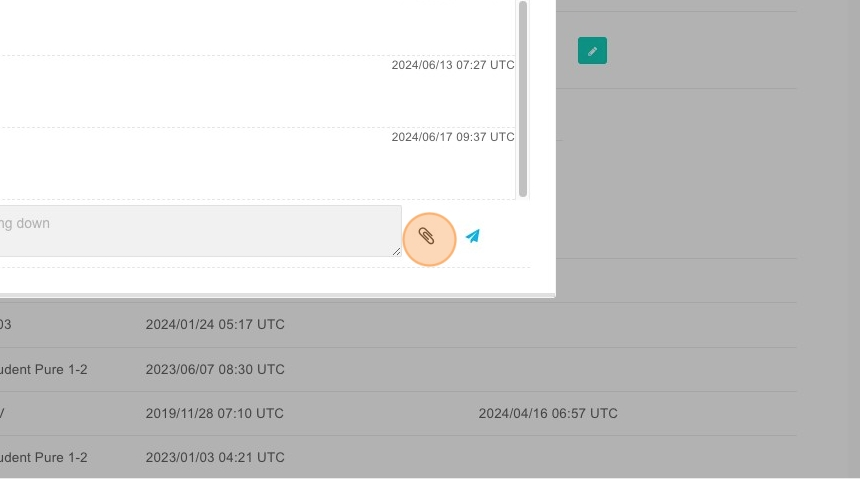
- Click "Choose File" to attach a file.
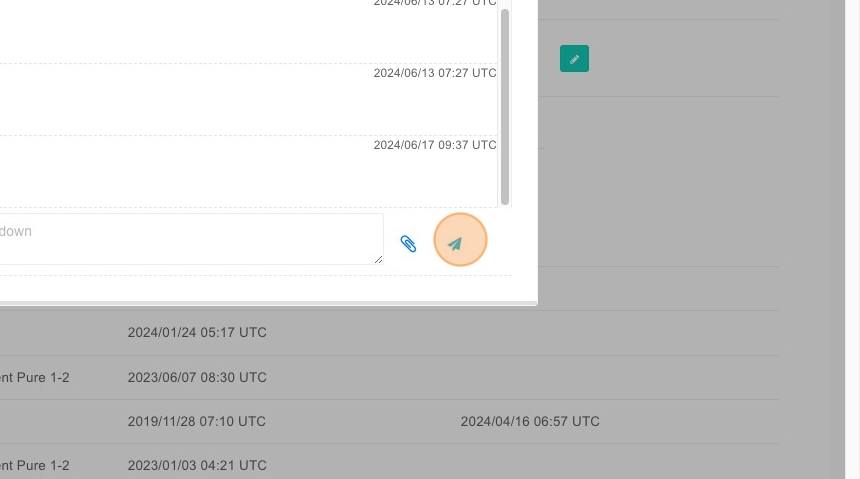
- Click "Submit" to save the comment.
Steps to View and Edit a Comment
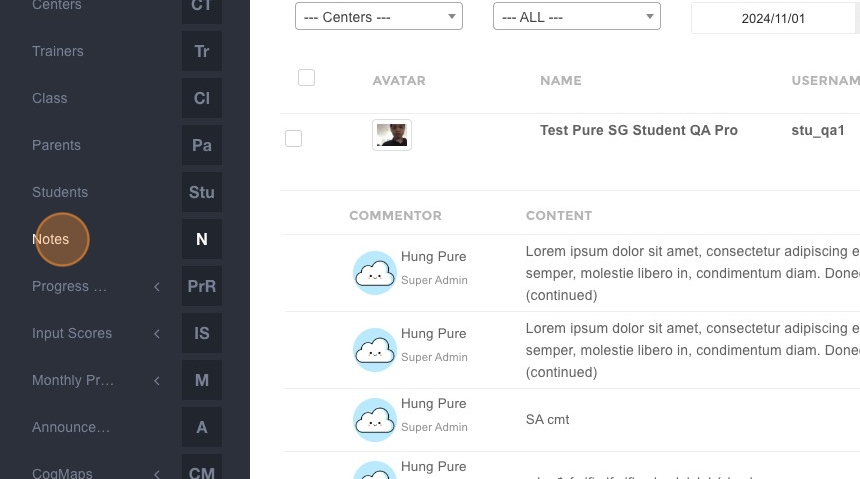
- Click "Notes".
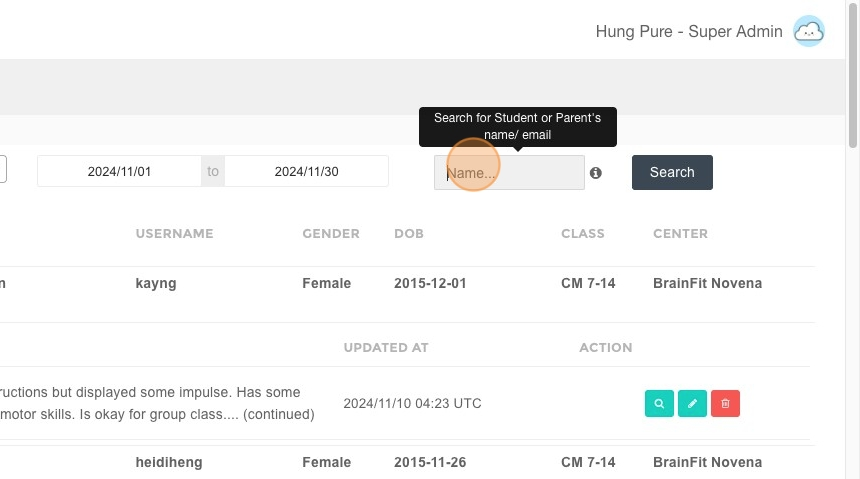
- Type the student's name.
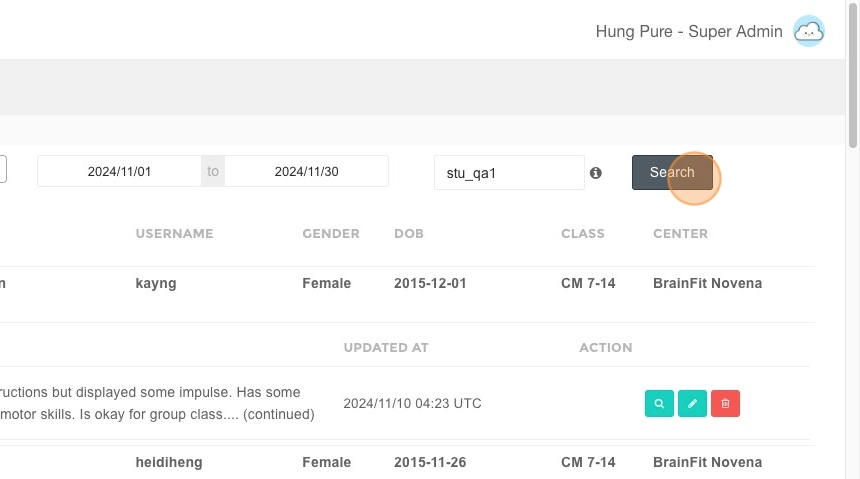
- Click "Search".
- Click to view the note.
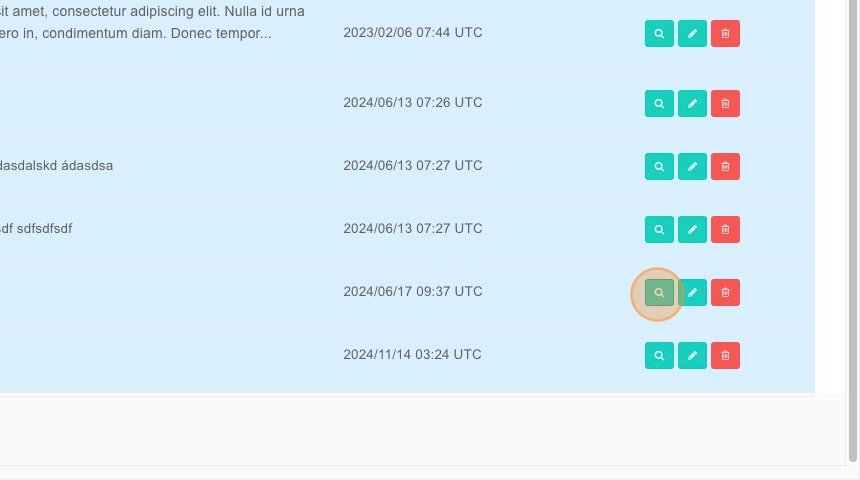
- Click to edit the note if needed.