Resetting a Student's Game Log
This feature is for SA, ML
- Navigate toBrainFit ACP.
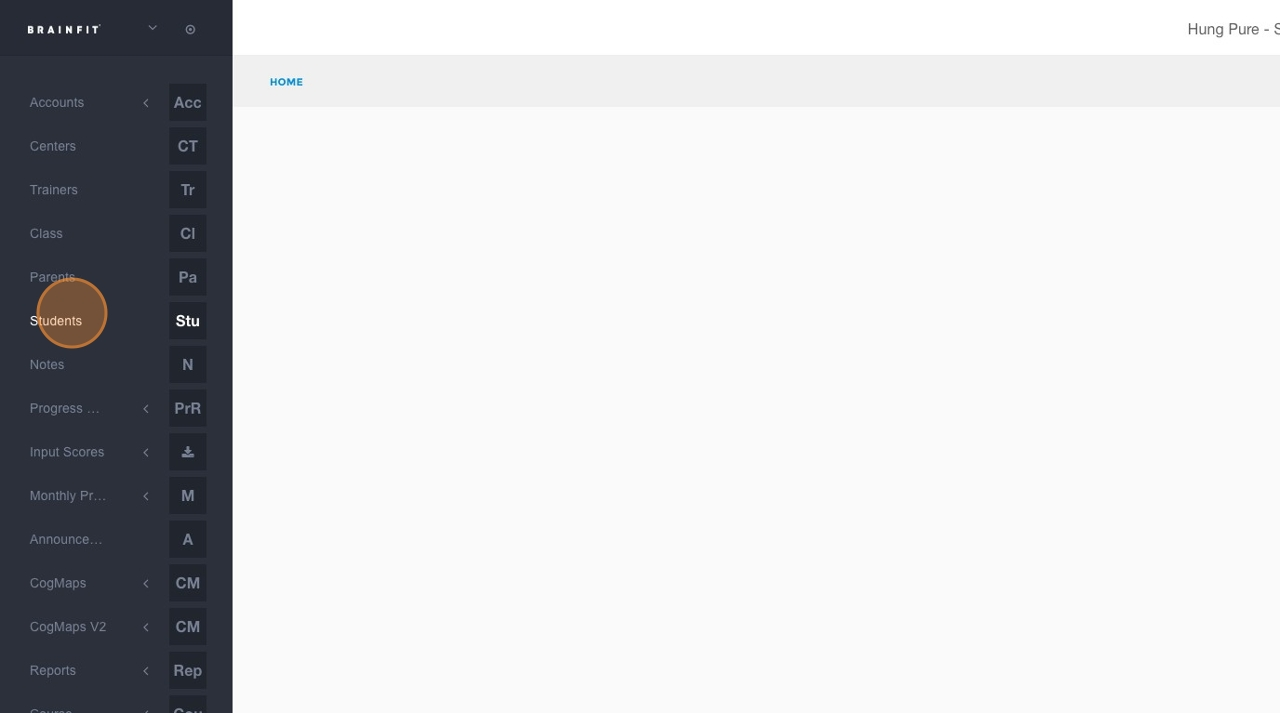
- Click Students in the navigation menu.
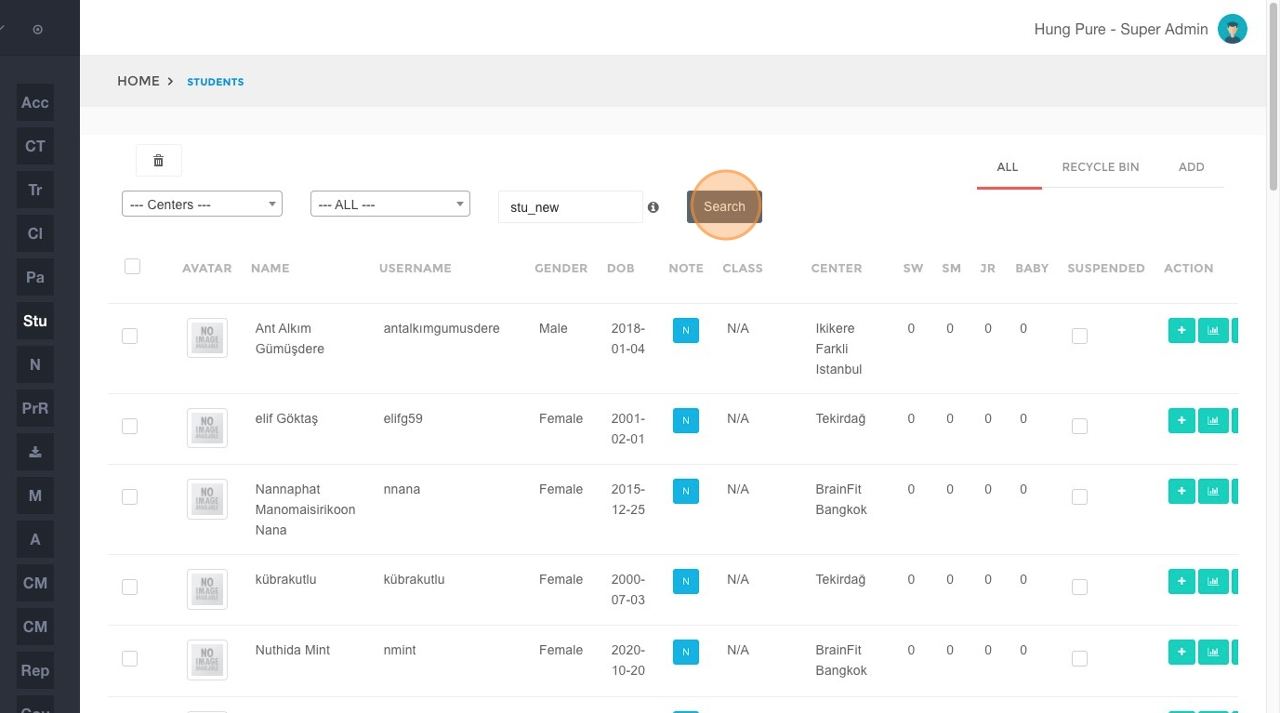
- In the student search field, type student's name.
- Click the Search button.
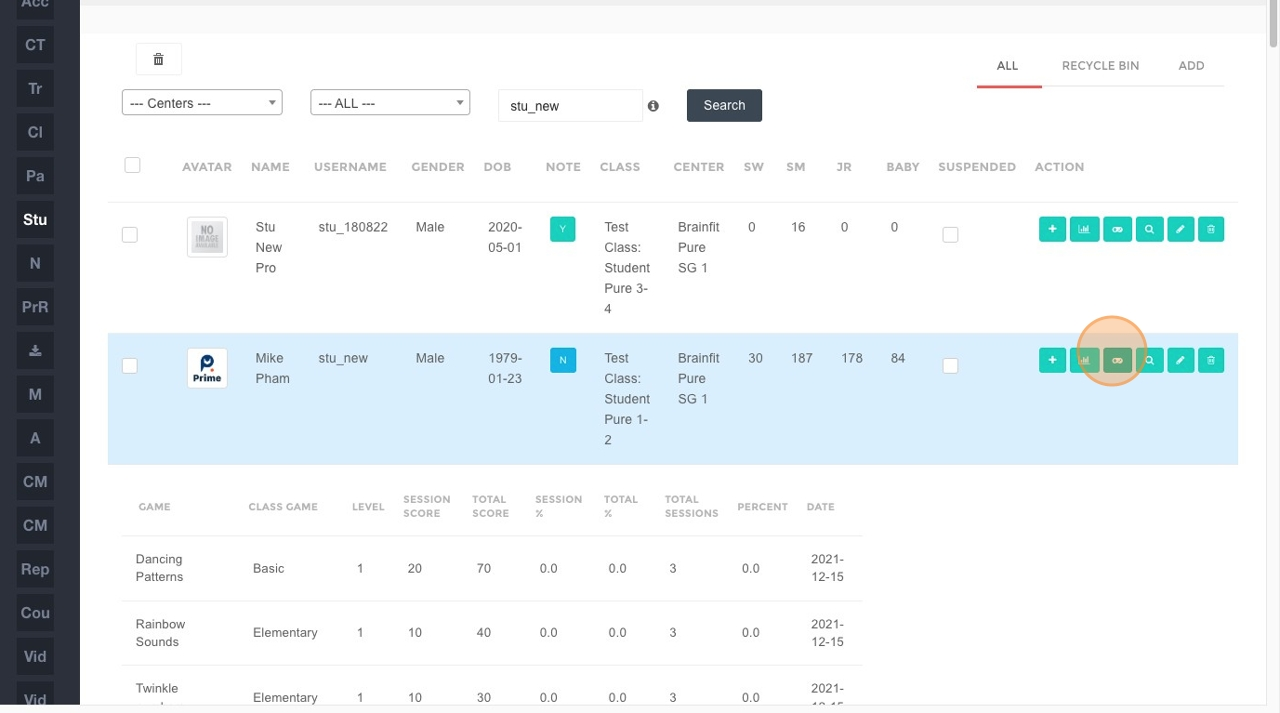
- Click on the specific student's entry in the search results.
- Click the Reset button.
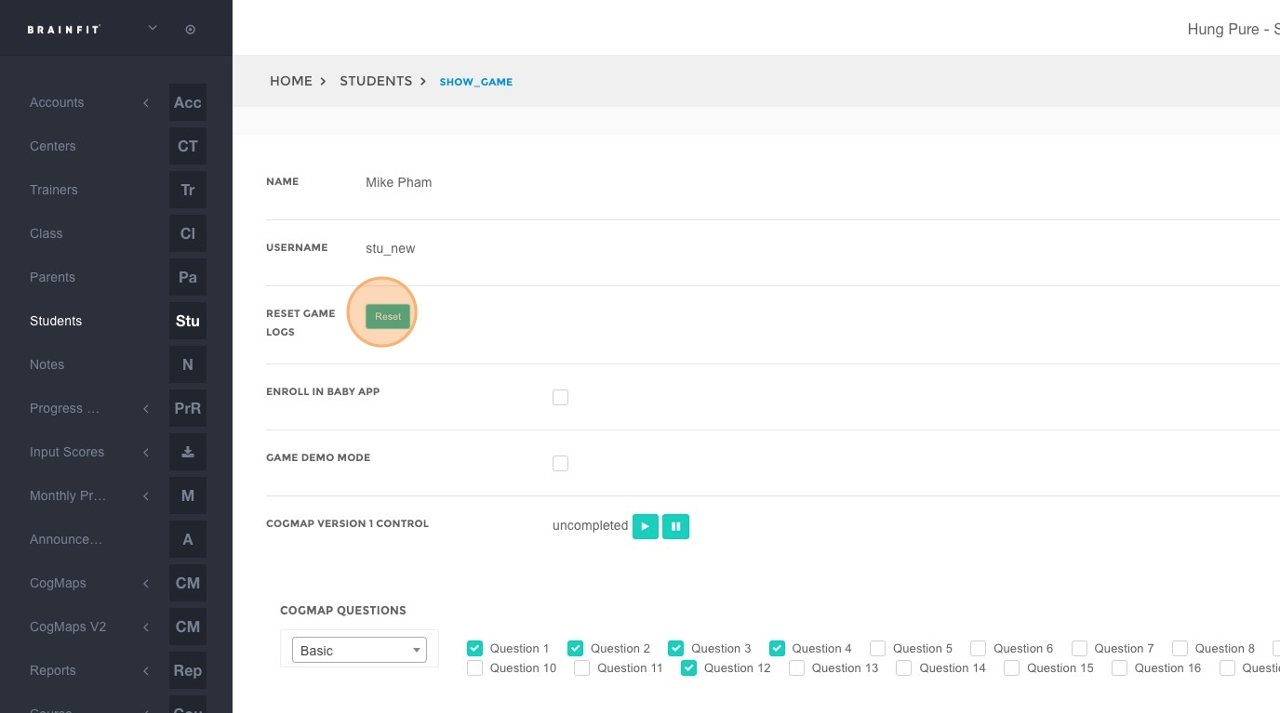
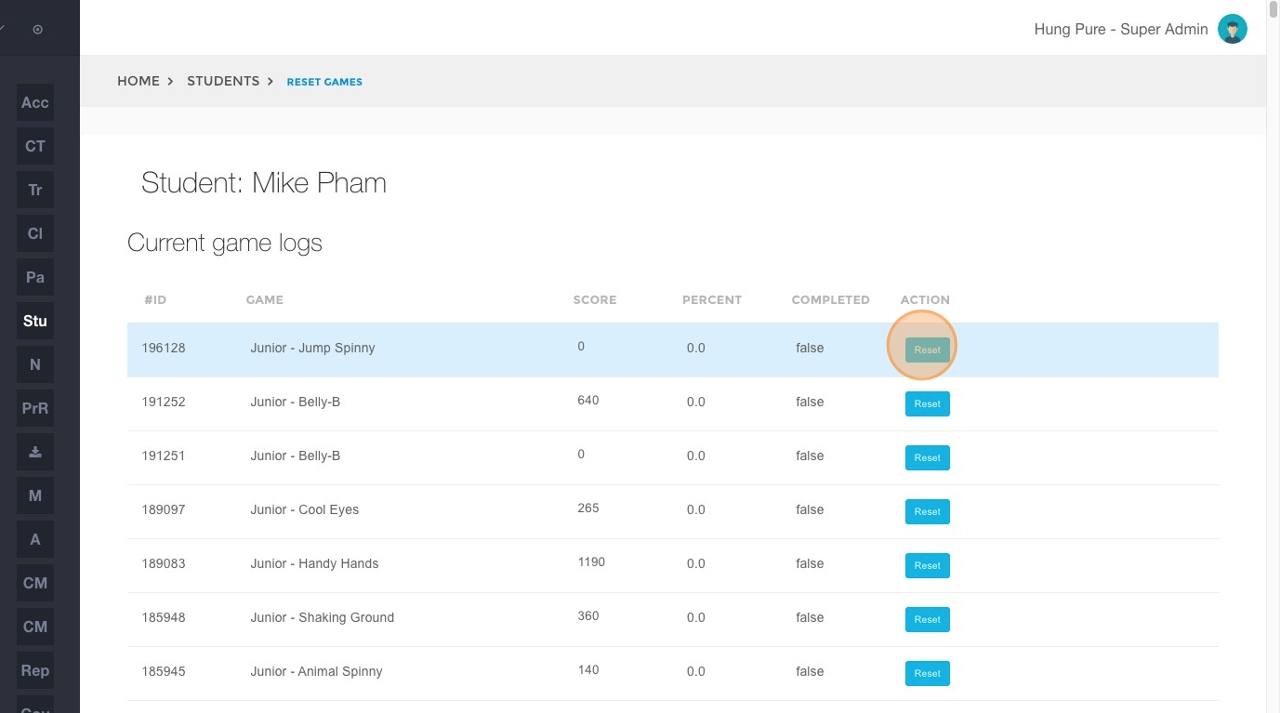
- Locate the specific game for which you want to reset the log and click the corresponding Reset button next to that game.
- Click "OK" to confirm.