Enrol Students into a Class
This feature is for SA, ML, MA, CA, Trainer
Watch (about 30 s):
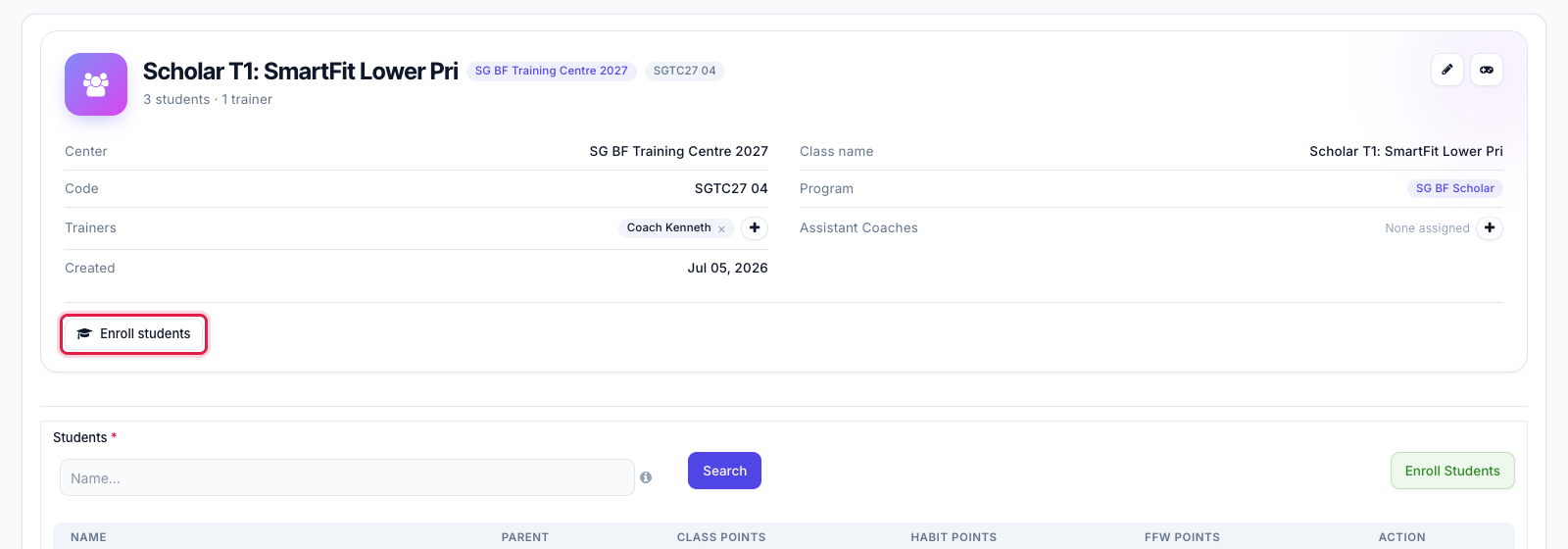
- On the class page, click Enroll students.
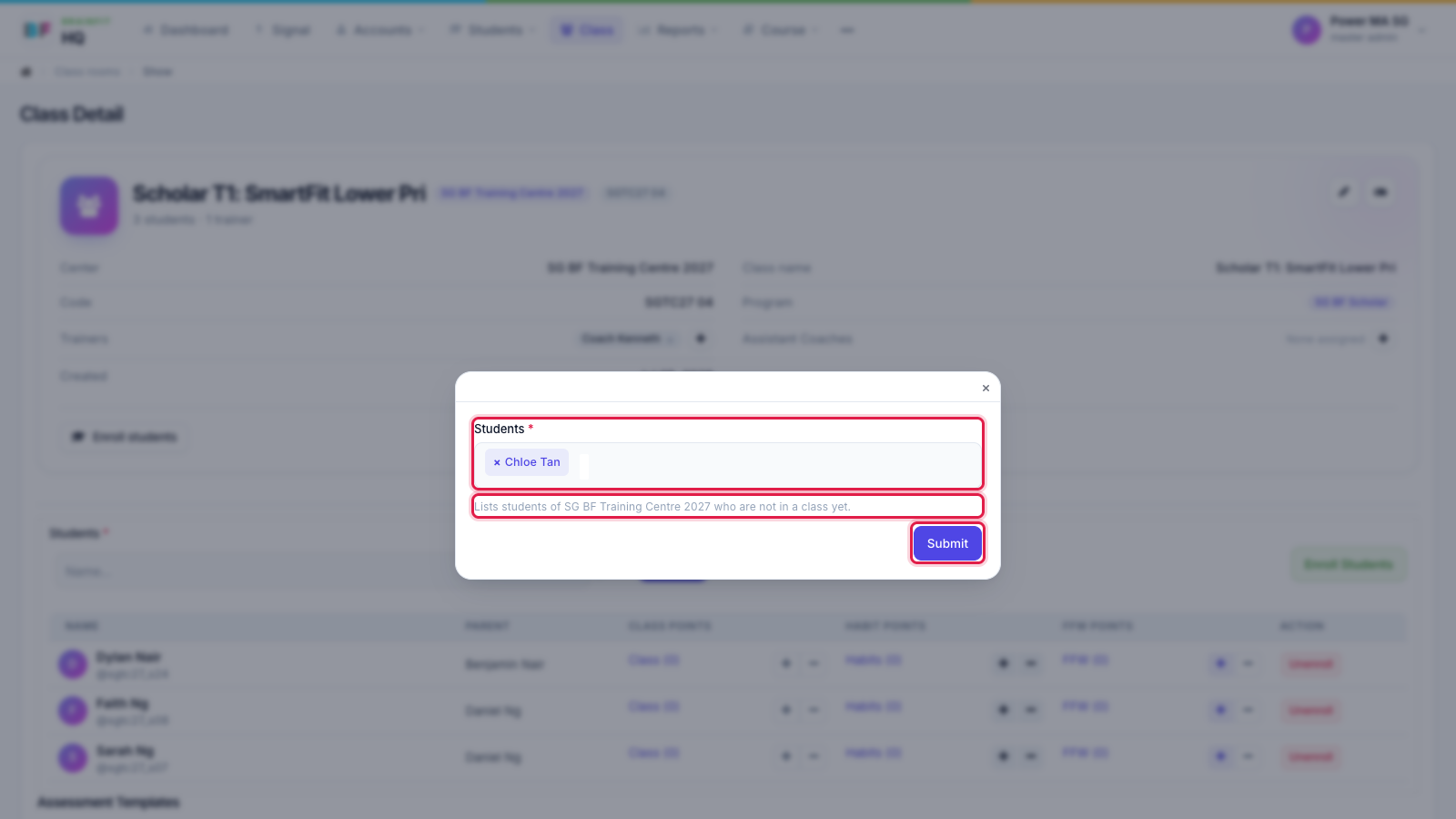
- Pick one or more students and click Submit. The list shows the students of this class's centre who are not in a class yet. A student in another class has to be moved from their own edit page instead.
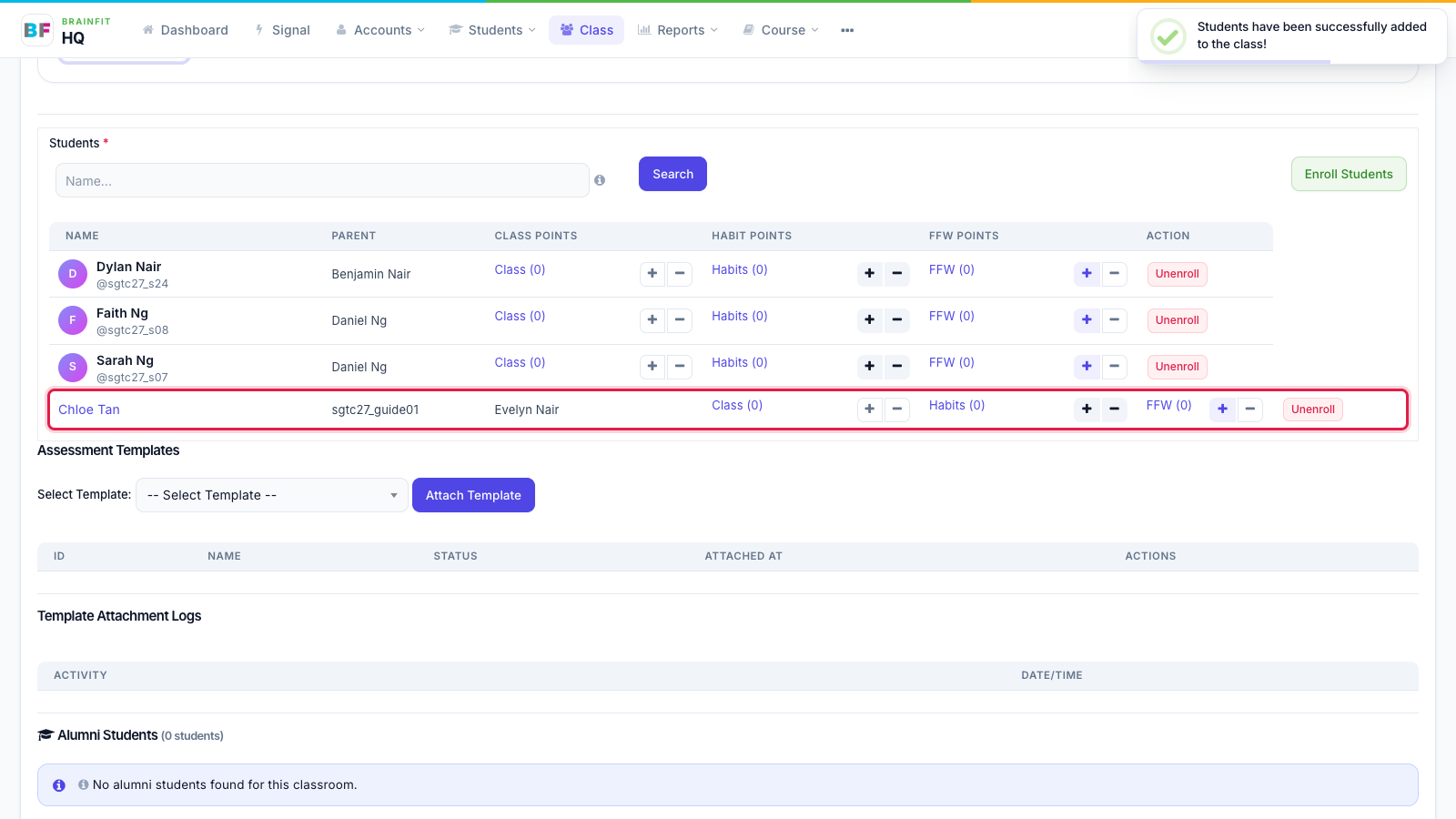
- The student is added to the class list straight away.