Teacher Tools
Teacher Tools (tt.brainfitstudio.com) is the phone and tablet app coaches use during class. Open today's session and, for each student in it, give points, enter Smart Moves and Junior scores, take attendance, write notes and look up the student.
It uses the same data as ACP: points, scores and attendance you save here show up in ACP straight away.
This feature is for Trainers, Assistant Coaches, Centre Admins, Master Admins and Master Licensees (and Super Admin).
The screenshots in these guides come from the practice training centre with pretend students.
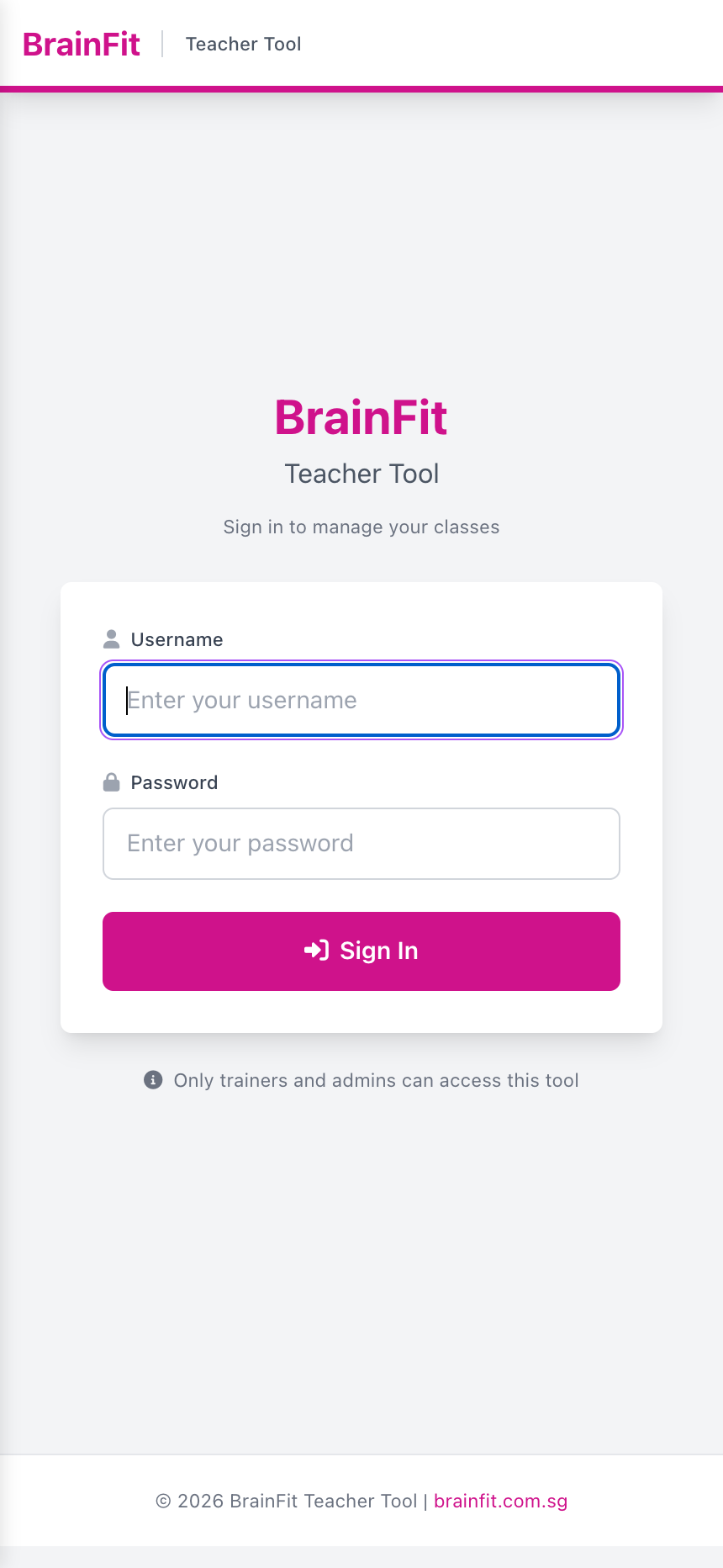
Sign in
- Open tt.brainfitstudio.com on your phone or tablet.
- Sign in with your ACP username and password.
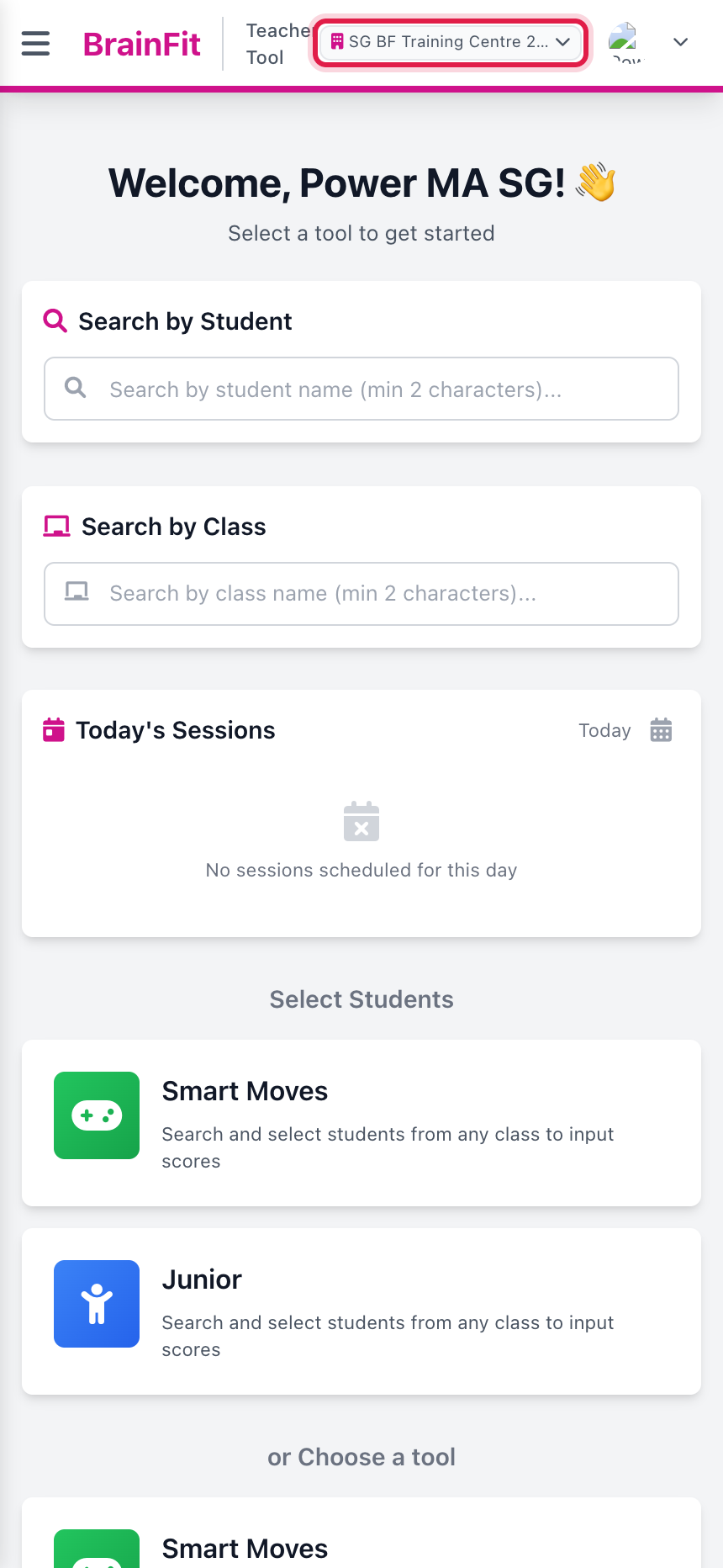
Pick your centre
If you work at more than one centre, the centre name is shown at the top. Tap it and choose the centre you are teaching at. Everything you see (sessions, classes, students) is for that centre only.
Add the page to your phone's home screen (Share → Add to Home Screen) so it opens like an app.
📄️ Today's Sessions
The dashboard lists the class sessions scheduled at your centre today. This is the usual way into a class.
📄️ Points
1. In the session, open the Points tab and tap a student.
📄️ Smart Moves & Junior
The Smart Moves and Junior tabs work the same way.
📄️ Attendance
1. Open the Attendance tab.
📄️ Assessment & Notes
Assessment
📄️ Student 360
Open the Student 360 tab and tap a student to see their profile: name, username, email, phone, date of birth, class, centre and student type.