Reset or Delete a Student's CogMAP Sessions
This feature is for SA, ML
Watch (about 45 s):
danger
This is a permanent delete. The session data can't be restored.
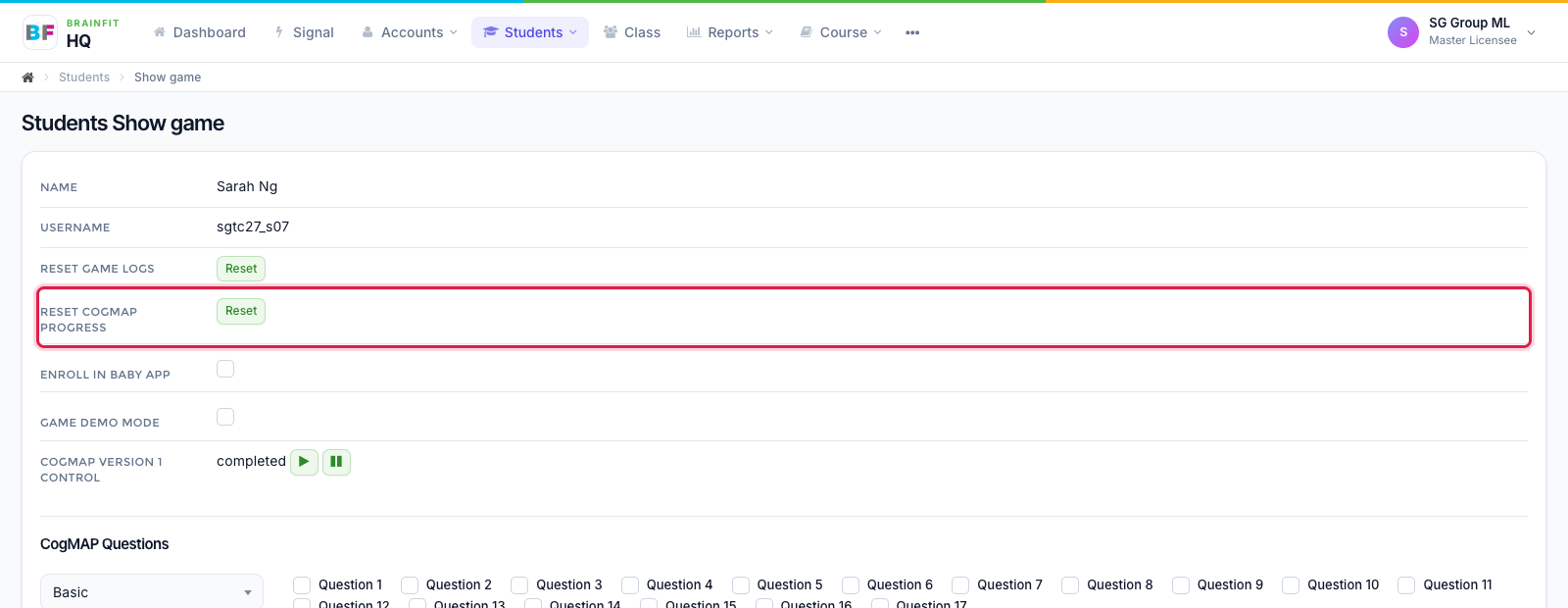
- Open the student's Game config page and click Reset next to Reset CogMAP Progress.
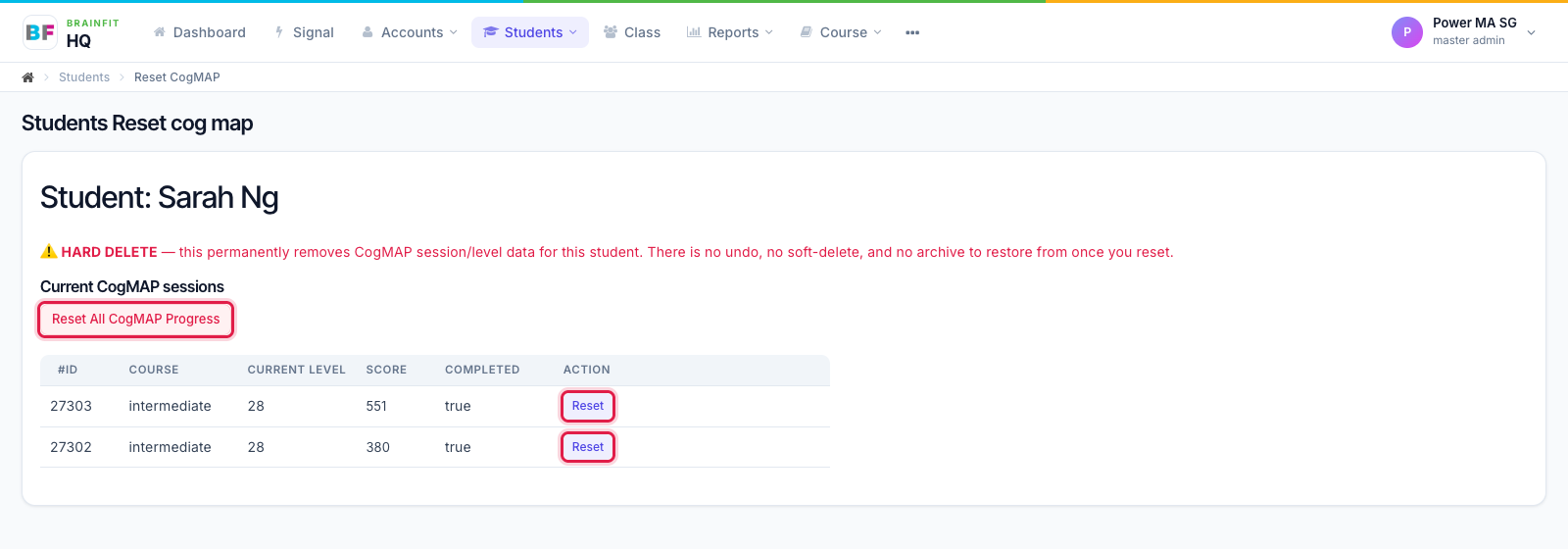
- The page lists the student's CogMAP sessions. Click Reset on one session to delete just that session, or Reset All CogMAP Progress to delete all of them. The student's CogMAP setup (preset and questions) is switched off at the same time, so set it up again if they need to retake it.