Clone a Course
This feature is for SA and whoever the course's Access Control allows to clone
Watch (about 40 s):
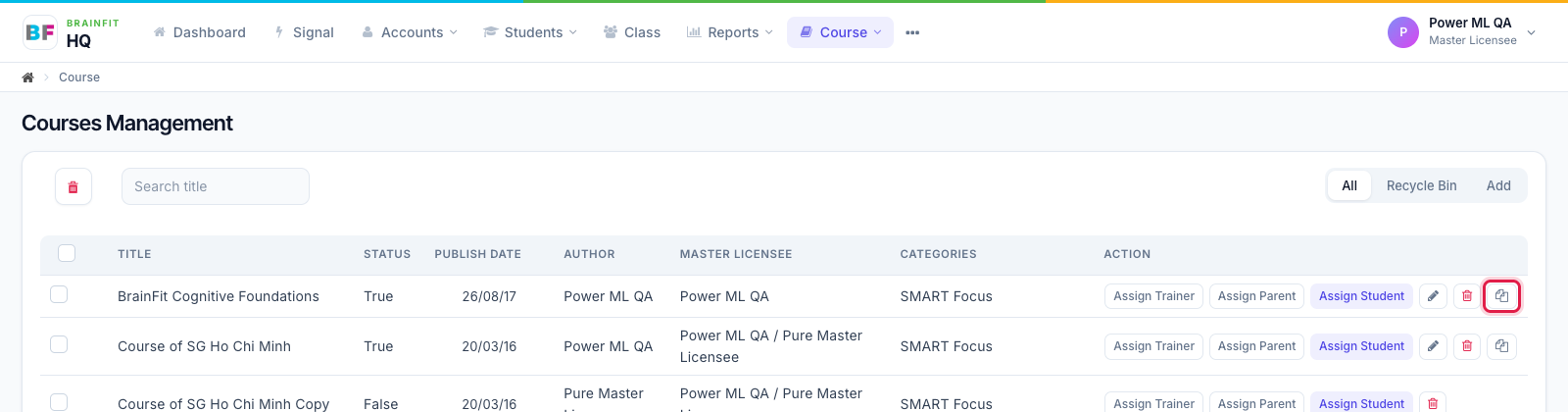
- In the course list, click Duplicate on the course's row (or Clone Course at the top of its edit page).
- The pop-up shows what will be copied (topics, files) and the extra storage it needs. Click Confirm & Clone. The copy is created as "… Copy", with its own copy of every file.
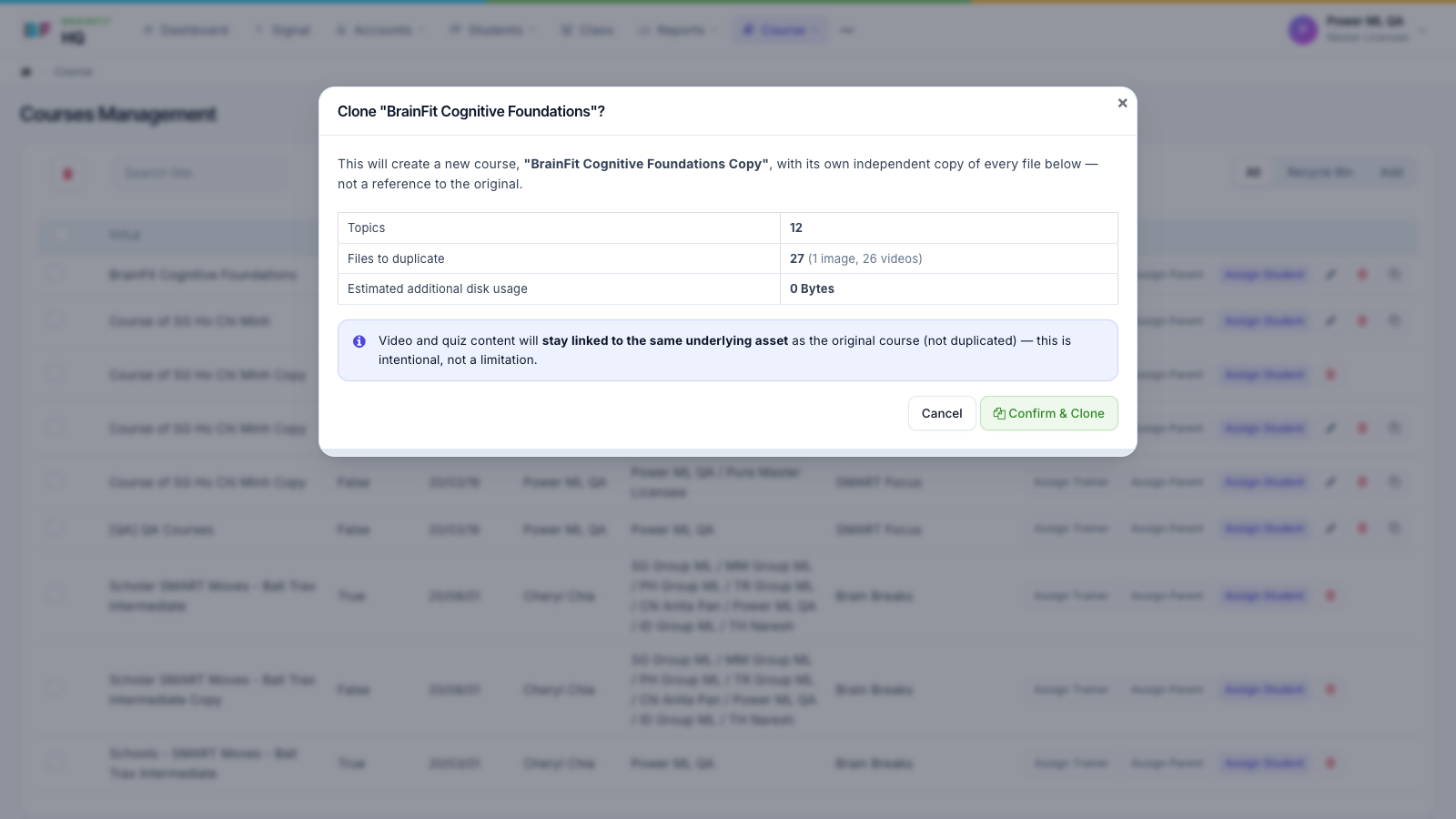
Note: videos and quizzes in the copy still point to the same video and quiz as the original. Super Admins can see the clone history at the bottom of the course's edit page.