Create a Program
This feature is for SA, ML, MA, CA
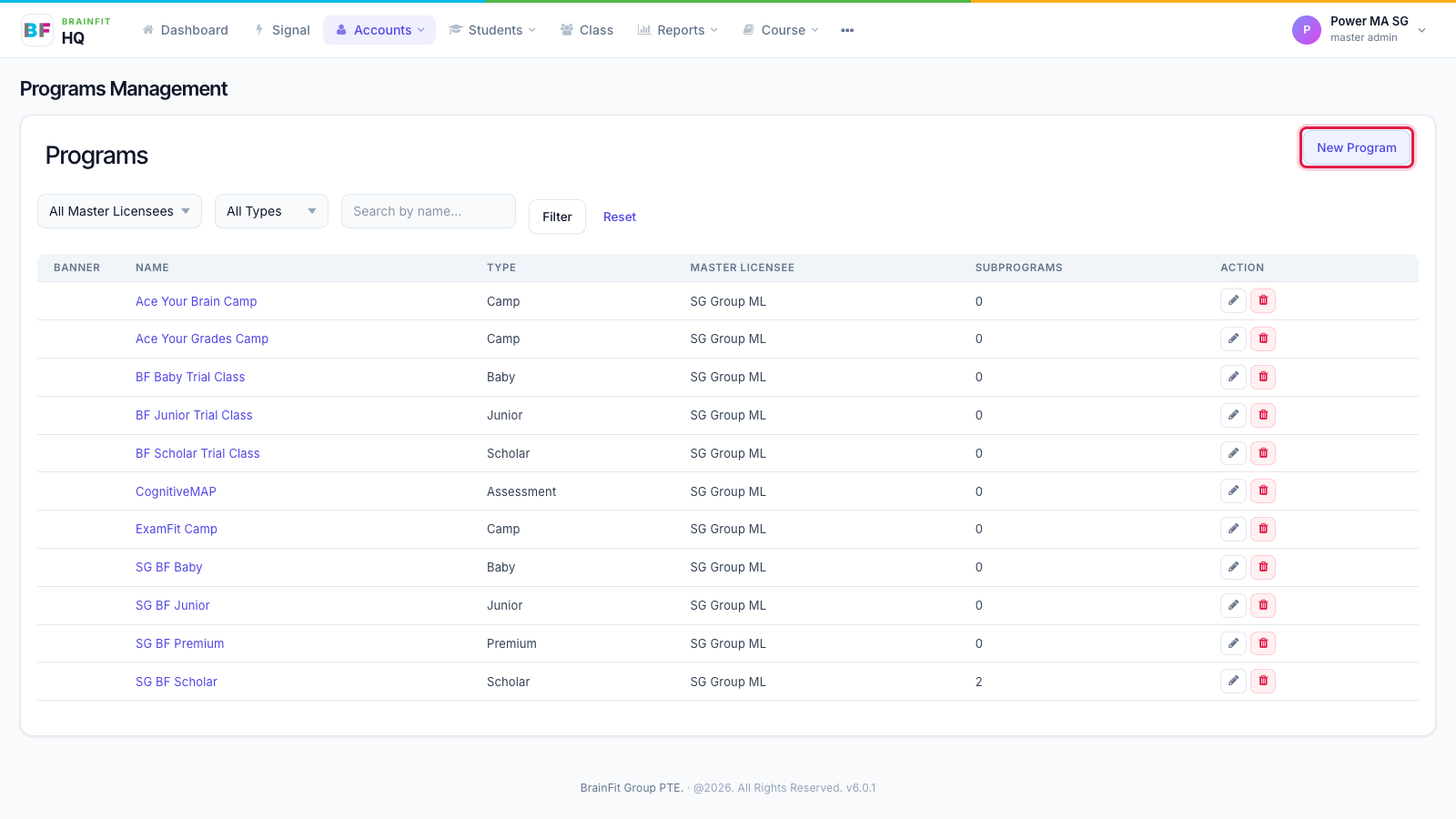
- In Accounts → Program, click New Program.
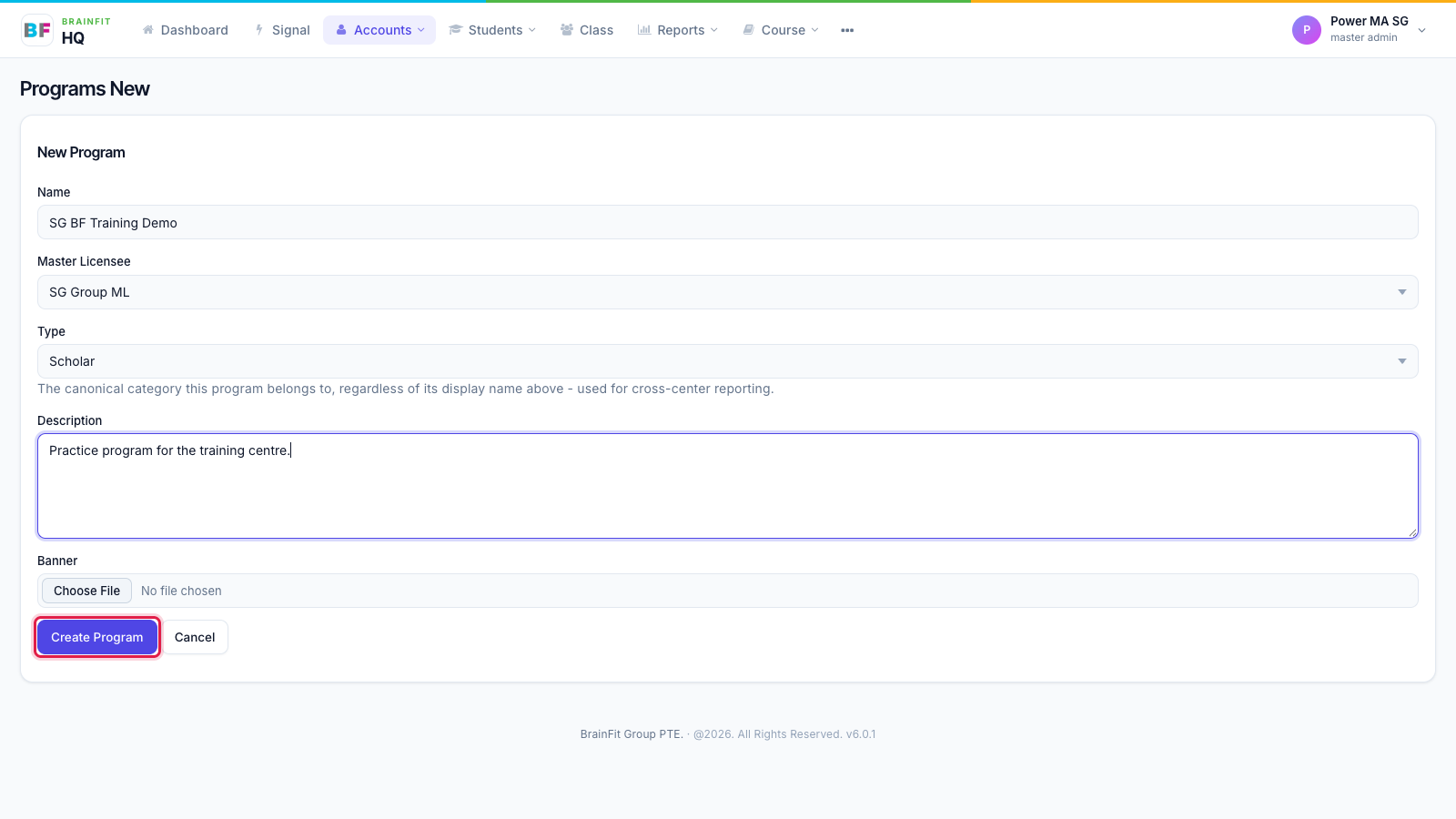
- Fill in the form, then click Create Program.
- Name: what staff see, e.g. "SG BF Scholar".
- Master Licensee: your organisation (you can only pick your own).
- Type: Junior, Scholar, Baby, Premium, Assessment or Camp.
- Description and Banner are optional.
- The new Program appears in the list. Click its name to open it: from there you can Edit it, add Subprograms, and assign classes (next page).
To archive a Program you no longer use, click the red bin on its row in the list.