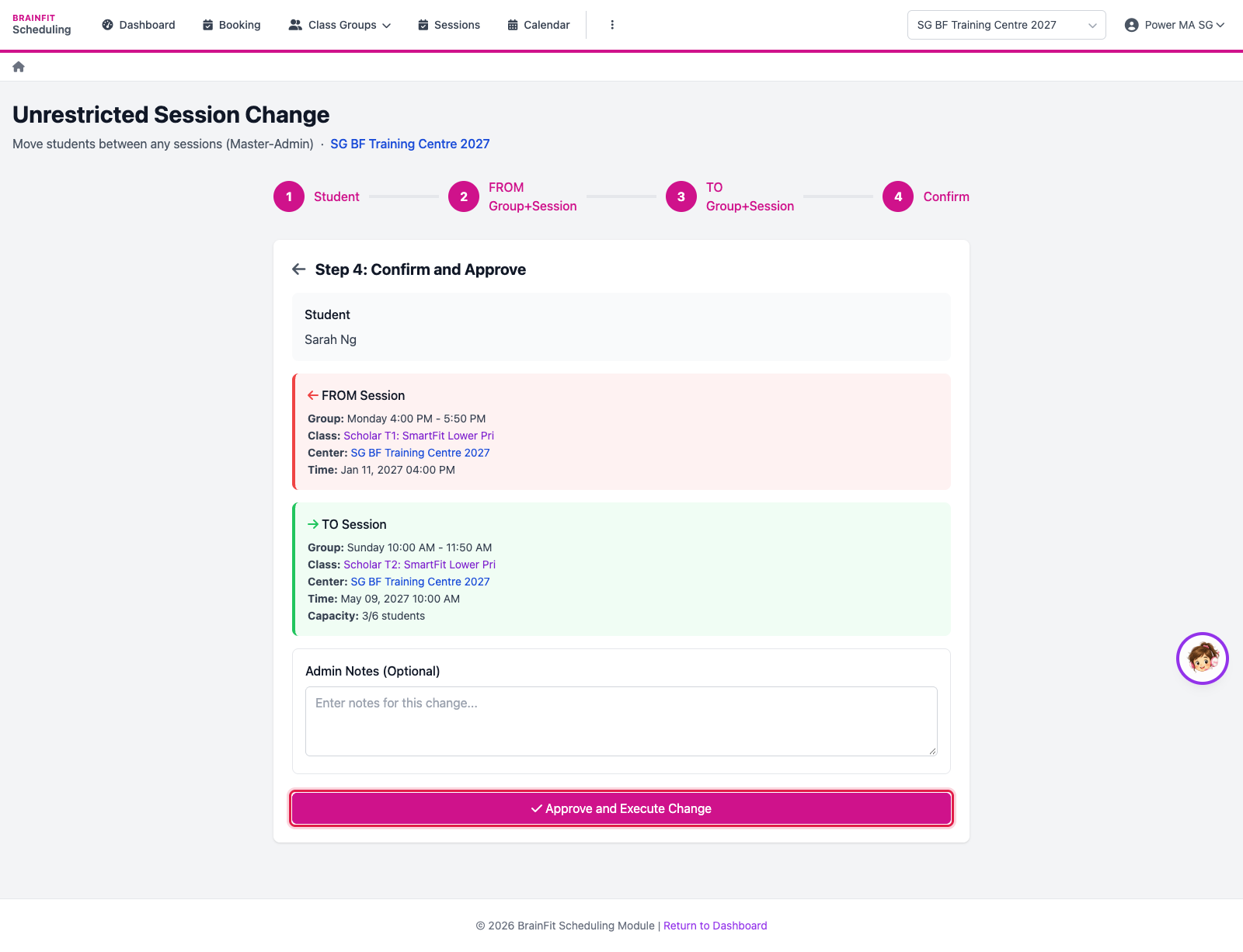
Unrestricted Session Change
This feature is for SA, ML, MA
Watch (about 1 min):
Moves a student from one session to another, in any class group, without the usual change-request limits. Use it for special cases; normal changes go through Requests.
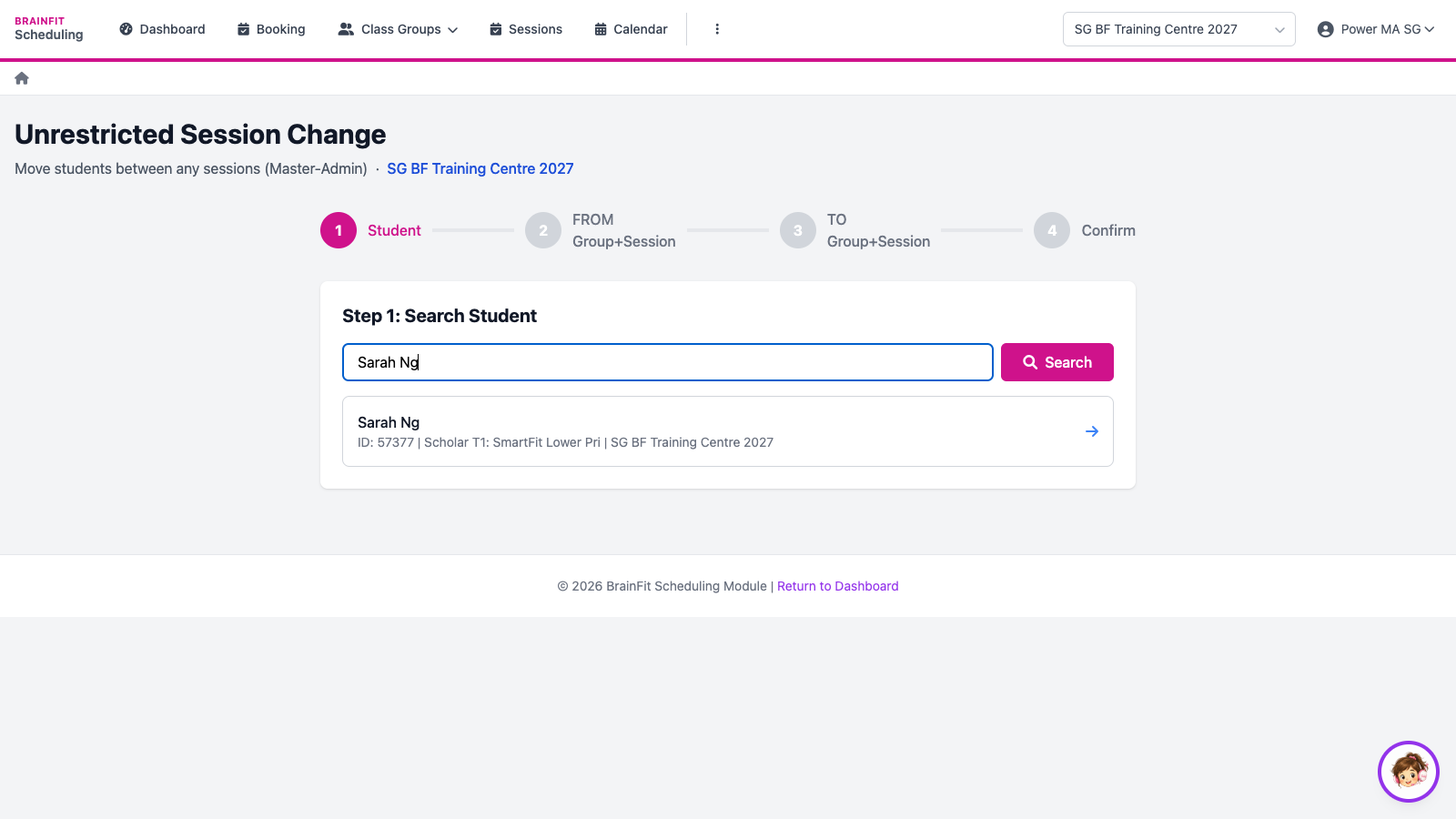
- Open Requests → New (unrestricted). Search the student by name and pick them.
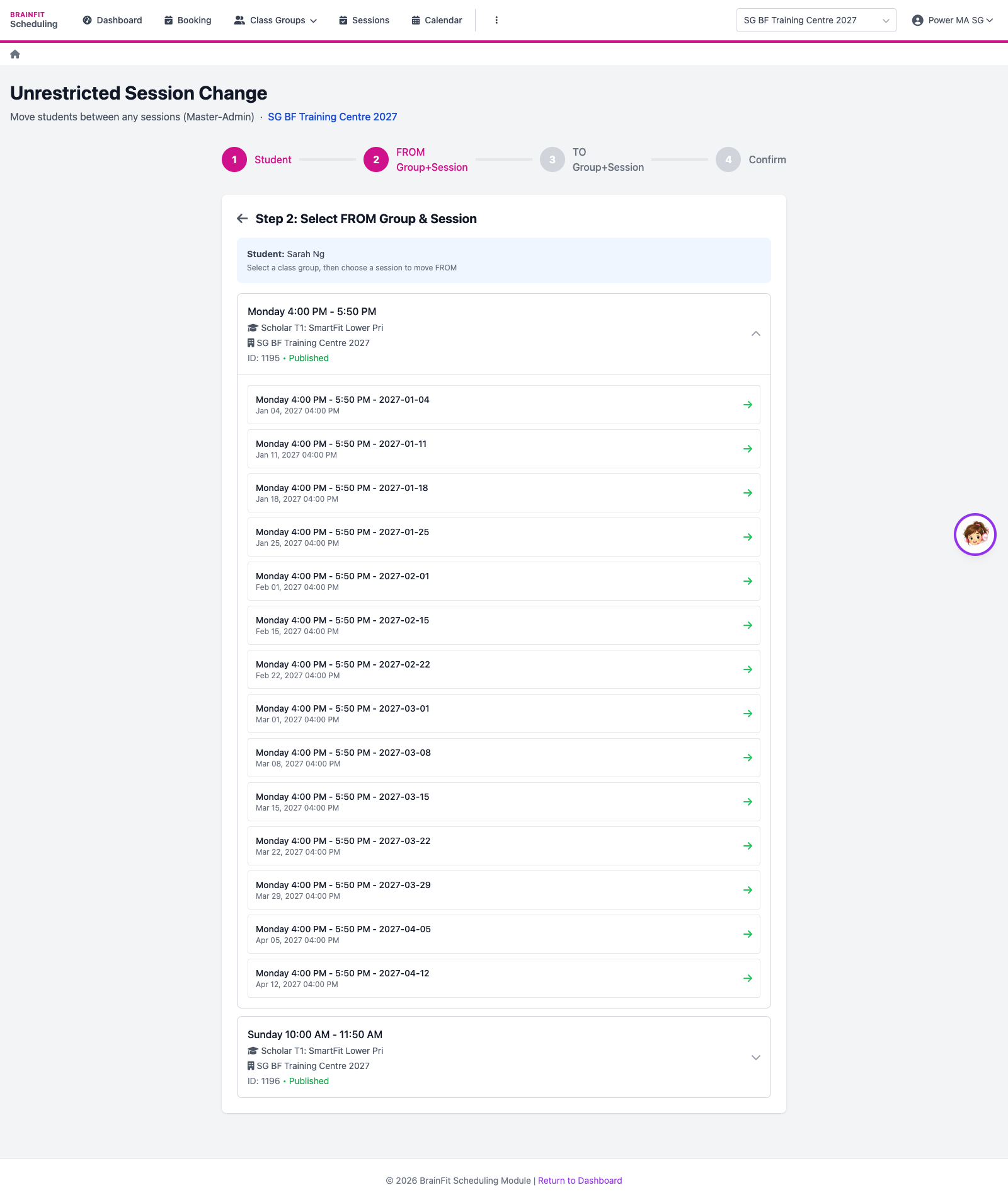
- FROM: pick the student's class group, then the session they won't attend.
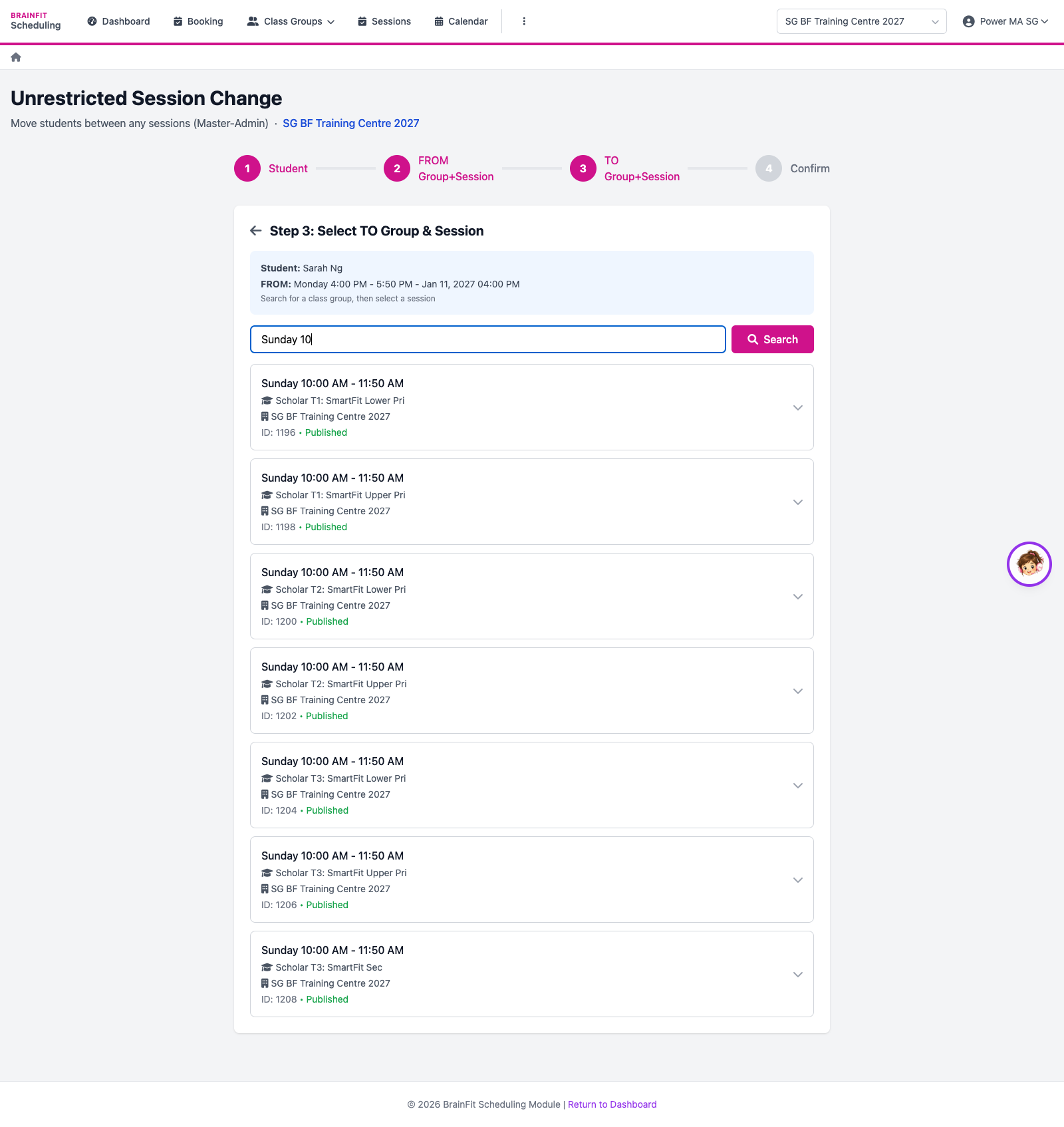
- TO: search the class group they will join instead (by class or group name) and pick the session.
- Check the FROM and TO sessions, add a note if needed, and click Approve and Execute Change. The change happens straight away.