Assessment and Notes
Assessment
- Open the Assessment tab and tap a student to expand them.
- The student's assessment templates are listed. Tap one to fill in its criteria.
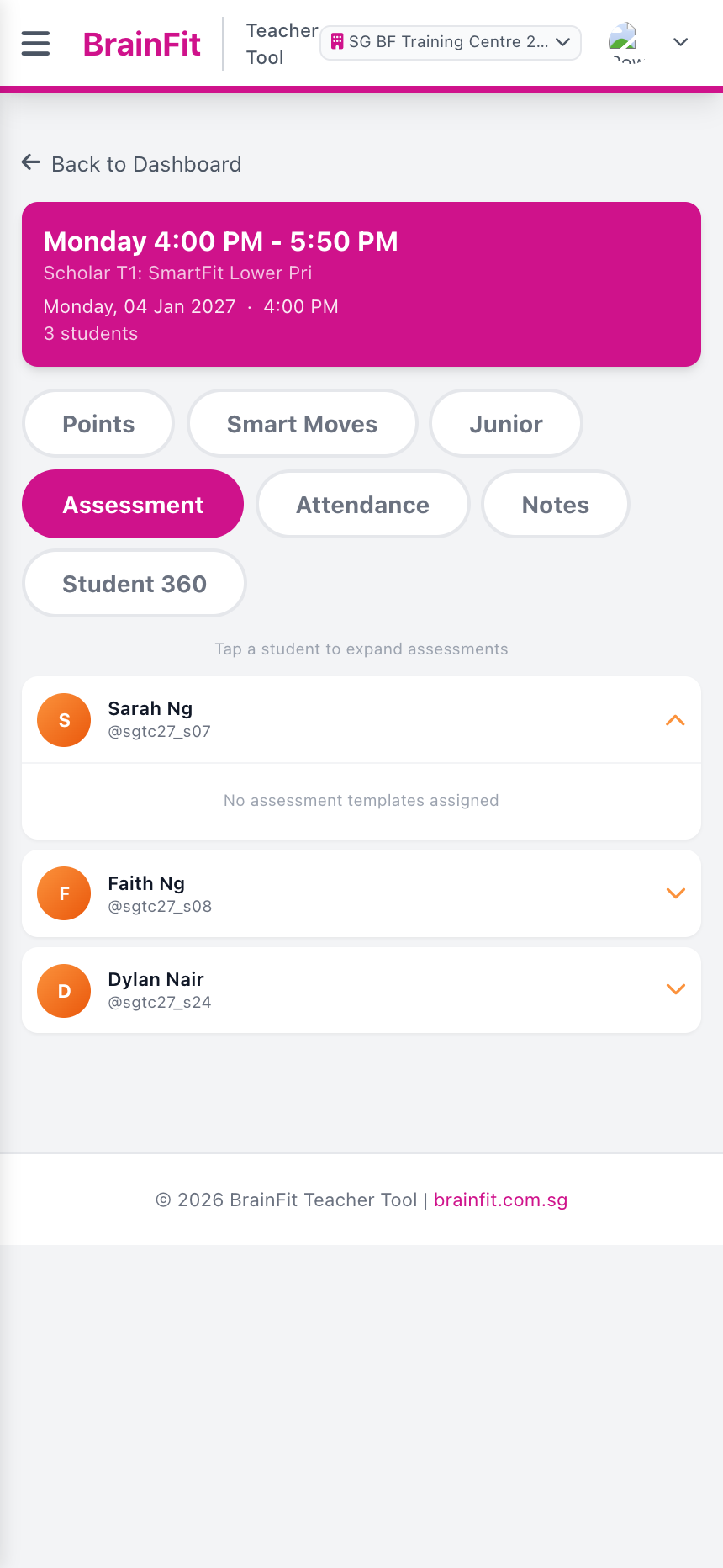
If it says No assessment templates assigned, the student has no templates yet. Templates are set up in the Assessment Tracker (see the Guideline section).
Notes
- Open the Notes tab and tap a student.
- Earlier notes are listed. Type in Write a note… and tap Add Note.
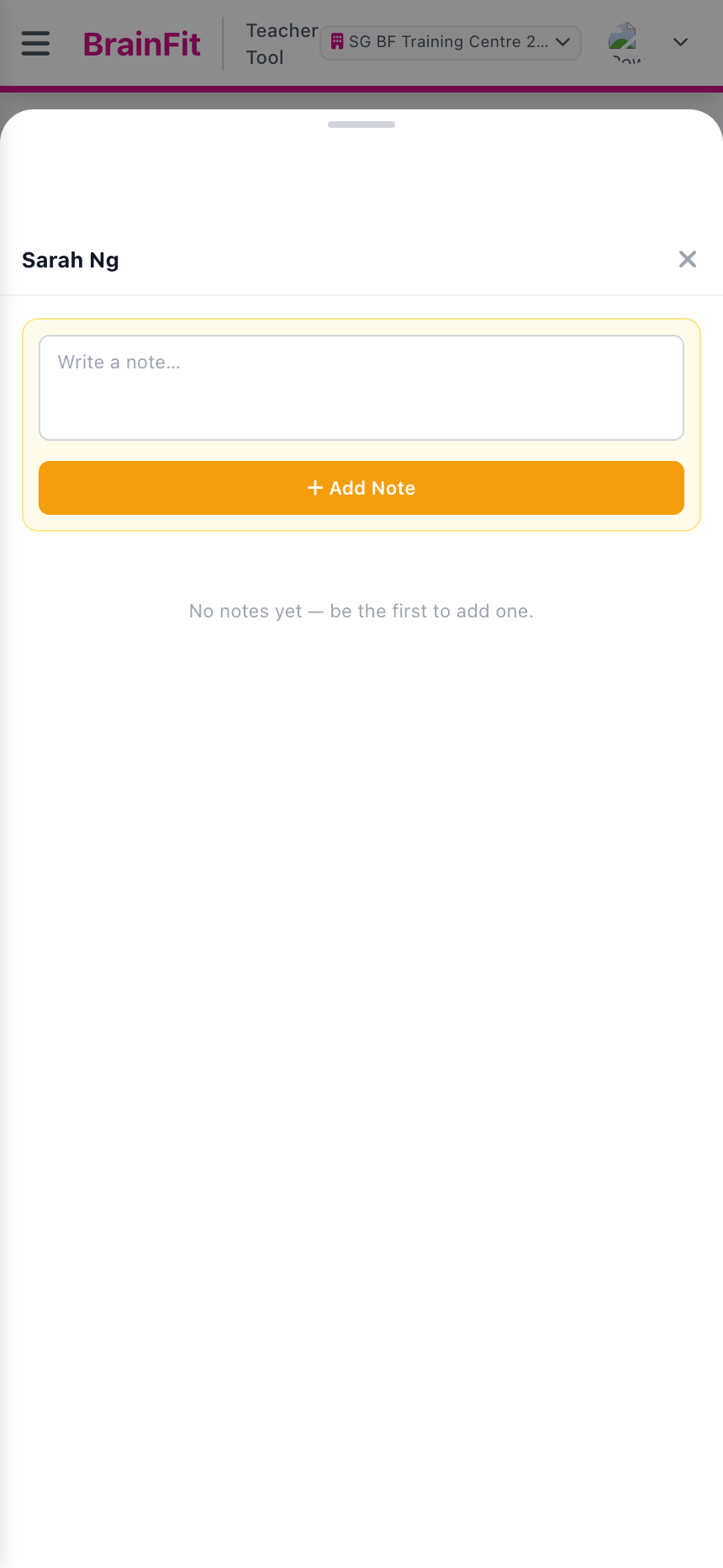
Notes are the same notes as on the student's page in ACP.