Attendance
- Open the Attendance tab.
- Under each student, tap Present, Absent or Excused. Tap Reset to clear it back to Not Marked.
- All Present / All Absent at the top marks the whole session in one tap, then change the few who are different.
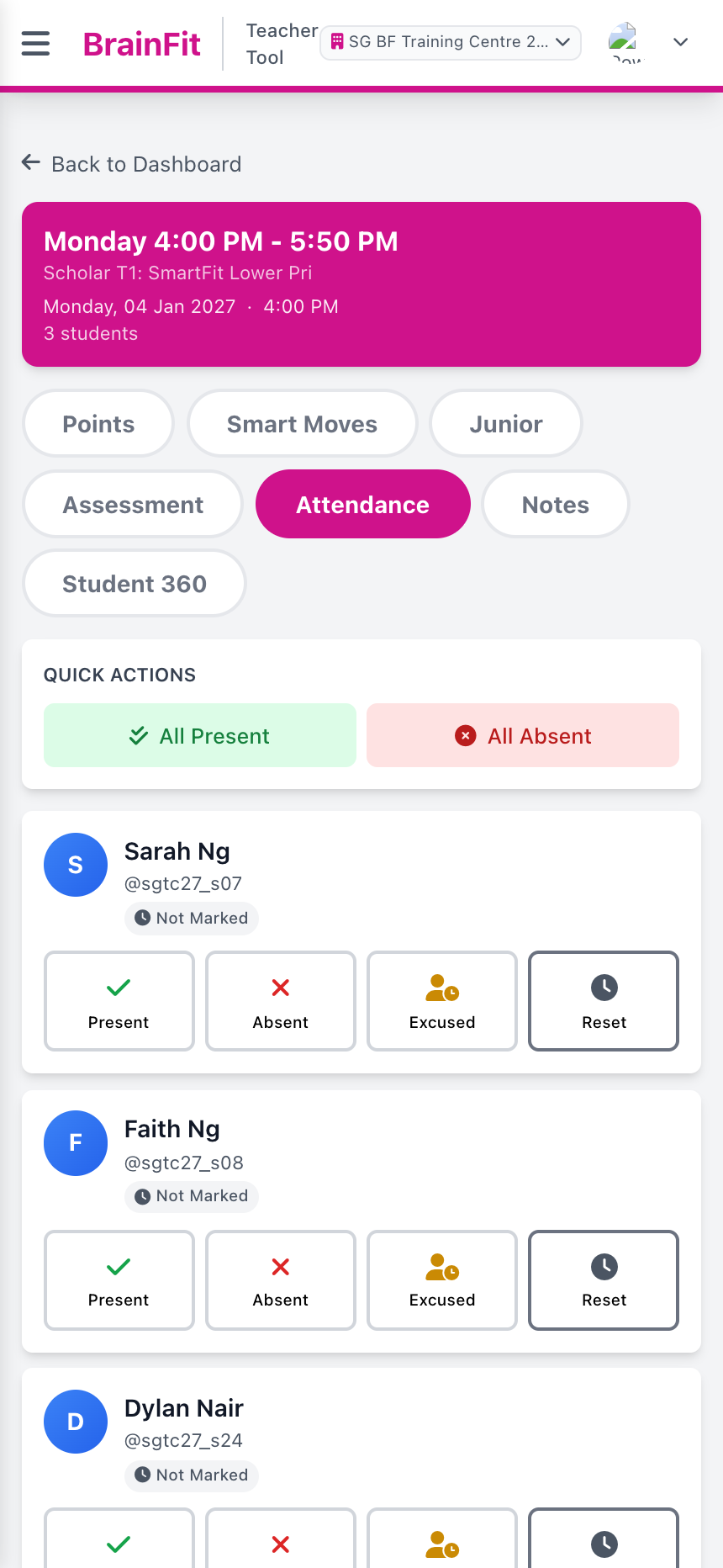
Each tap saves straight away; there is no separate Save button.