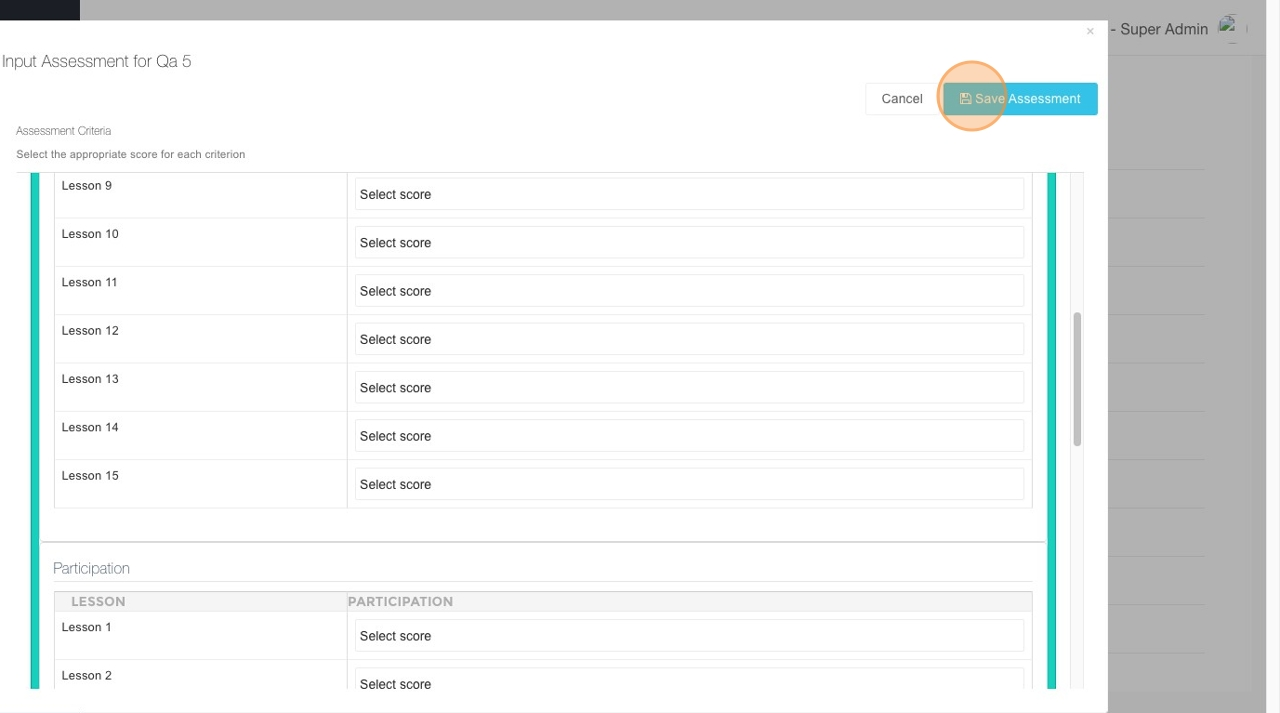
Input Student Assessment Data
This feature is for SA, ML, CA
How to Input Student Assessment Data
- Navigate ACP.
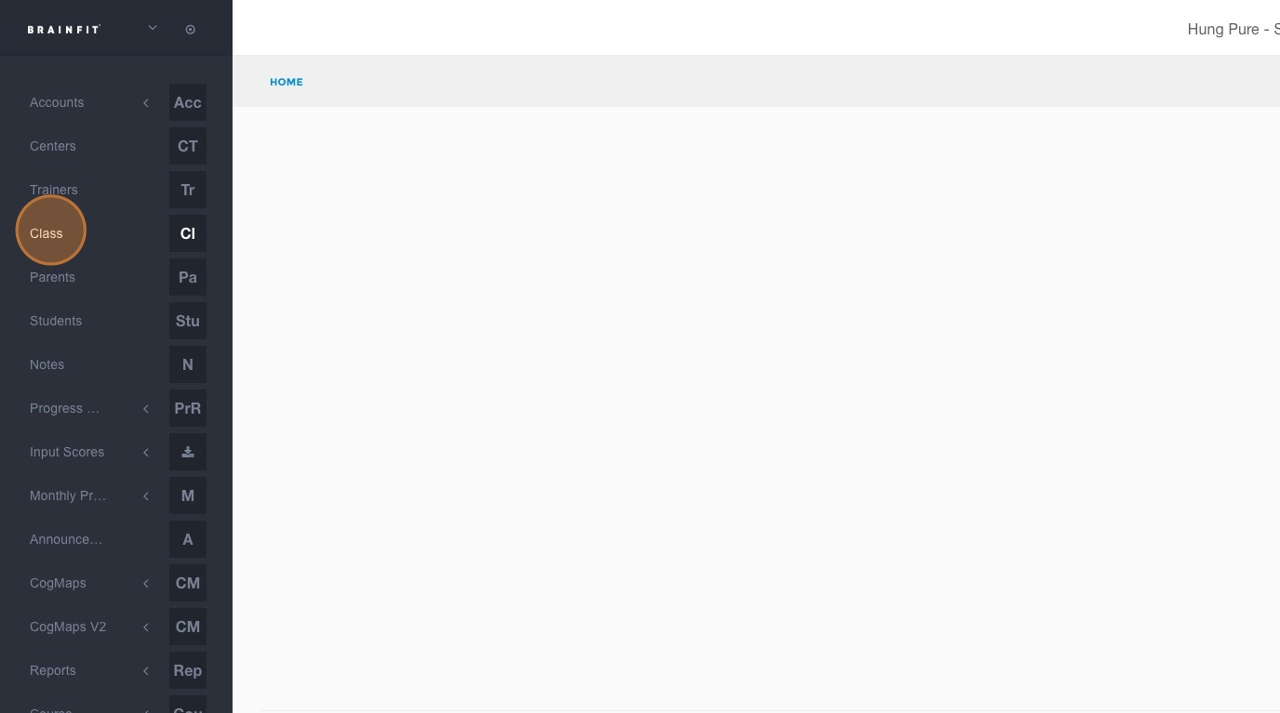
- Click Class in the navigation menu.
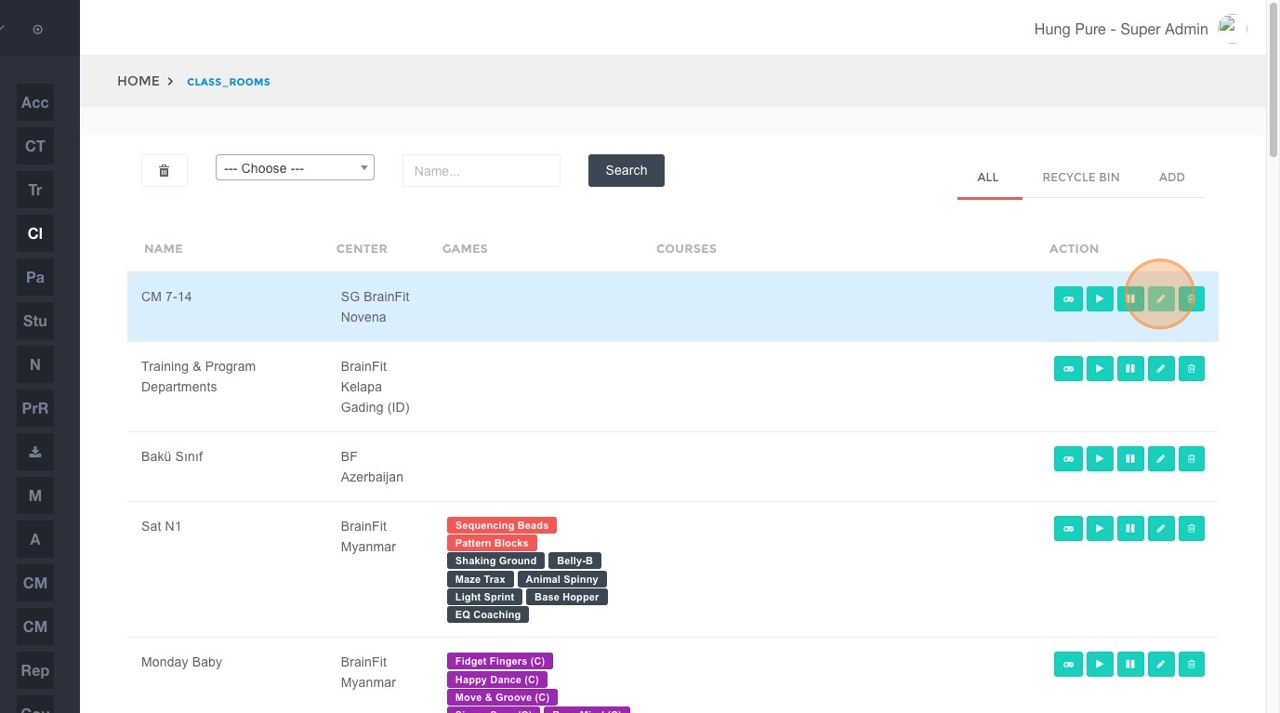
- Click the Edit button (or corresponding icon) for the specific class where you want to input assessment data.
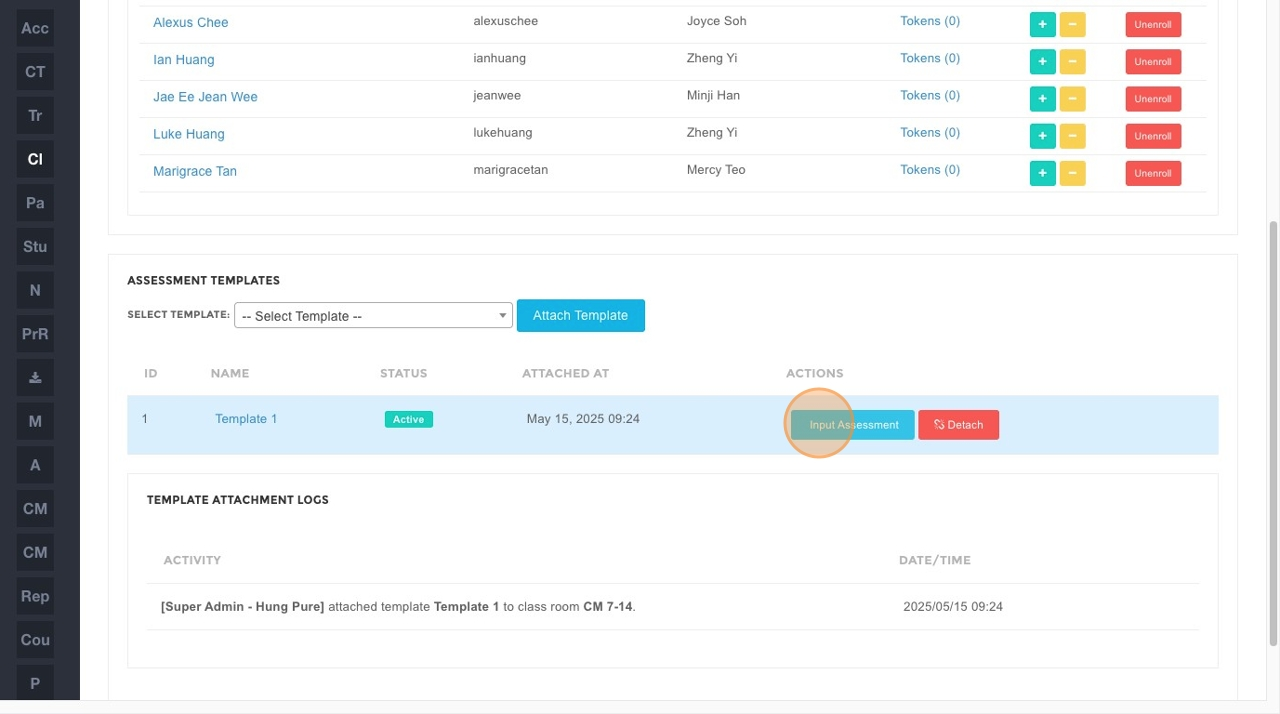
- Click Input Assessment.
- In the "Student Name..." search field, type the name of the student you are looking for and then click Search.
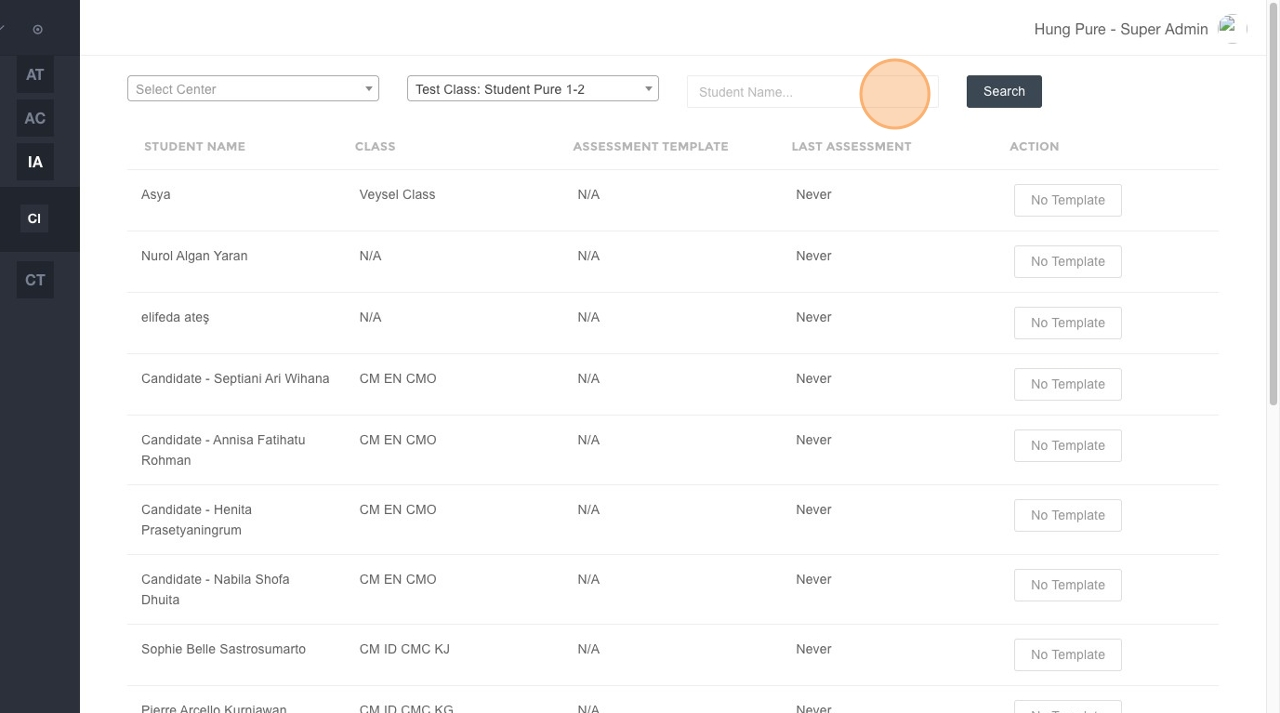
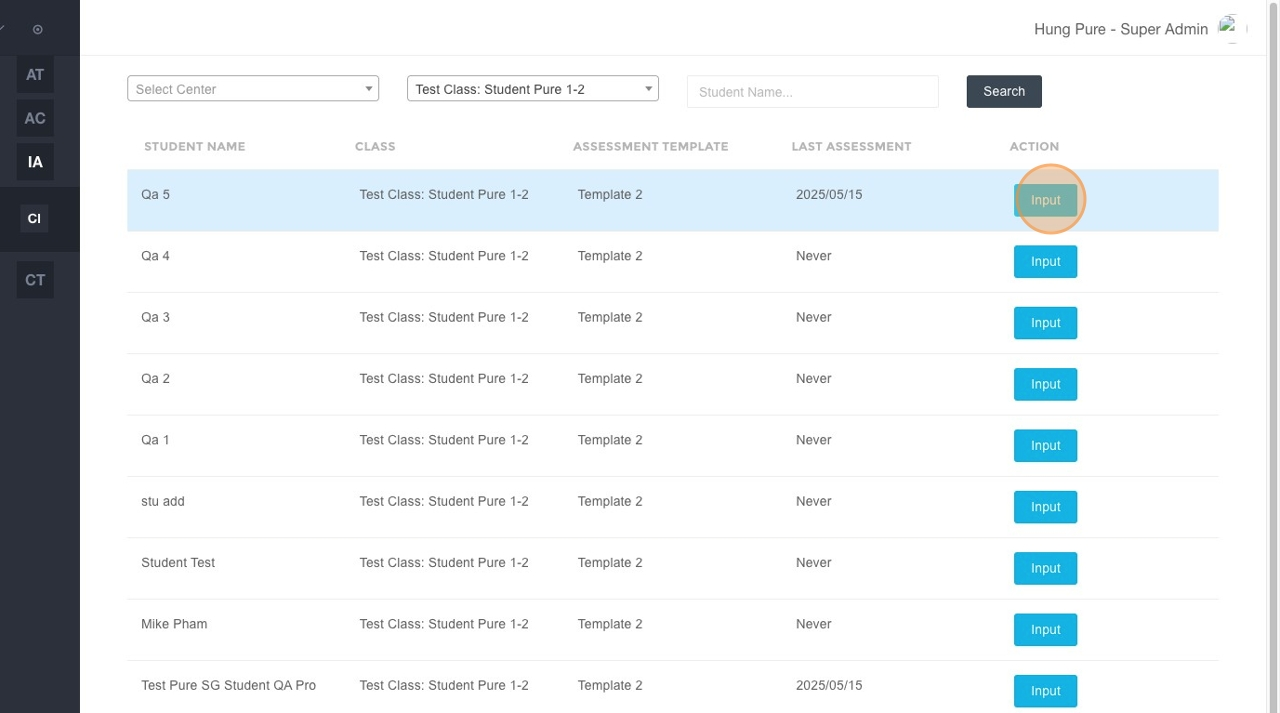
- Alternatively, you can directly click the Input button located next to the student's name in the list below.
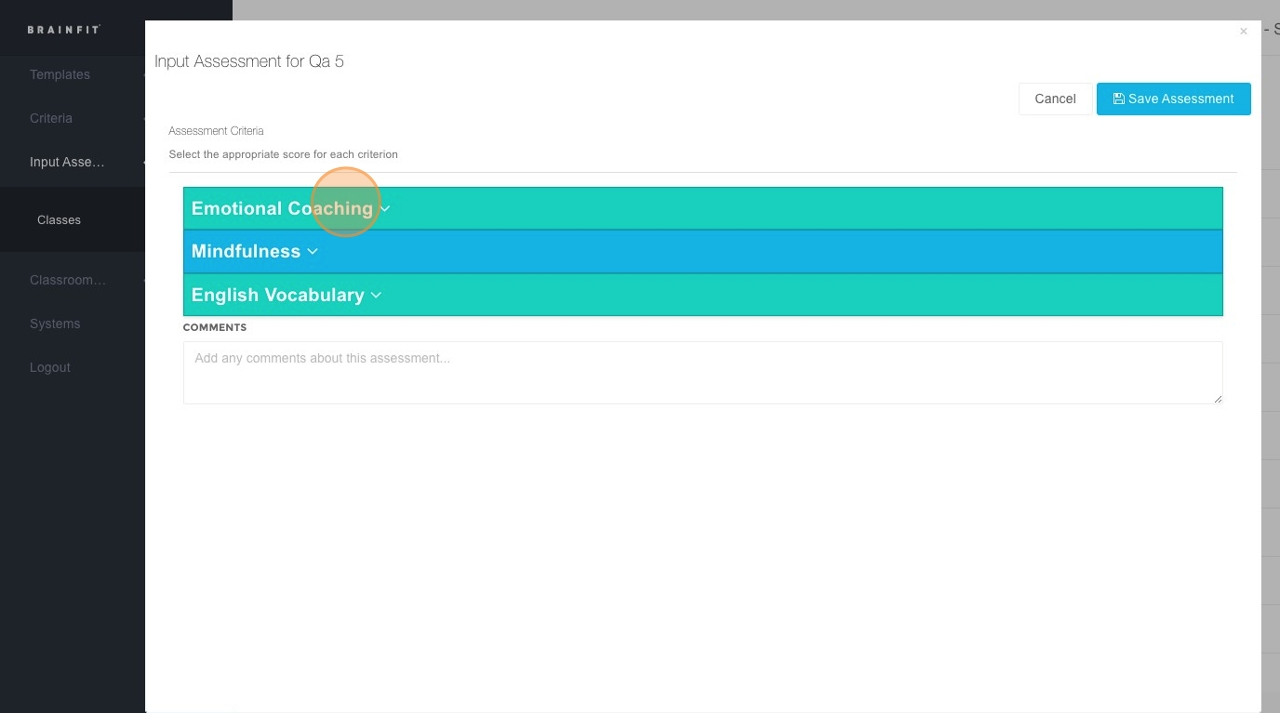
- Click on the specific Area Assessment you want to input data for.
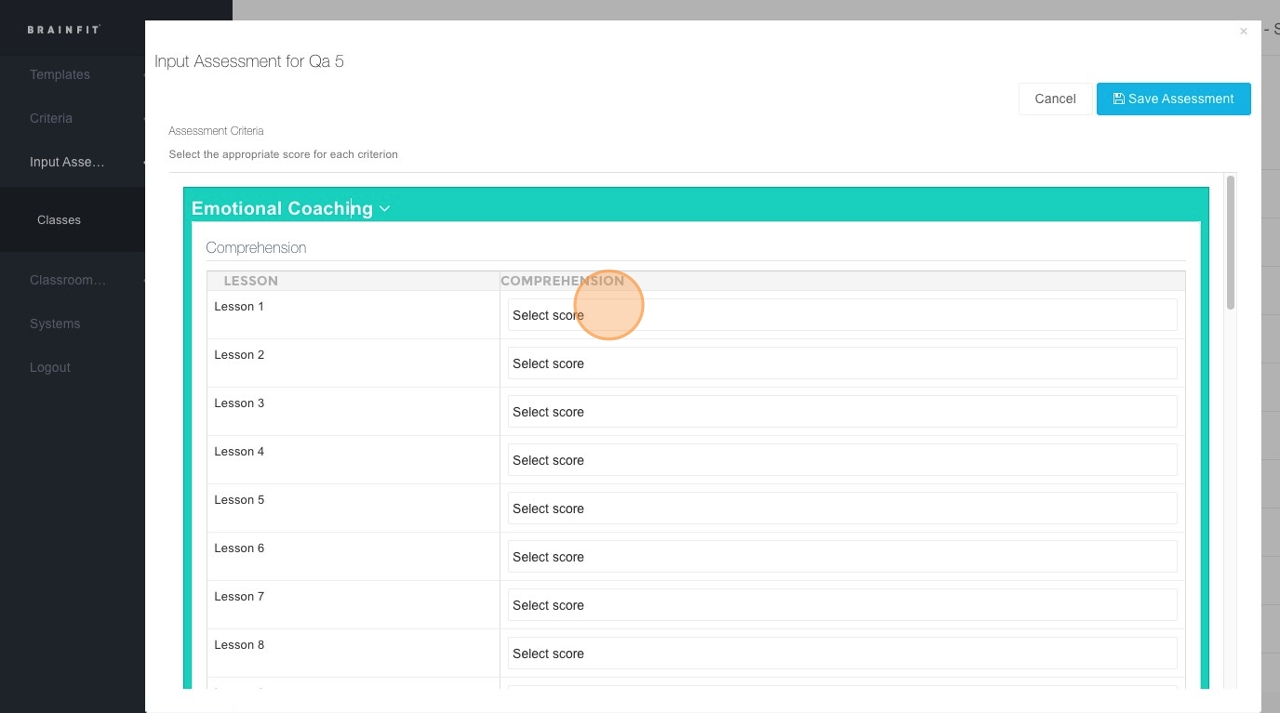
- Click the dropdown menu within the assessment area to choose the desired option or value.
- Click the "Comments" field to type any relevant comments, if necessary.
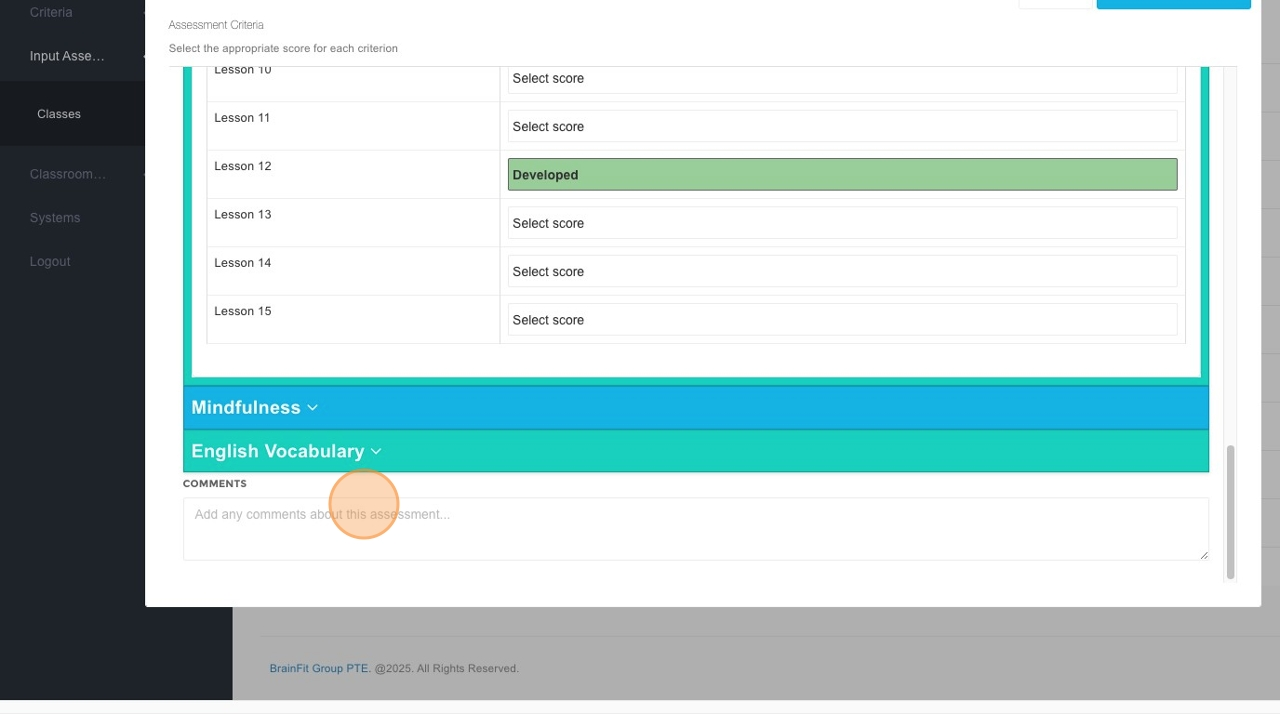
- Click Save Assessment to record the entered data.