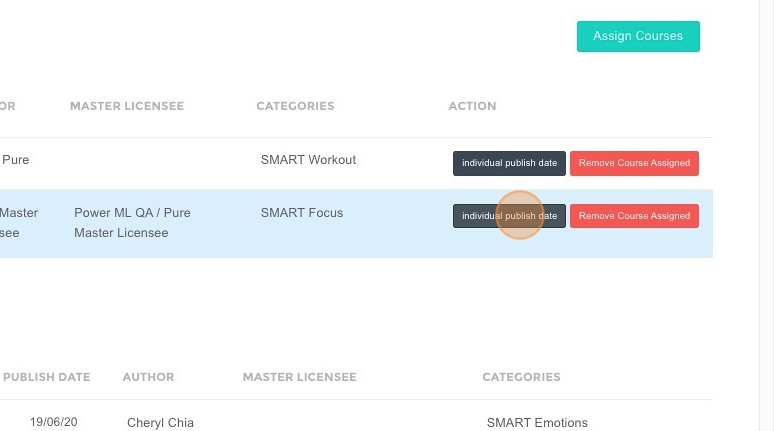
How to Publish Individual Assignments in ACP
This feature is for SA, ML, CA, Trainer
- Navigate to ACP Brainfit Studio.
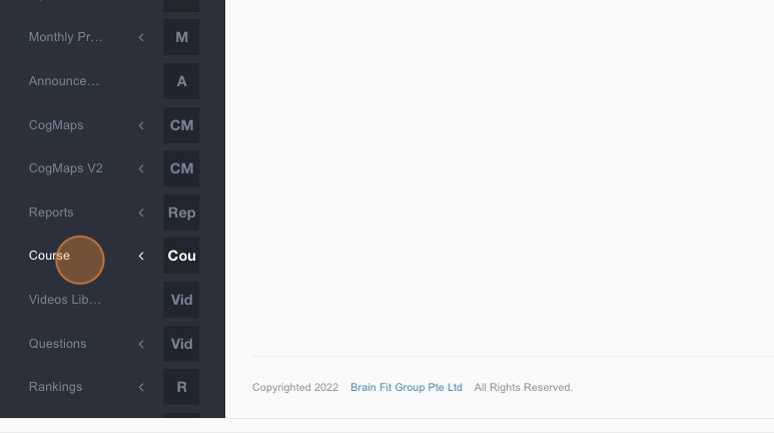
- Click "Course".
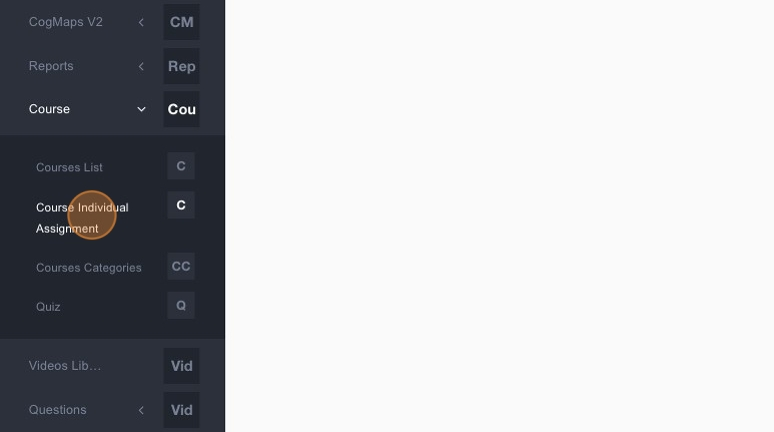
- Click "Course Individual Assignment".
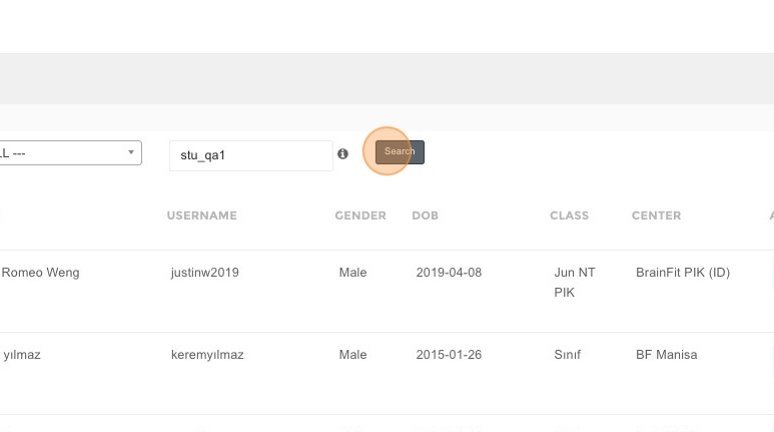
- Type the name of the student.
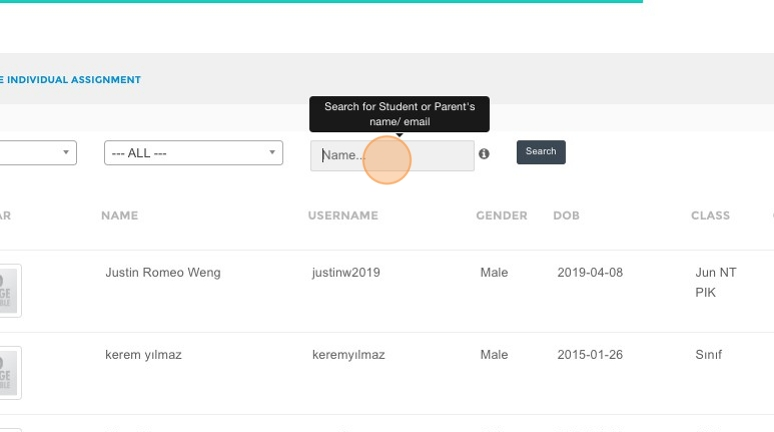
- Click "Search".
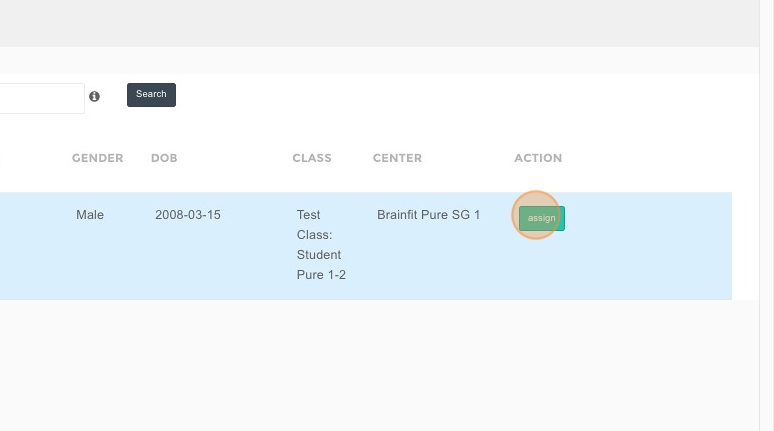
- Click "Assign".
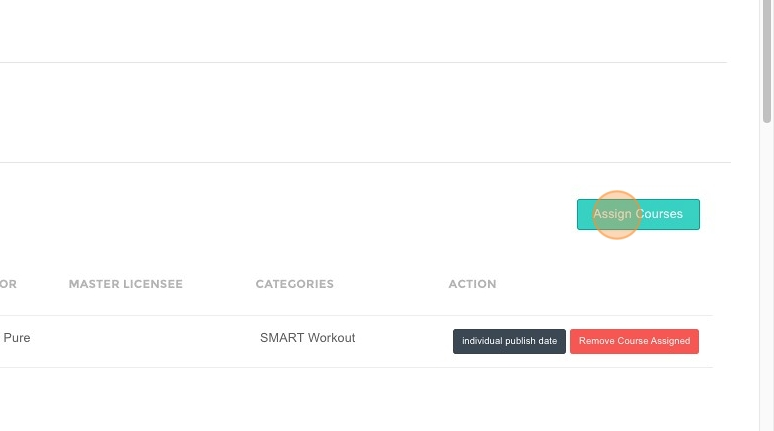
- Click "Assign Courses".
- Click here.
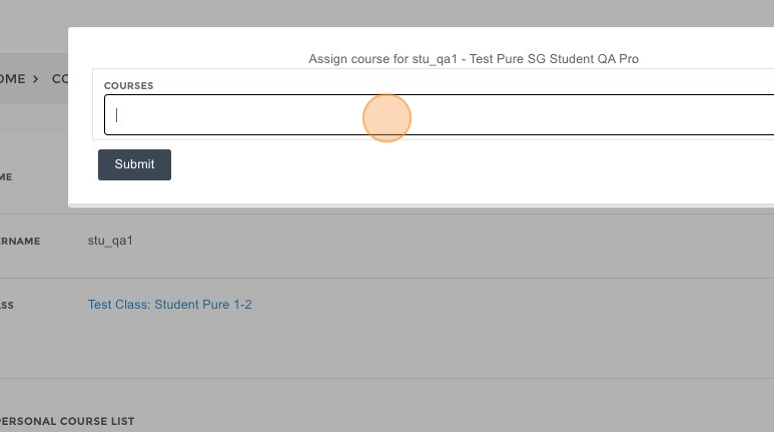
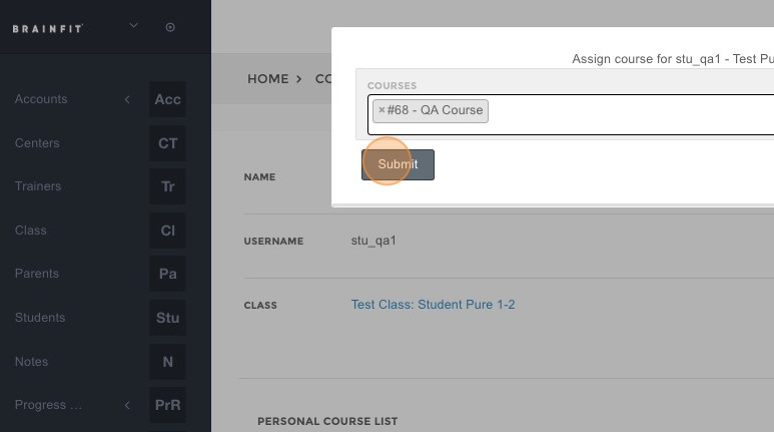
- Select the Course.
- Click "Submit".
- Click "Individual Publish Date" to schedule the publish date.