How To Edit Question AceyBrain
This feature is for SA, ML, MA
- Navigate to ACP.
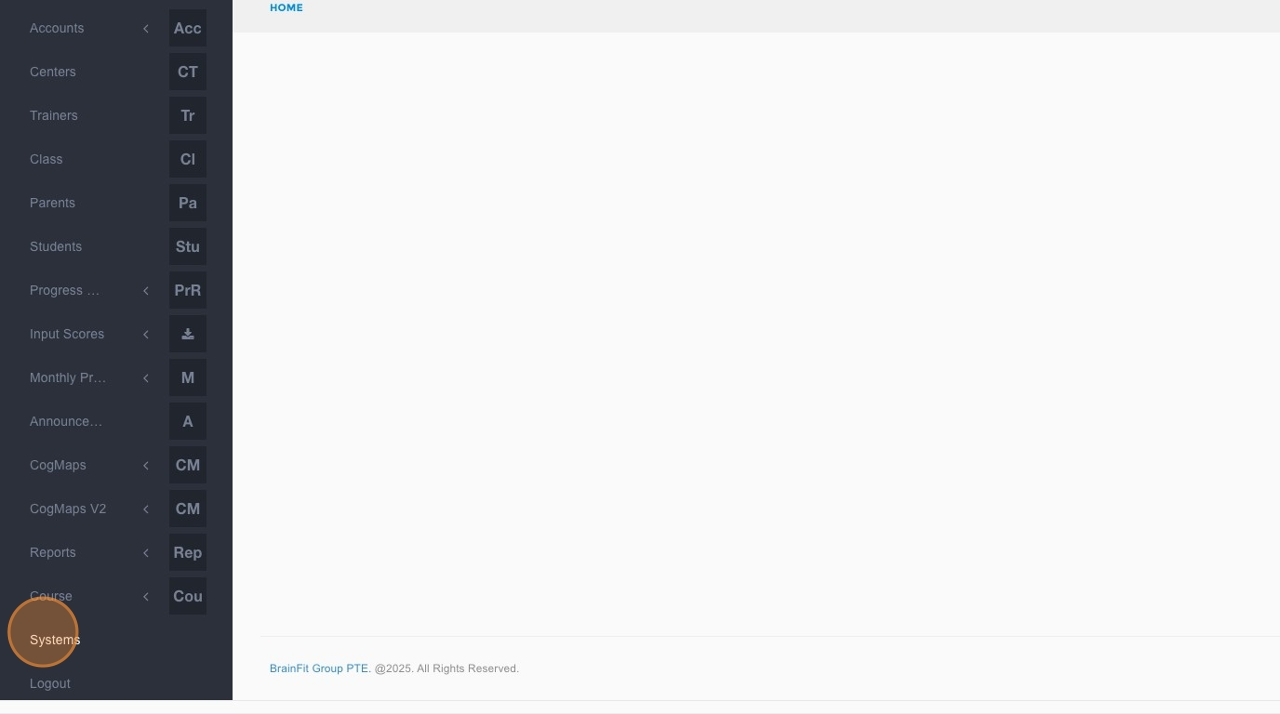
- Click Systems in the navigation menu.
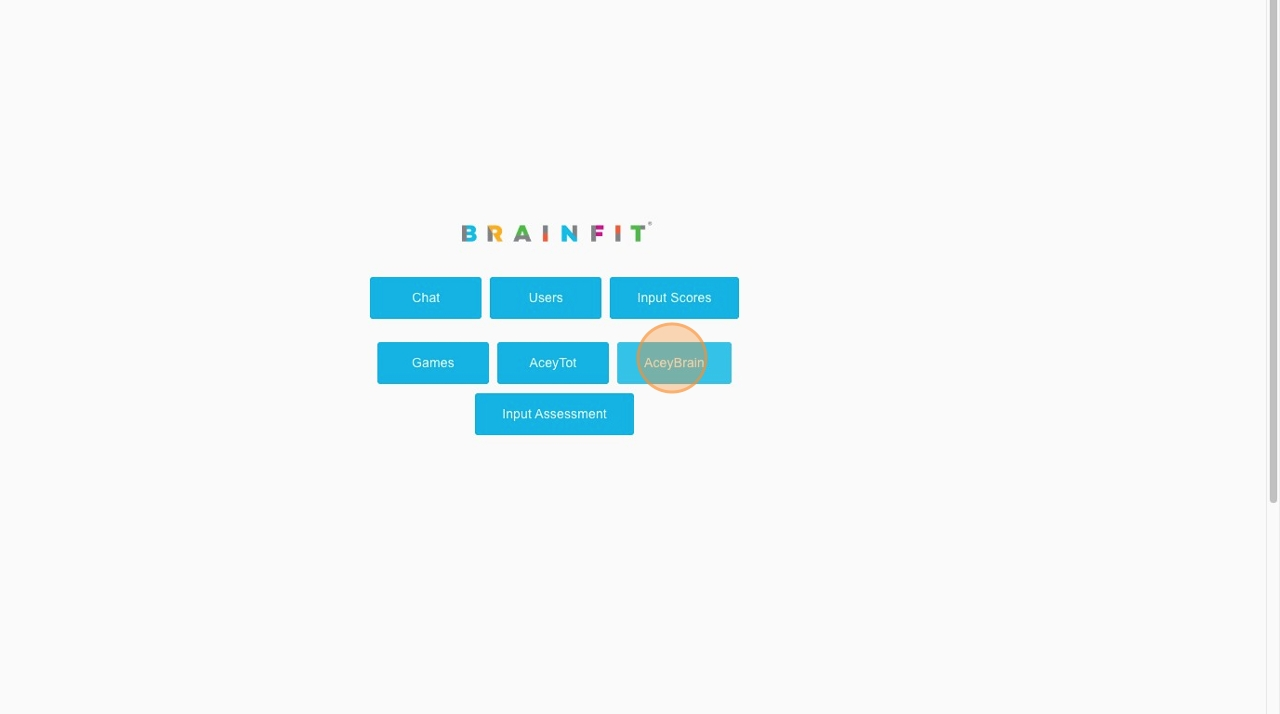
- Click AceyBrain in the submenu.
- Click the dropdown field to choose the subject.
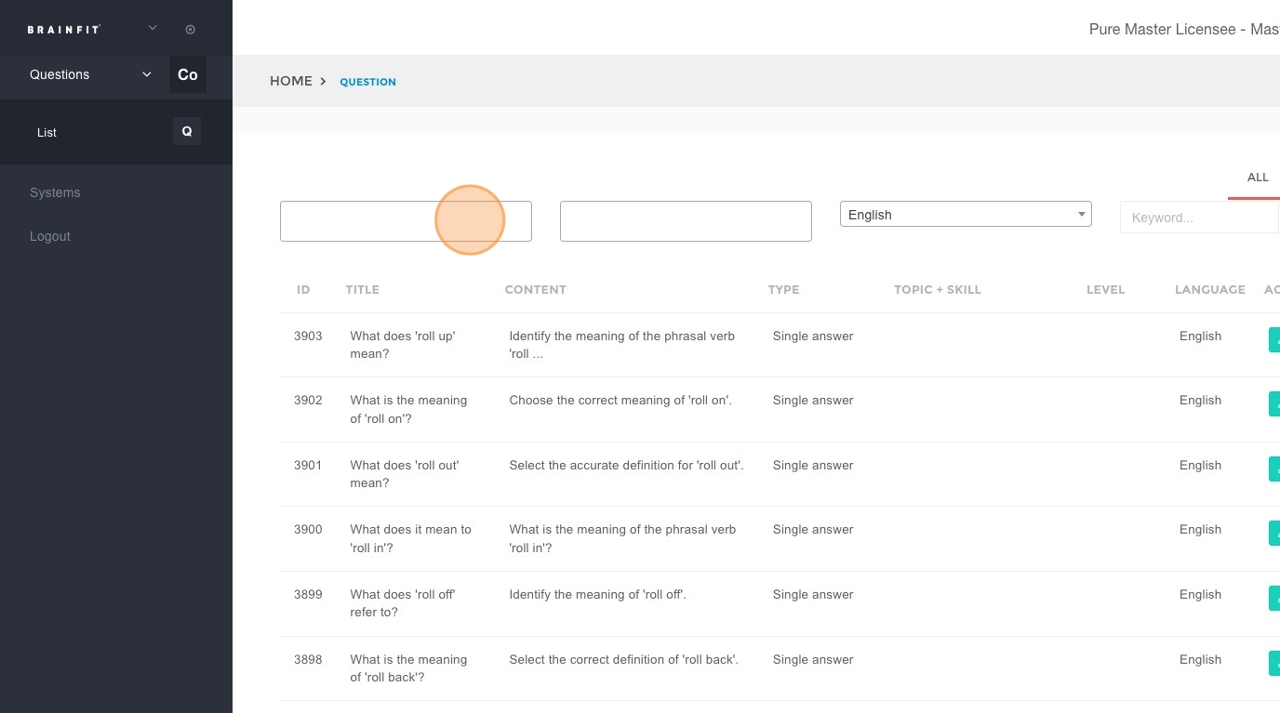
- Click the dropdown field to choose the level.
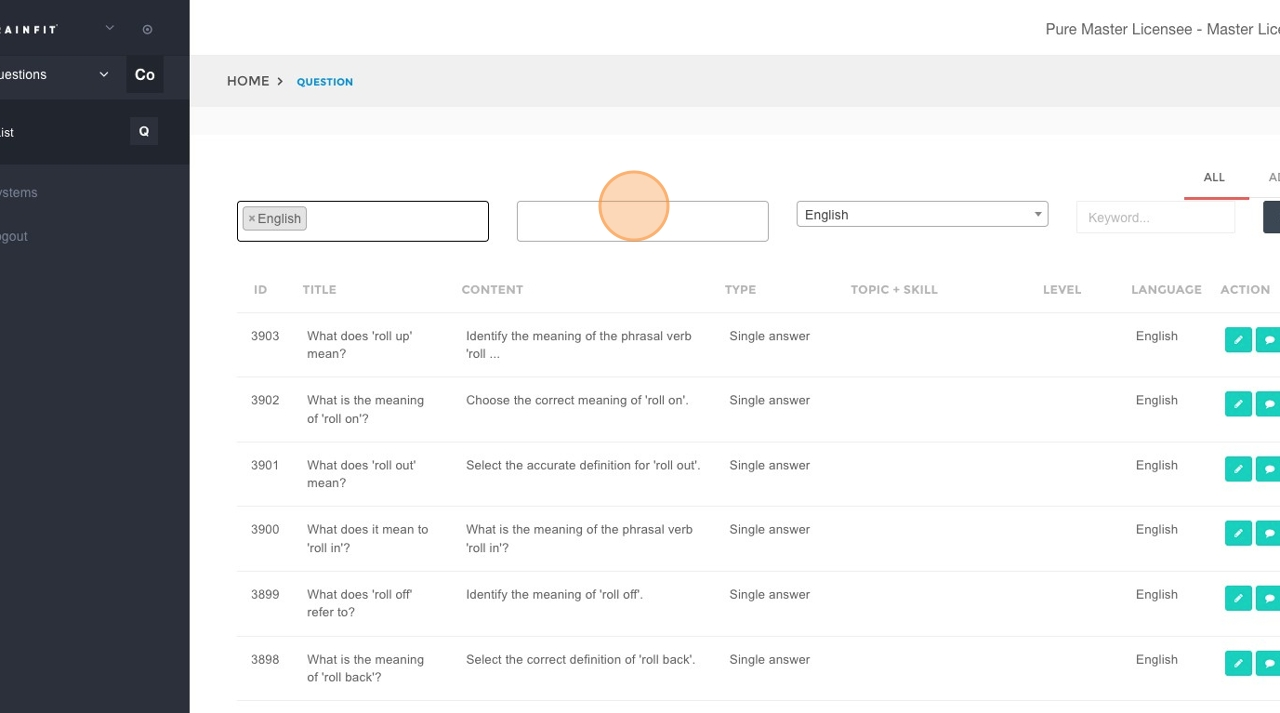
- In the "Keyword..." field, type the title or identifying code of the question (e.g., "M11-E23-1a_L5-15").
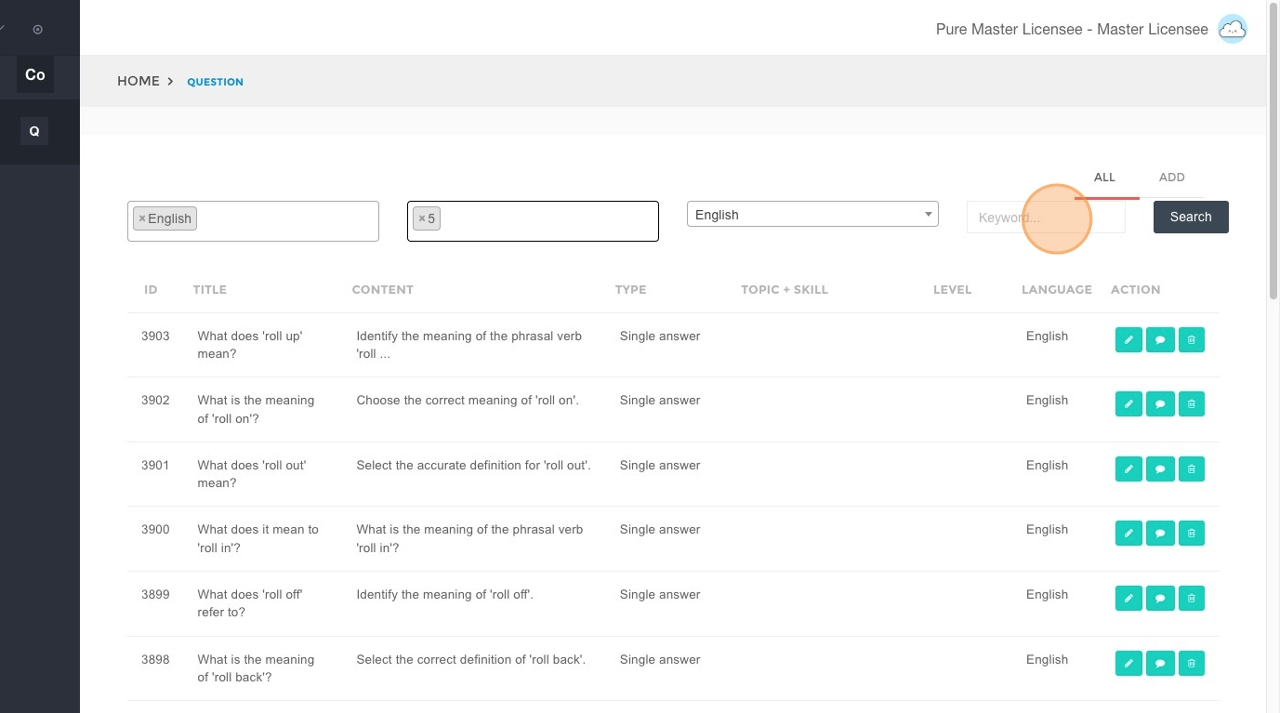
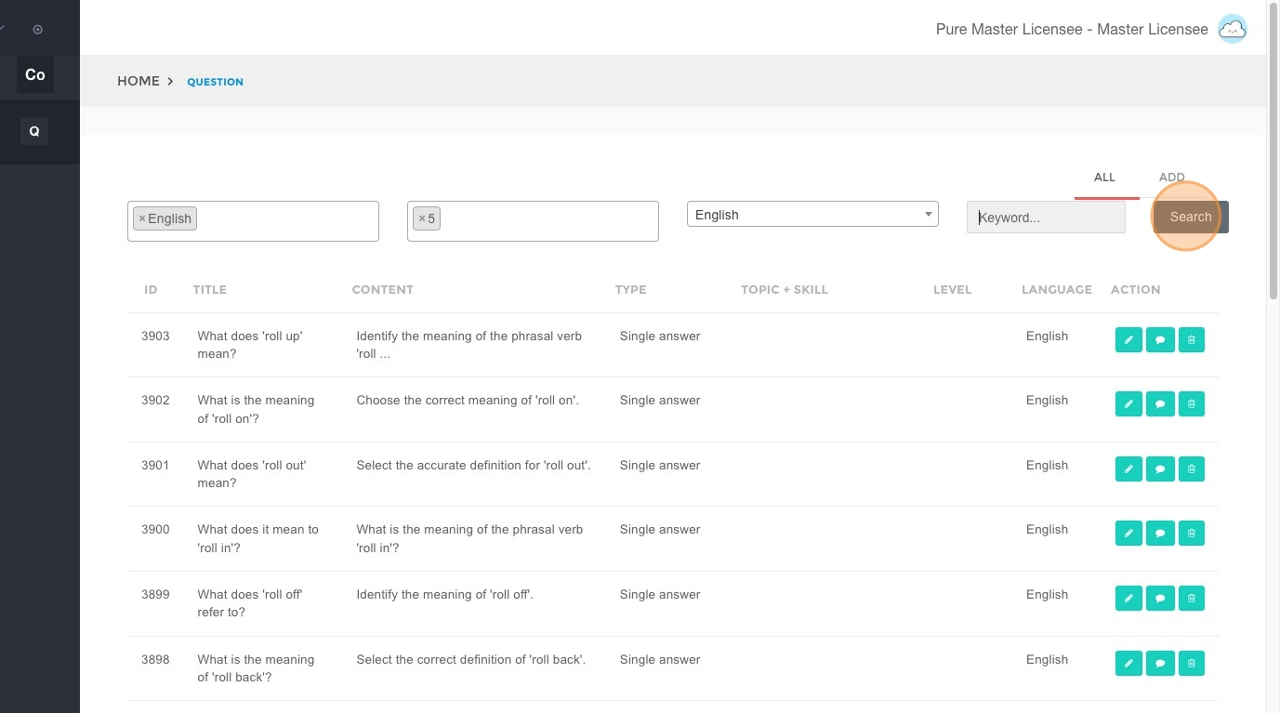
- Click the Search button.
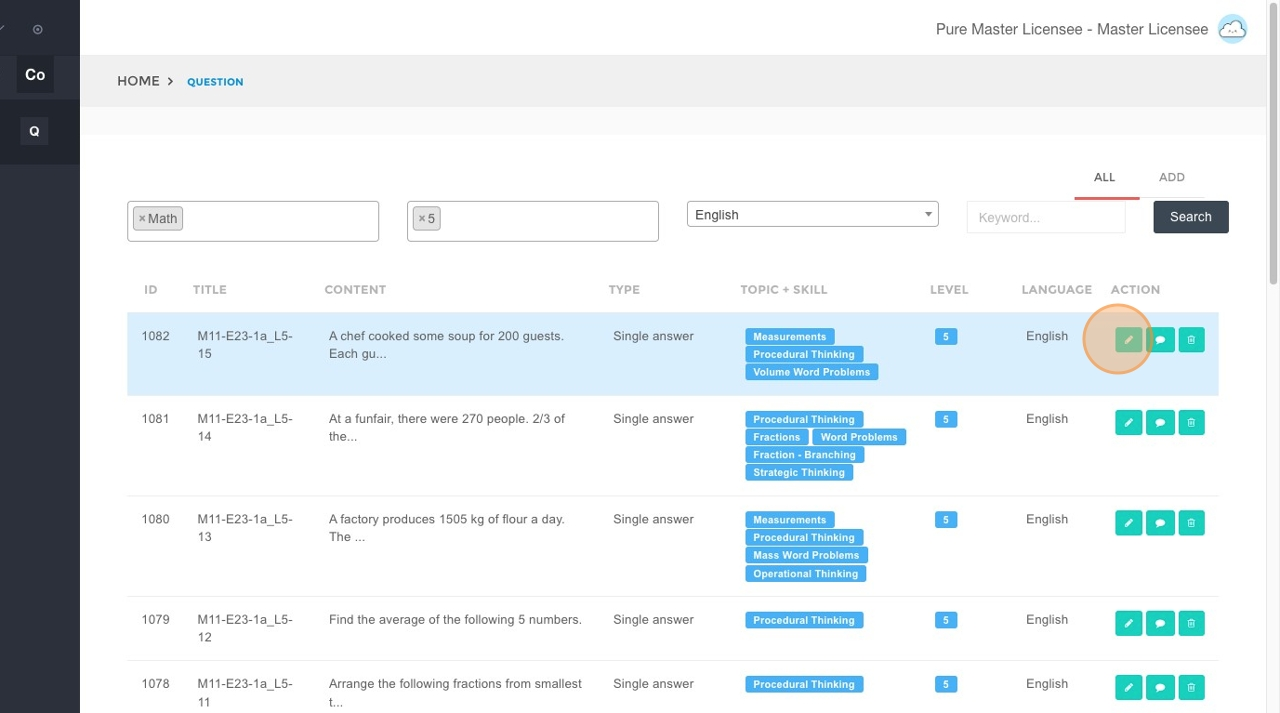
- Click the Edit button next to the question you wish to modify.
- Update the information in the corresponding fields:
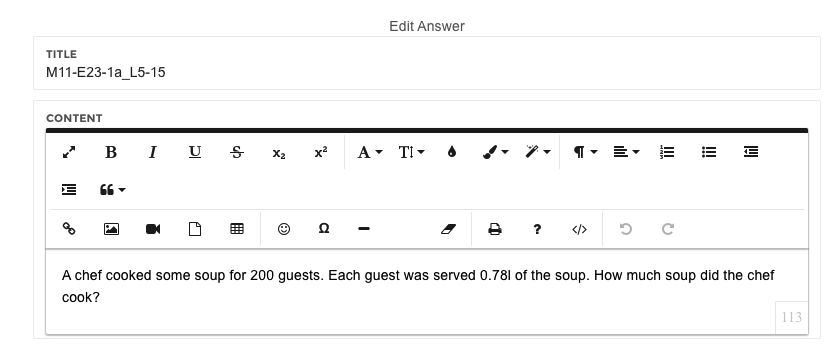
- Title: The title or unique identifier of the question.
- Content: The main body of the question.
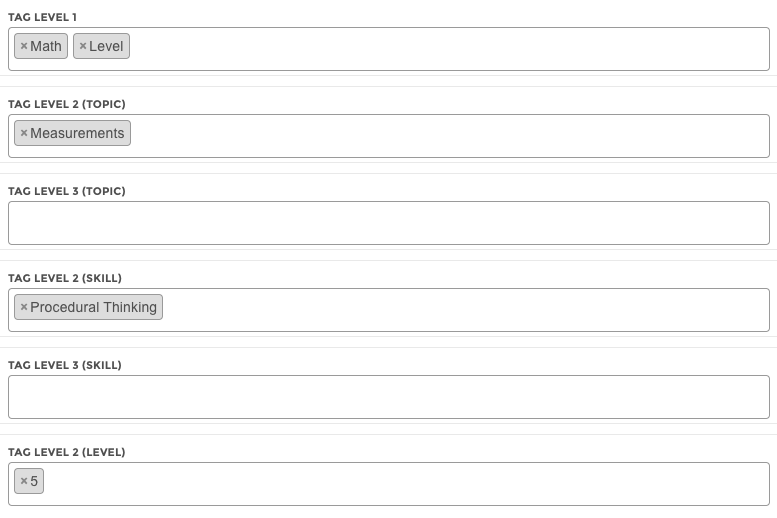
- Tag Group:
- Tag Level 1: The highest-level tag, representing the parent subject of the question.
- Tag Level 2 + 3 (Topic): Subsequent topic tags. Level 2 is a child of Level 1, and Level 3 is a child of Level 2.
- Tag Level 2 + 3 (Skill): Subsequent skill tags. Level 2 is a child of Level 1, and Level 3 is a child of Level 2.
- Tag Level 2 (Level): The difficulty level of the question.
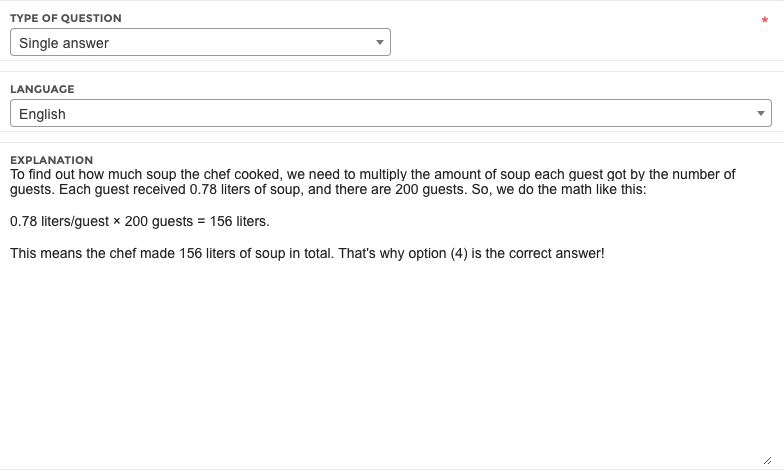
- Type of question: The format of the question.
- Language: The language configured for machine learning (ML) loading.
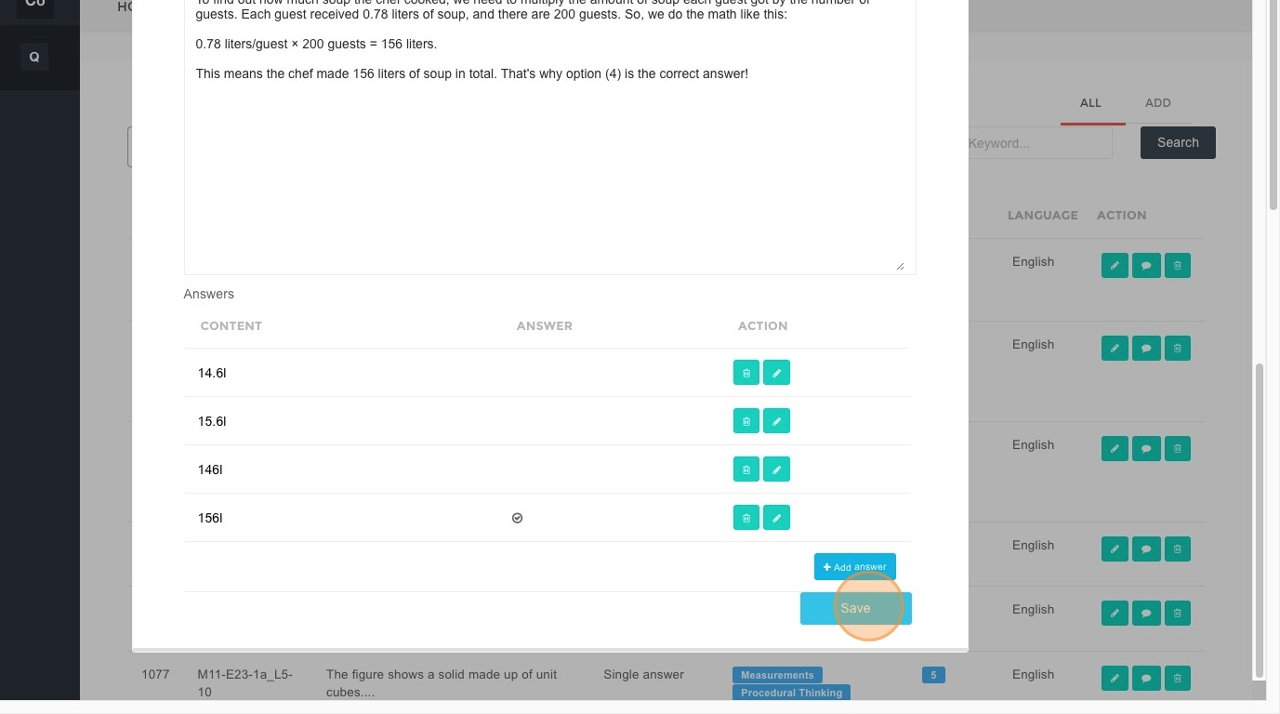
- Explanation: The explanation for the correct answer.
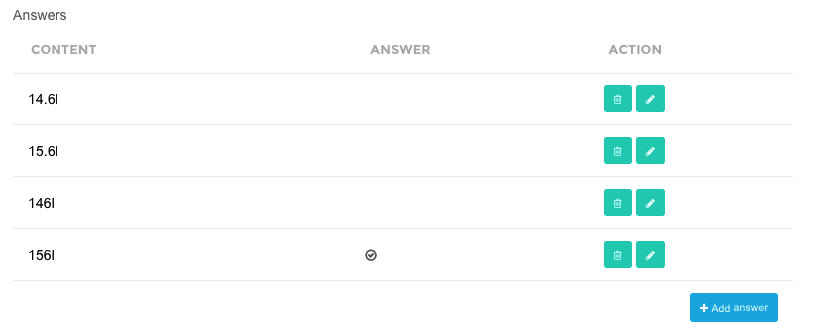
- Answer Group: Click Add answer to add a new answer option, or click Edit to modify an existing answer.
- Click Save to apply your changes.