Importing Quiz and Publishing Image on BrainFit Studio Platform
This feature is for SA
Steps to Import a Quiz
- Navigate to BrainFit Studio ACP.
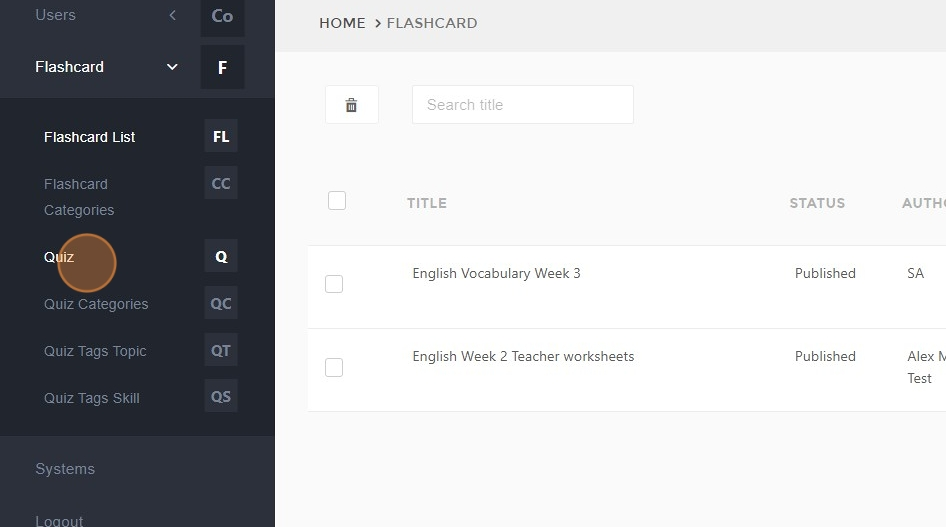
- Click "Quiz".
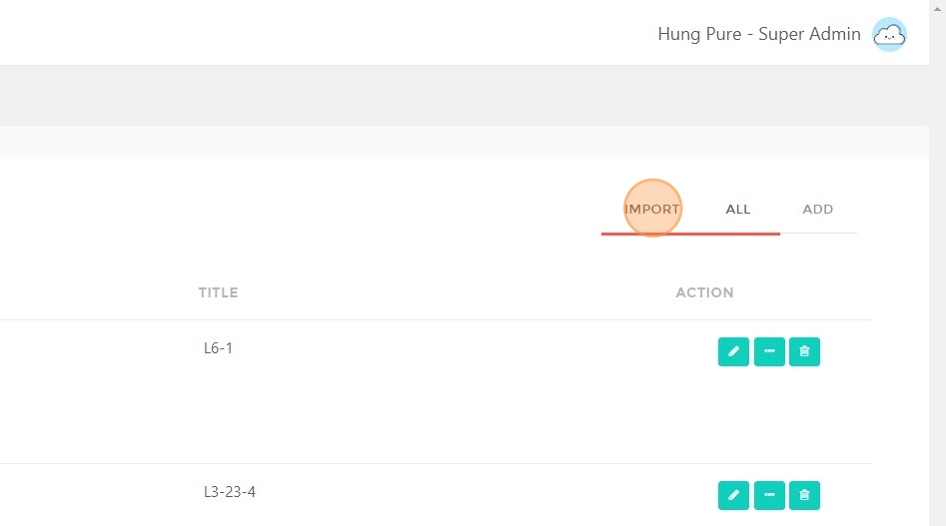
- Click "IMPORT".
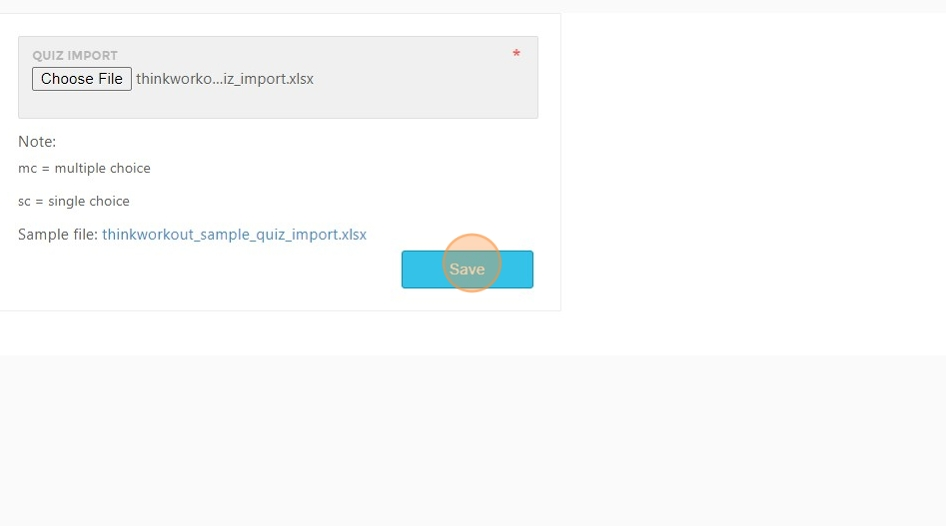
- Click the file field to upload the import file.
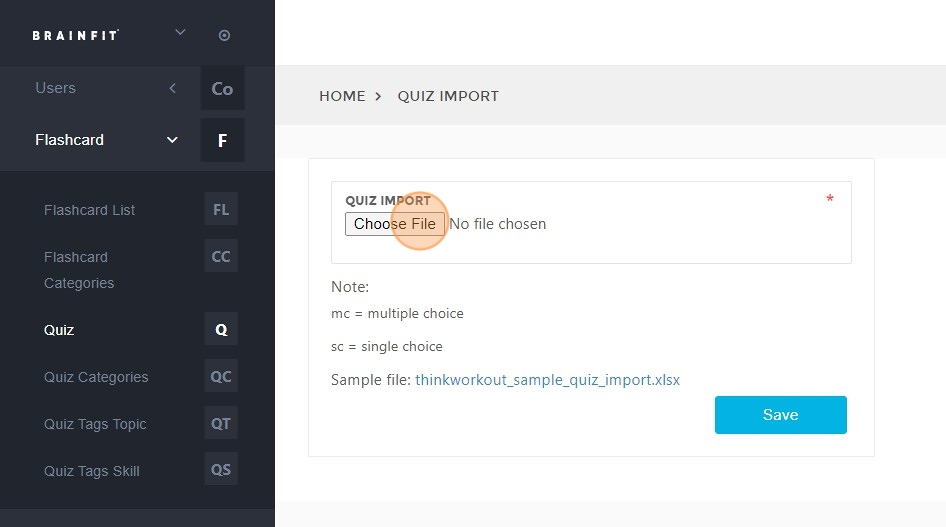
- Click "Save".
Steps to Publish an Image for a Quiz
- Click "Quiz" again.
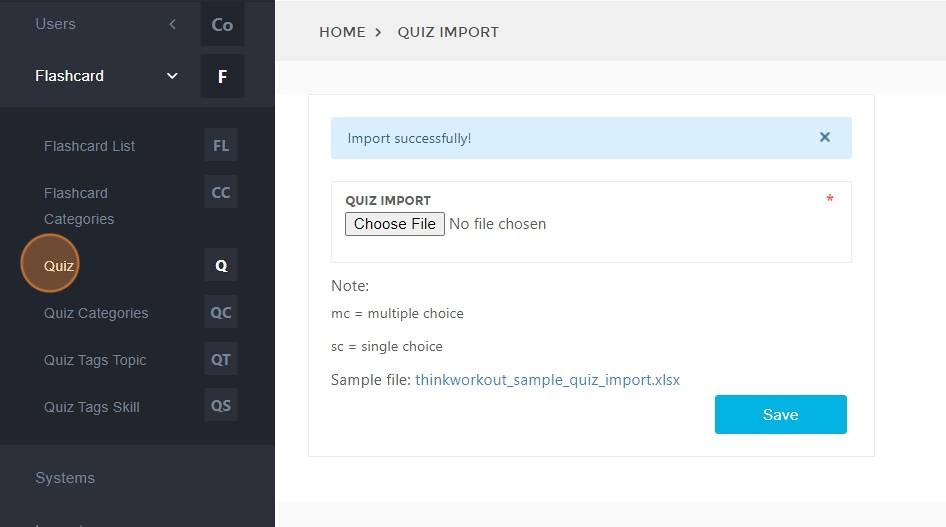
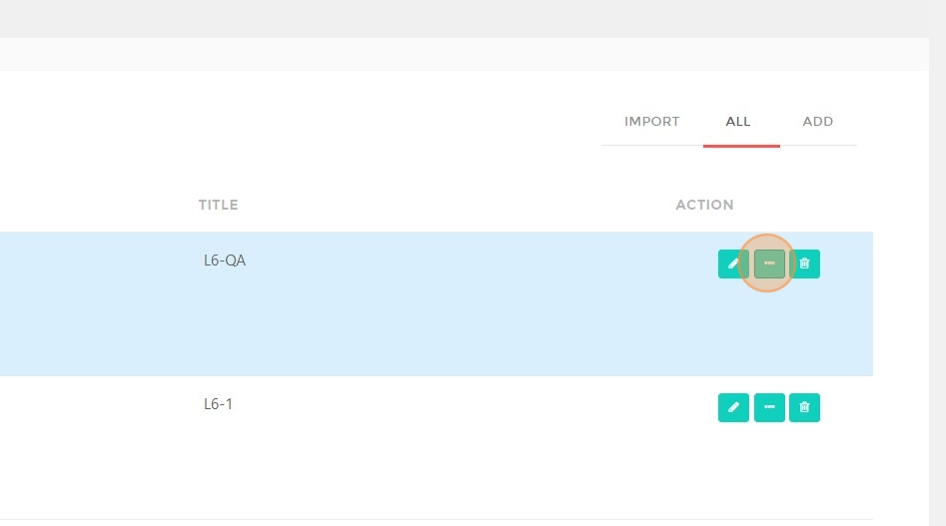
- Click here.
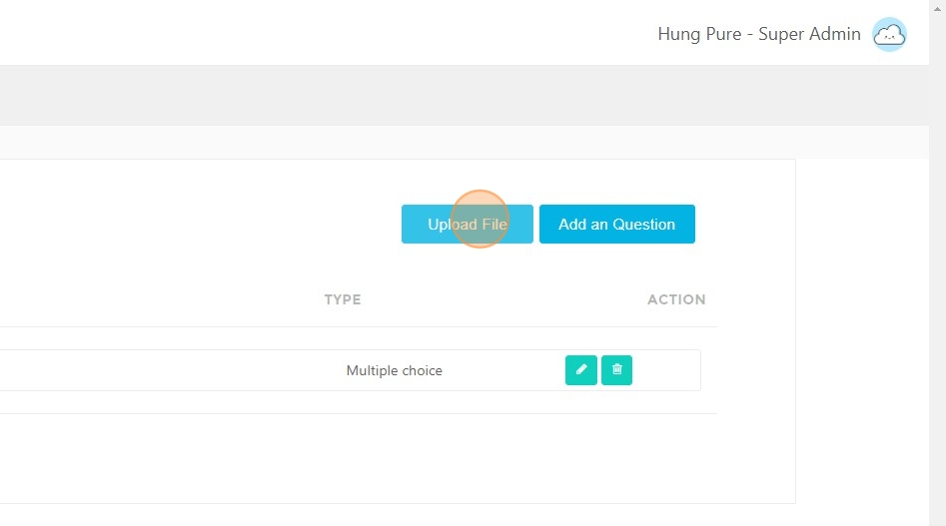
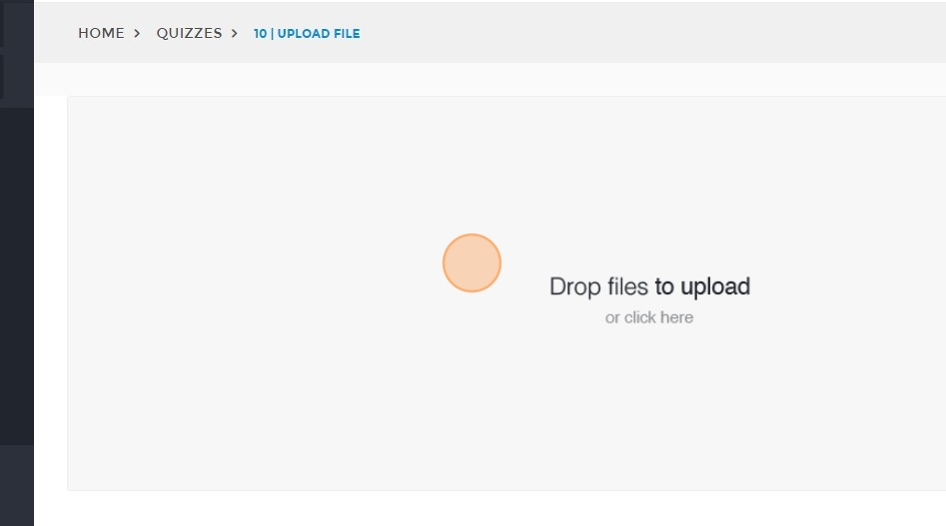
- Click "Upload File" to upload an image for the quiz.
- Click here.
- Click "Publish".

- The upload history will be displayed in the list below.