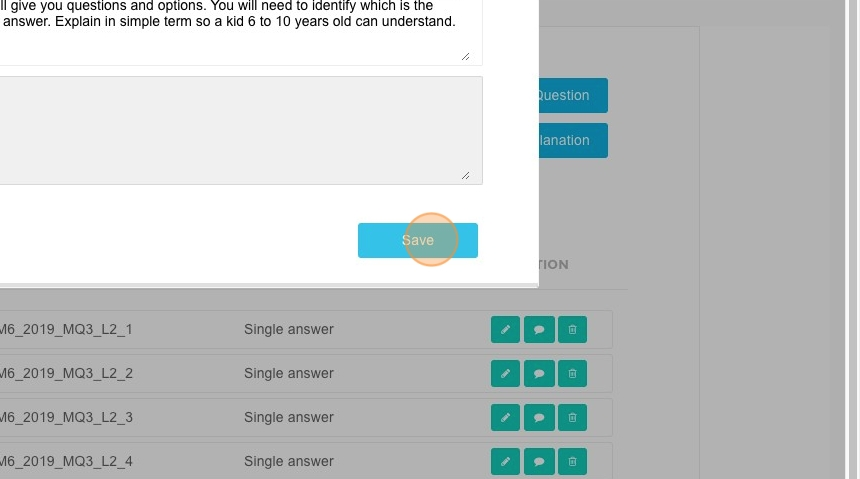
How To Generate Explanations
This feature is for SA
Steps to Generate an Explanation
- Navigate to ACP Portal.
- Click "Quizzes".
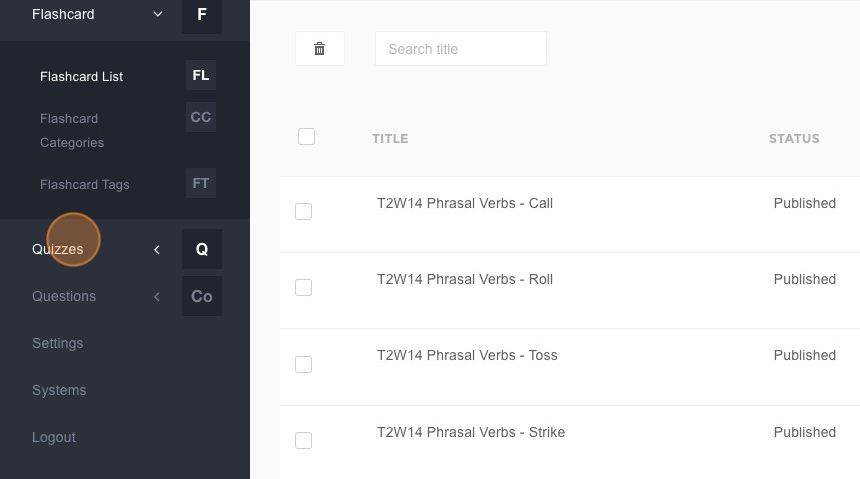
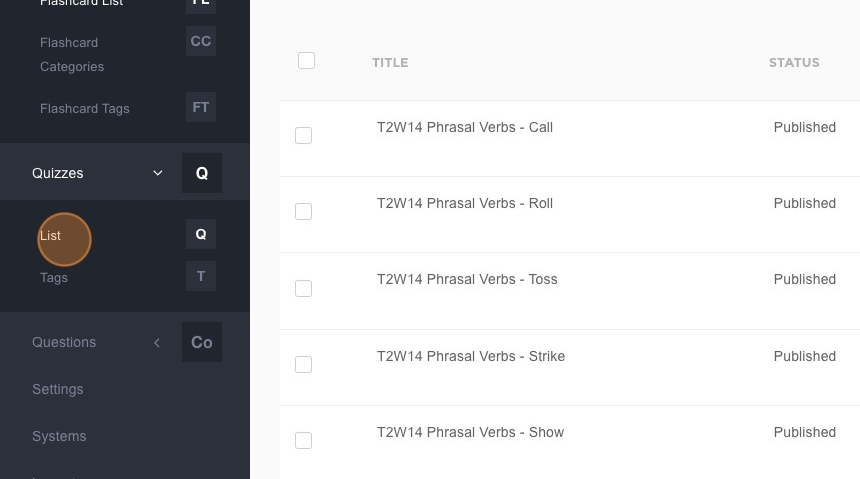
- Click "List".
- Click here.
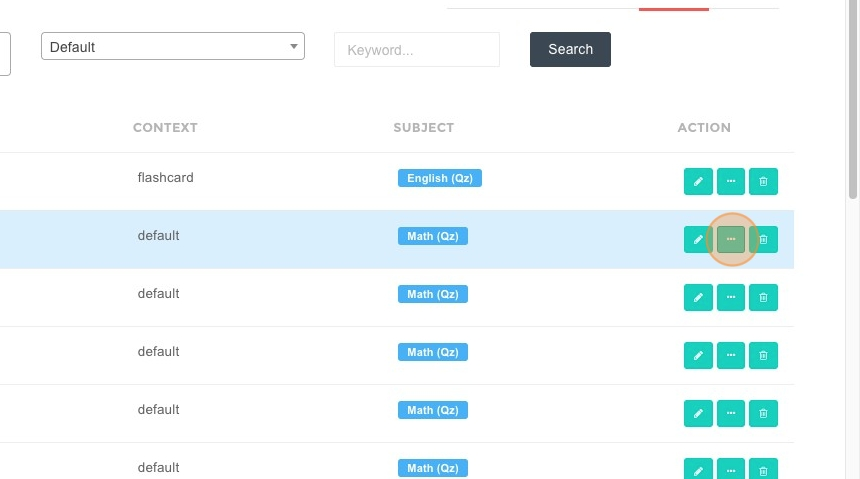
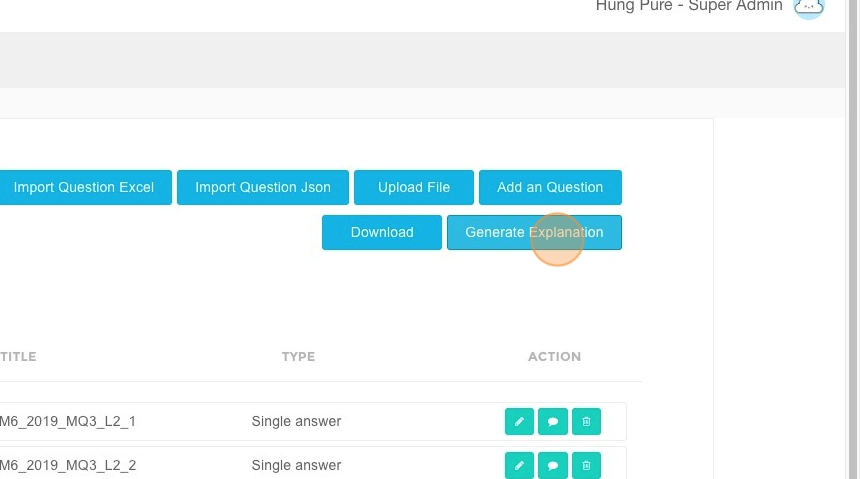
- Click "Generate Explanation".
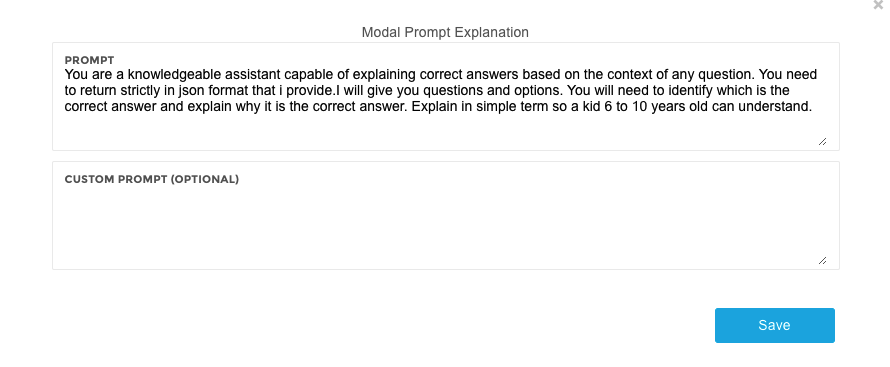
Enter Additional Requirements
-
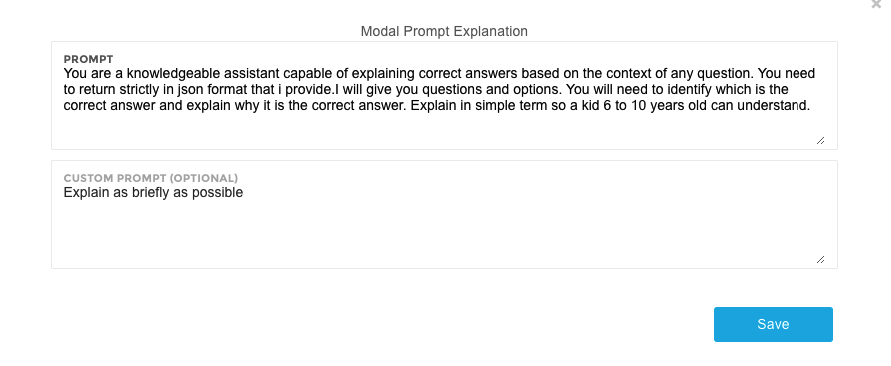
Enter additional requirements in the provided field. There are three commonly used options:
- Leave this field blank: The system will generate a result at an average level.

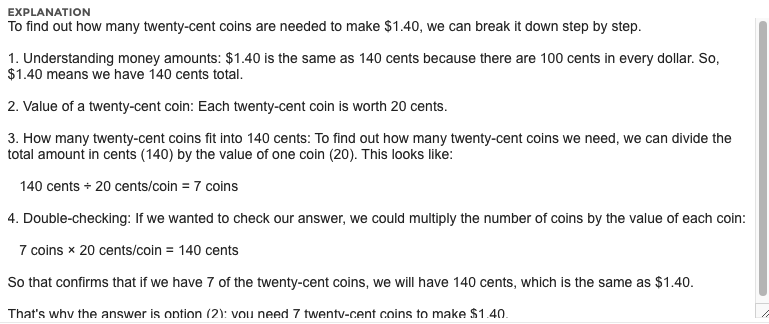
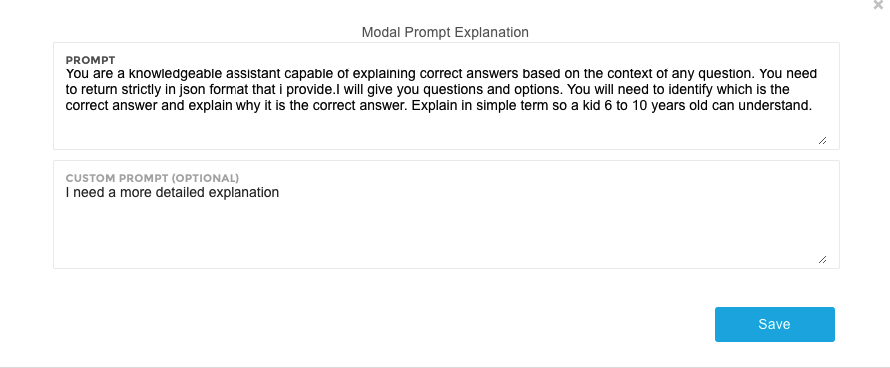
- I need a more detailed explanation: The system will return the most detailed result possible.
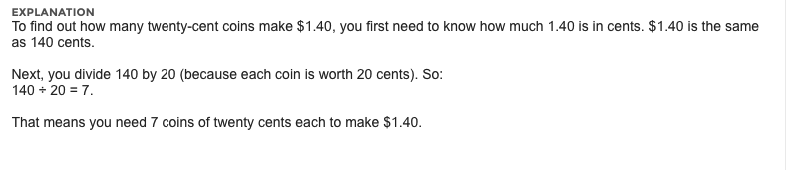
- Explain as briefly as possible: The system will return the shortest possible result.
-
Click "Save".