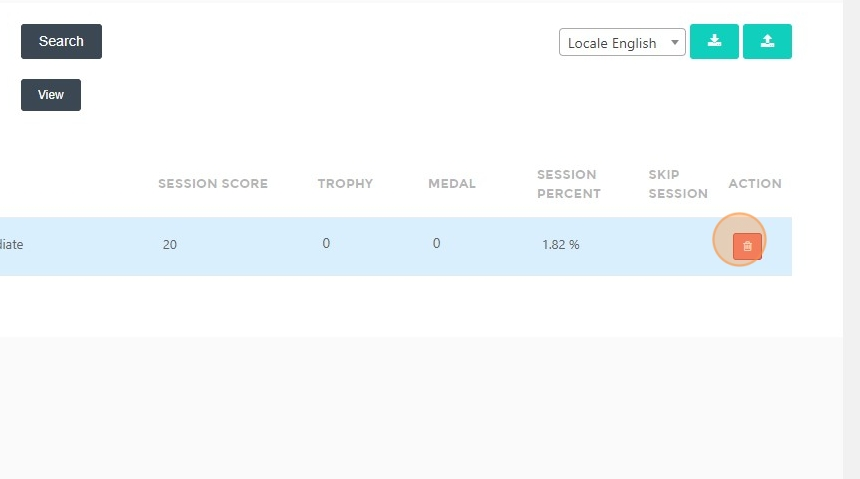
Delete Session Score
This feature is for SA, ML
Steps to Delete a Session Score
- Login with an admin account.
- Click "Monthly Progress Reports".
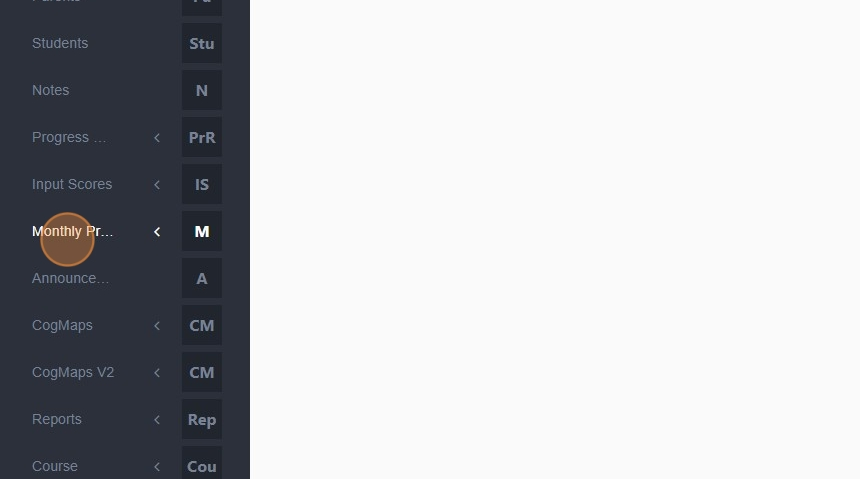
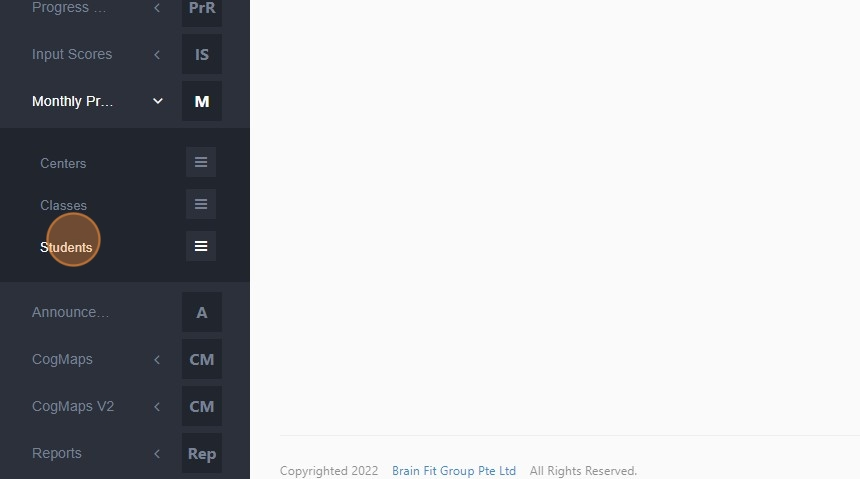
- Click "Students".
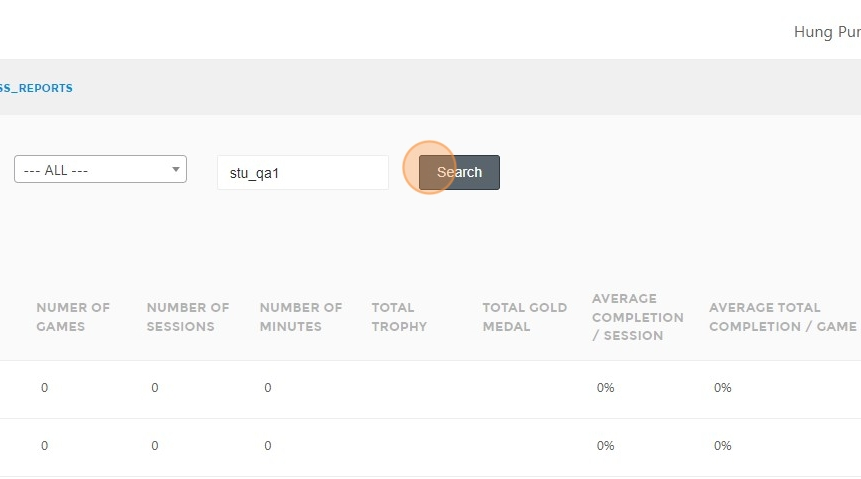
- Type the name of the student whose session score you want to delete.
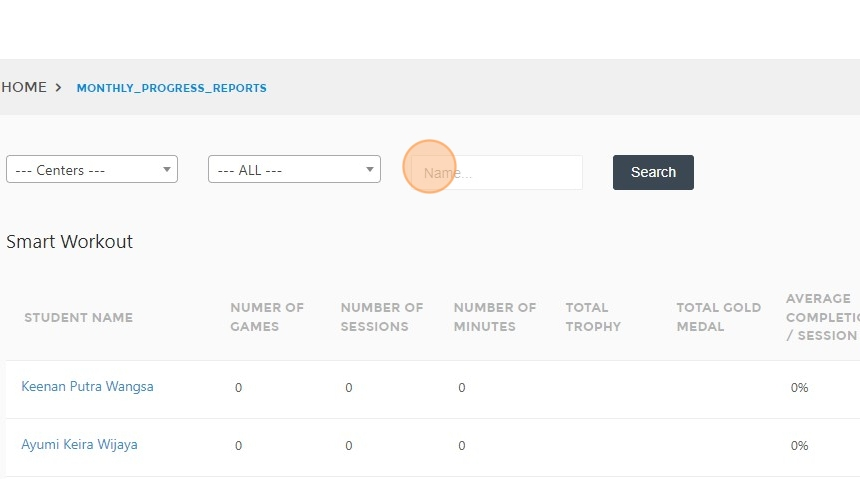
- Click "Search".
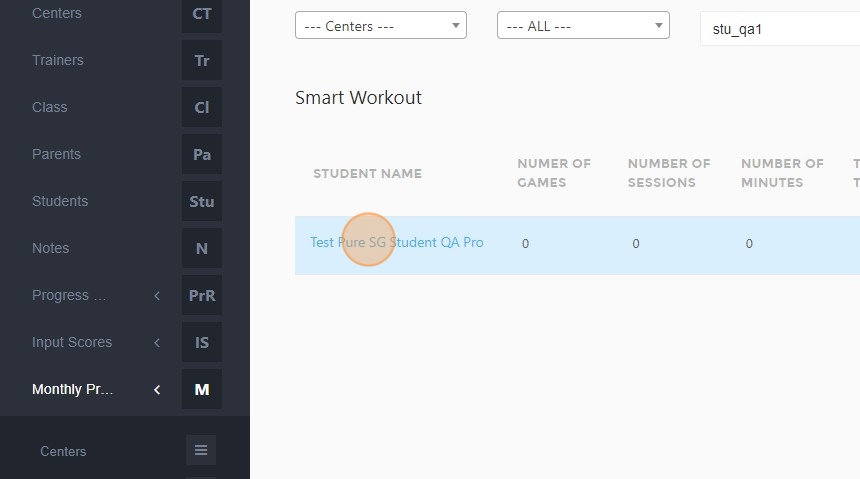
- Select the student from the search results.
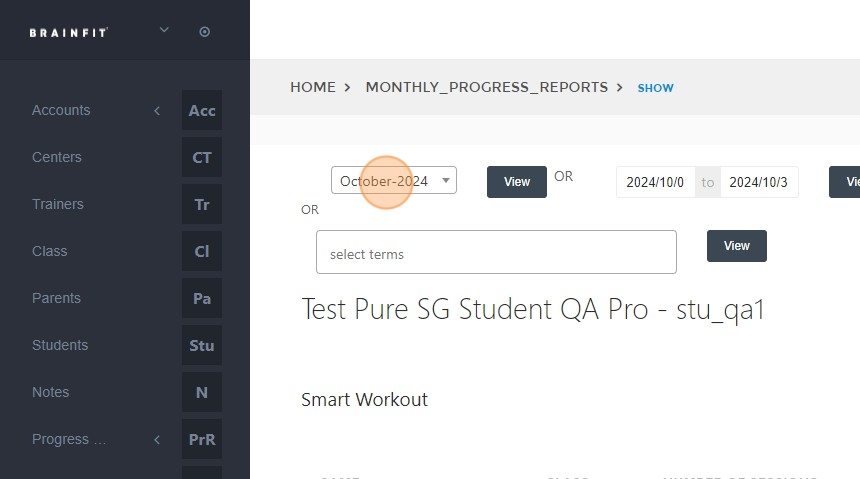
- Select the time period.
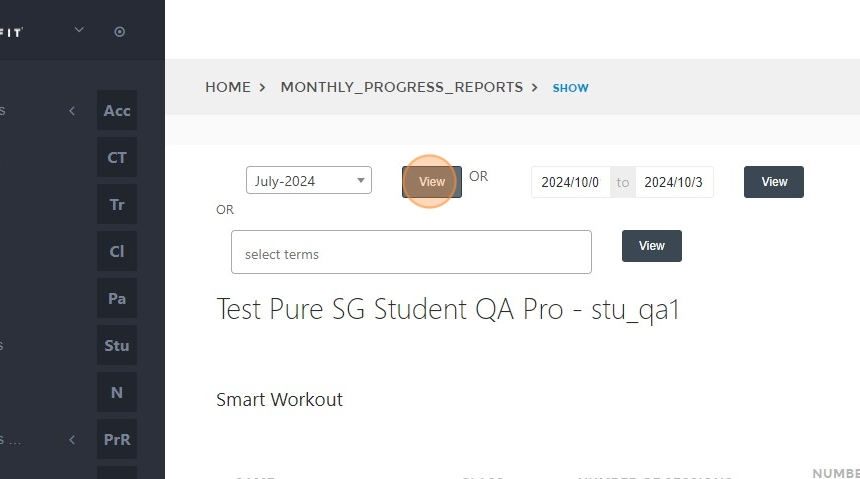
- Click "View".
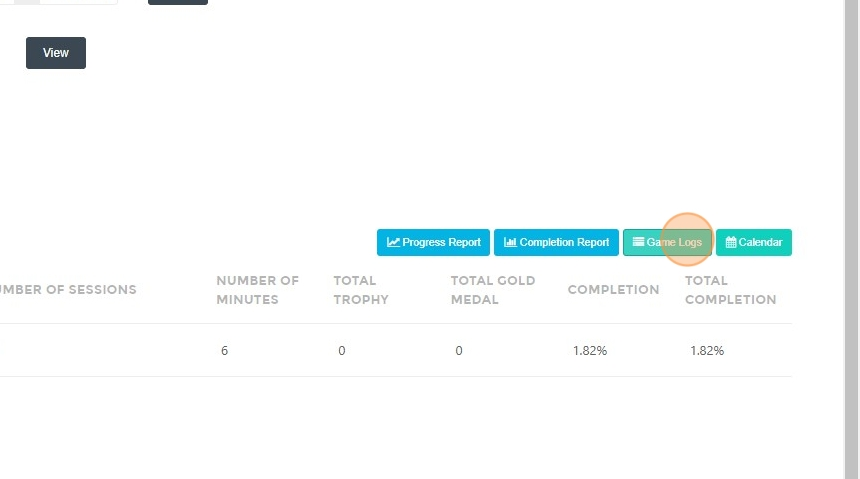
- Click "Game Logs".
- Click the "Delete" button to remove the session score.