How to Access and Print Student CMv2 Report
This feature is for SA, ML, CA, Trainer
Steps to Access the Report
- Navigate to ACP Portal.
- Click "CogMAP V2".
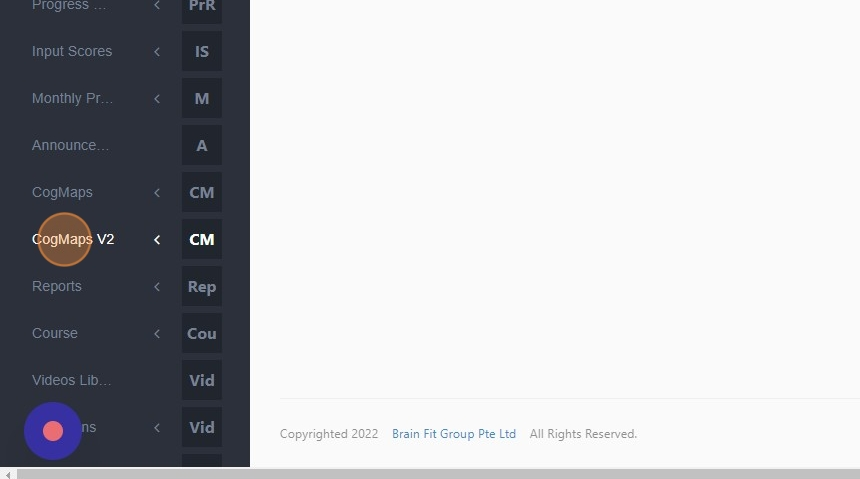
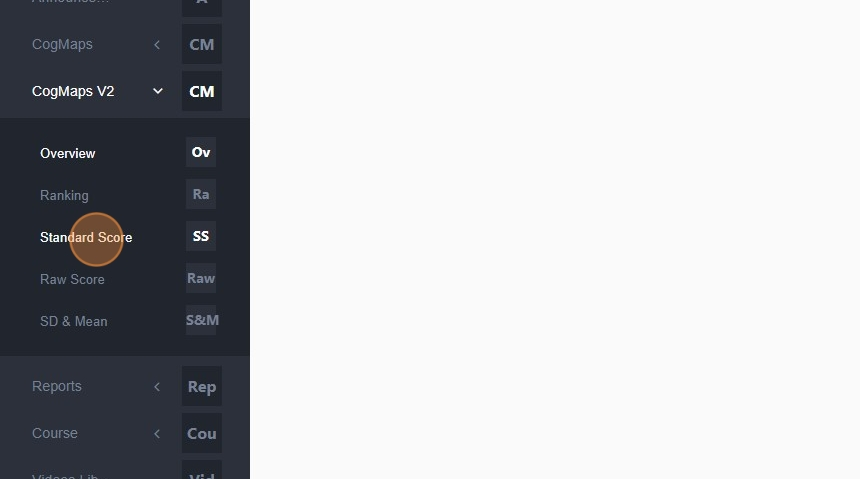
- Click "Standard Score".
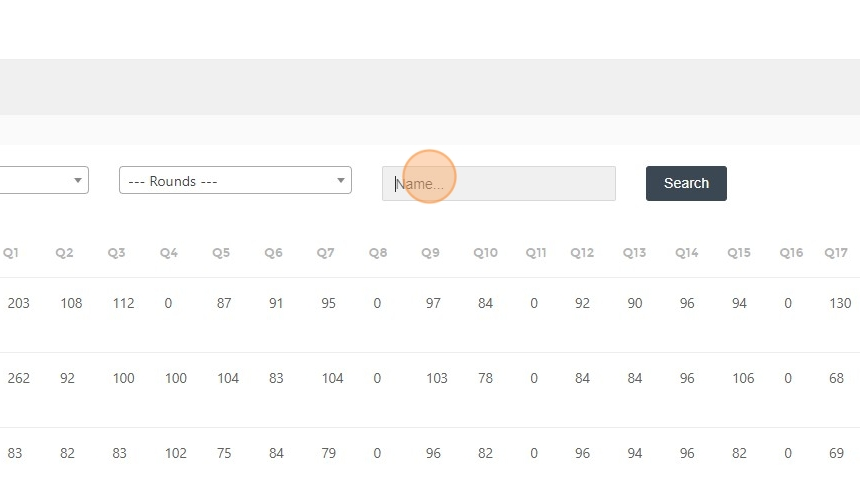
- Click the "Name..." field.
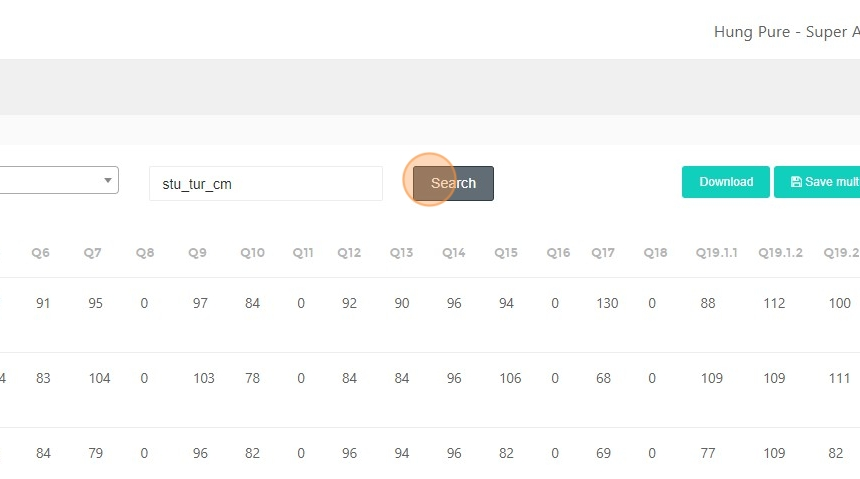
- Type the student's name.
- Click "Search".
Steps to Print the Report
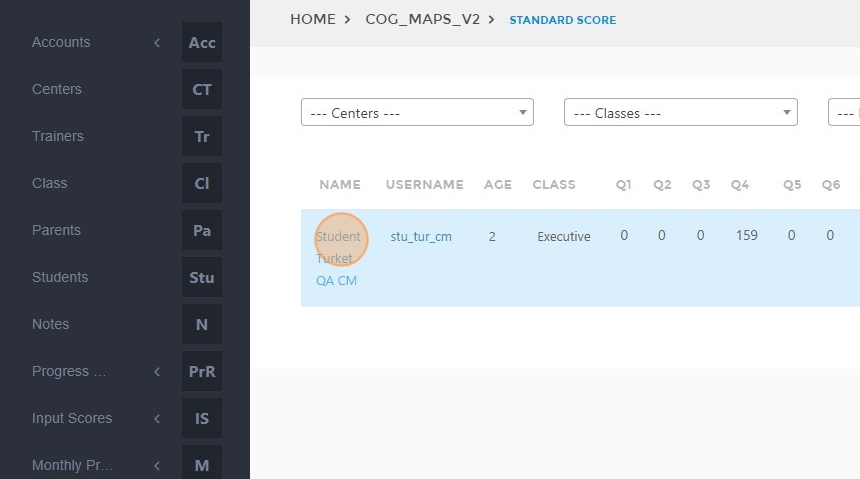
- Click on the student's name you want to print.
- Click the "Round" field.
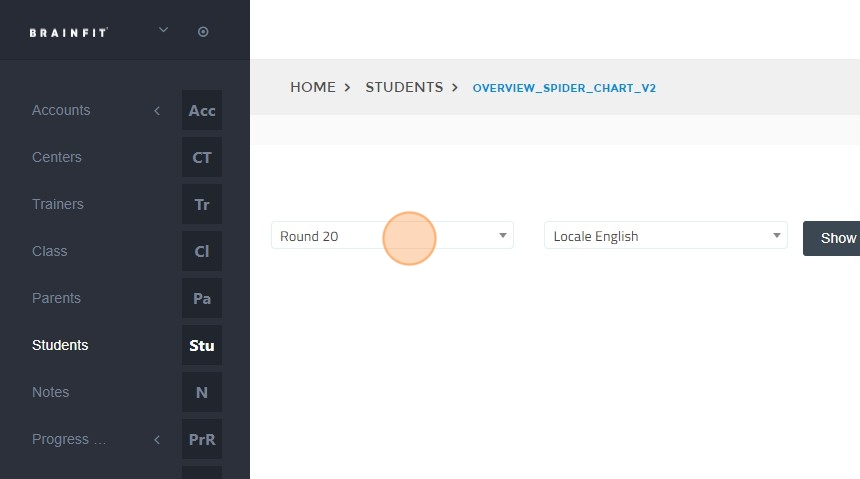
- Select the round.
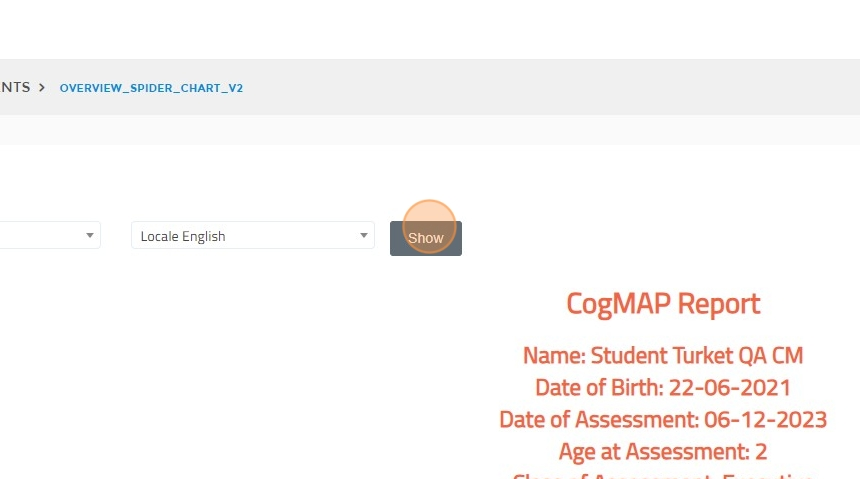
- Click "Show".
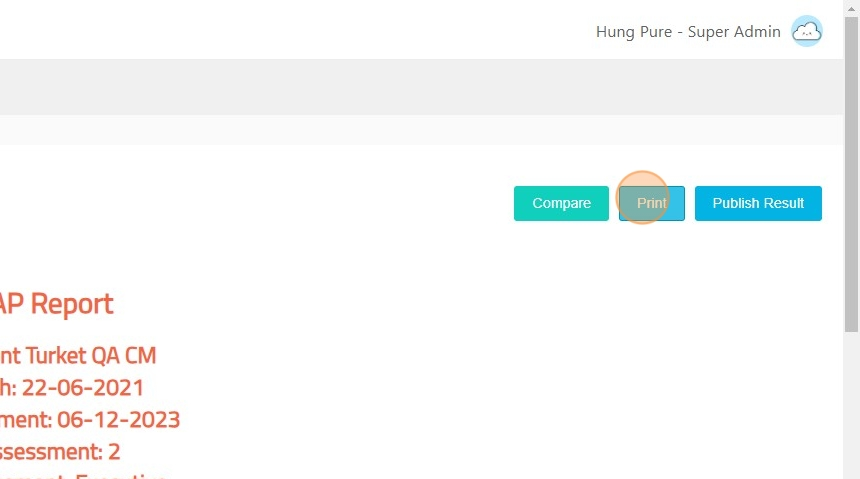
- Click "Print".
- Select the download folder and save the file.