Merge Score Guide
This feature is for SA, ML
- Login with an admin account.
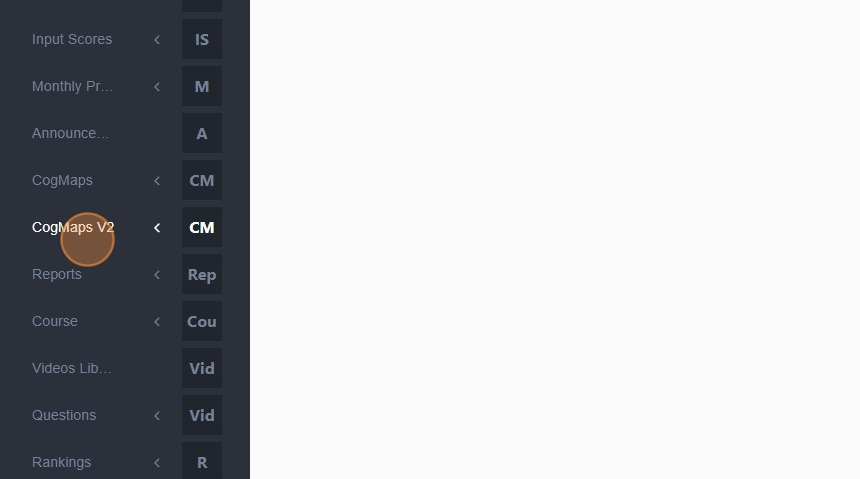
- Click "CogMAP V2".
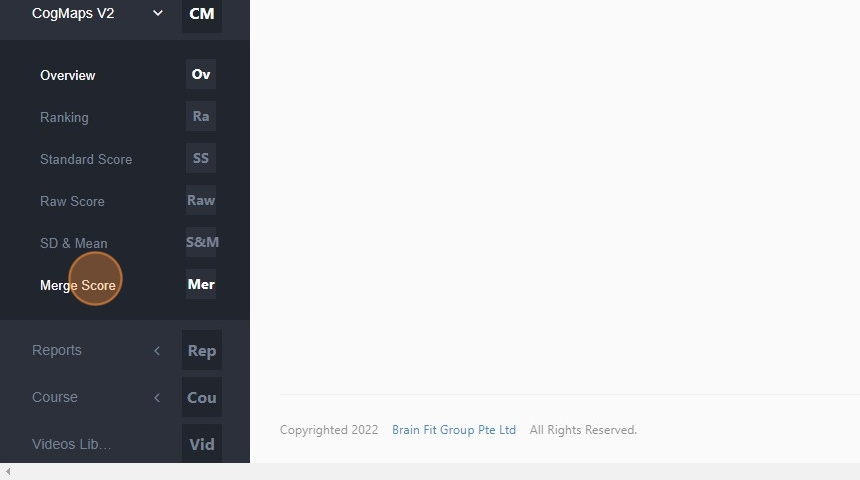
- Click "Merge Score".
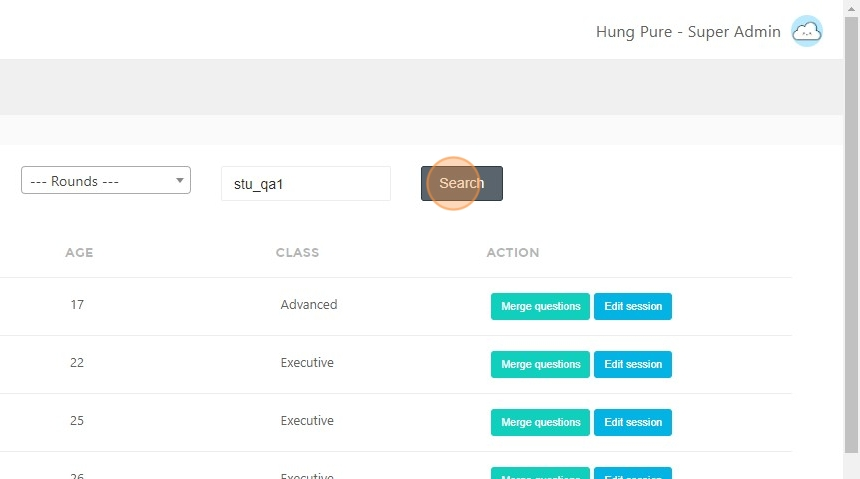
- Type the name of the student whose score you want to merge.
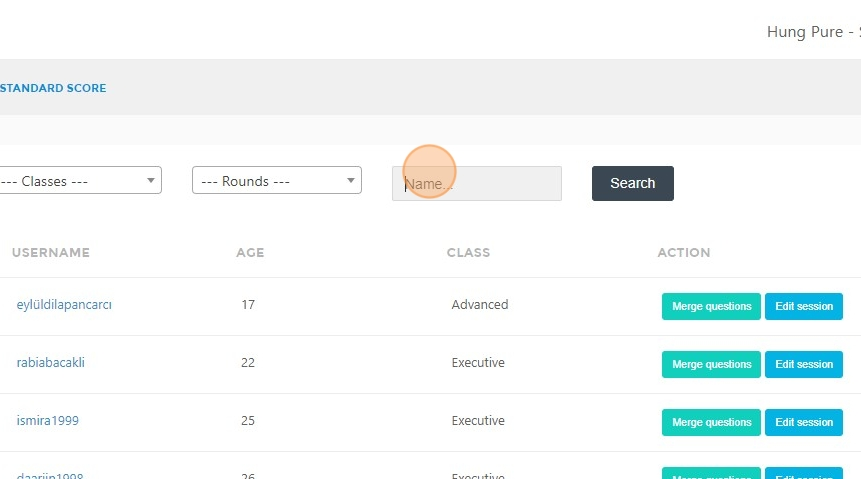
- Click "Search".
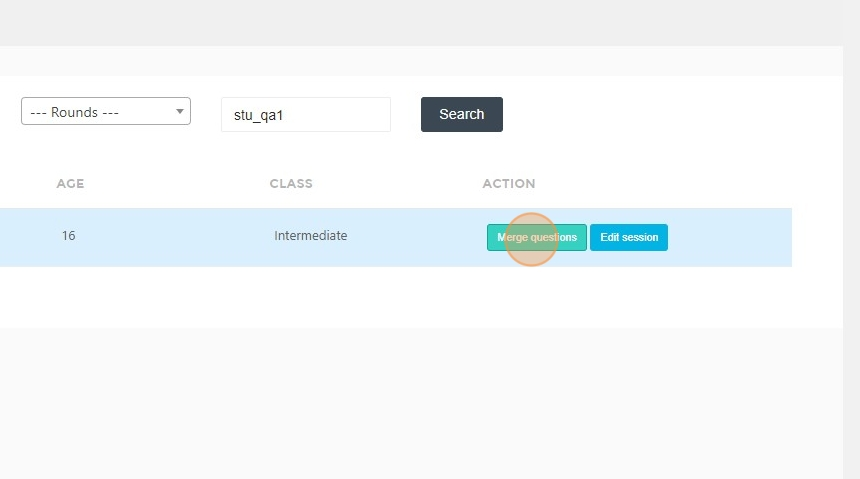
- Click "Merge questions".
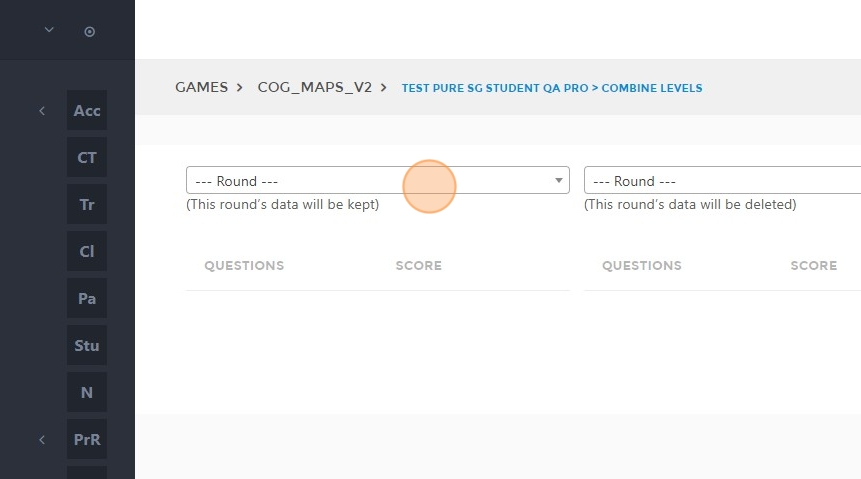
- Select the round you want to keep here.
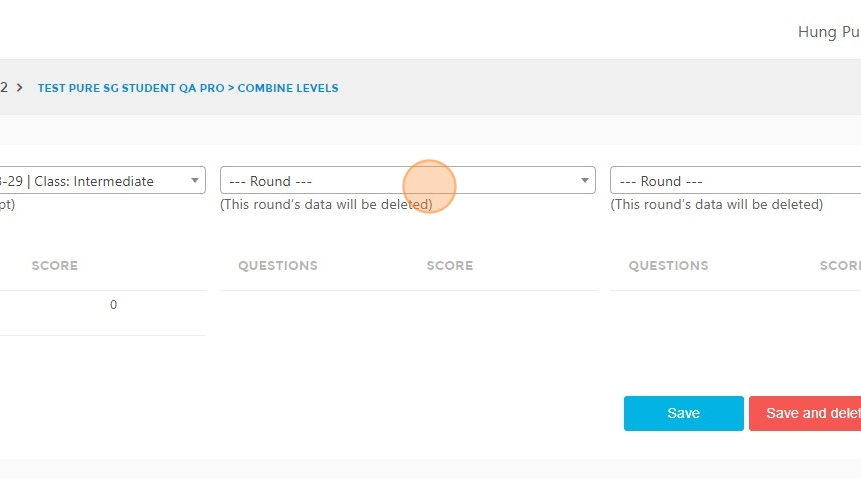
- Select the round with the replacement score.
- Tick to select the questions with the score you want to keep.
- Uncheck the questions you do not want to keep.
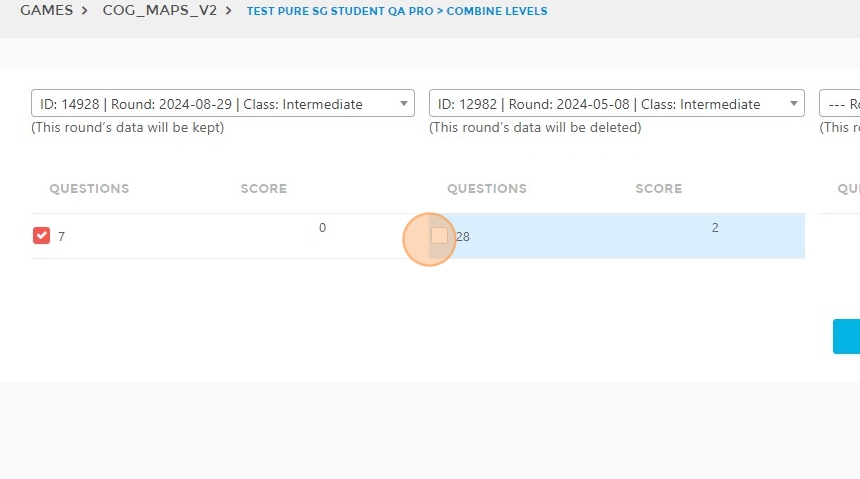
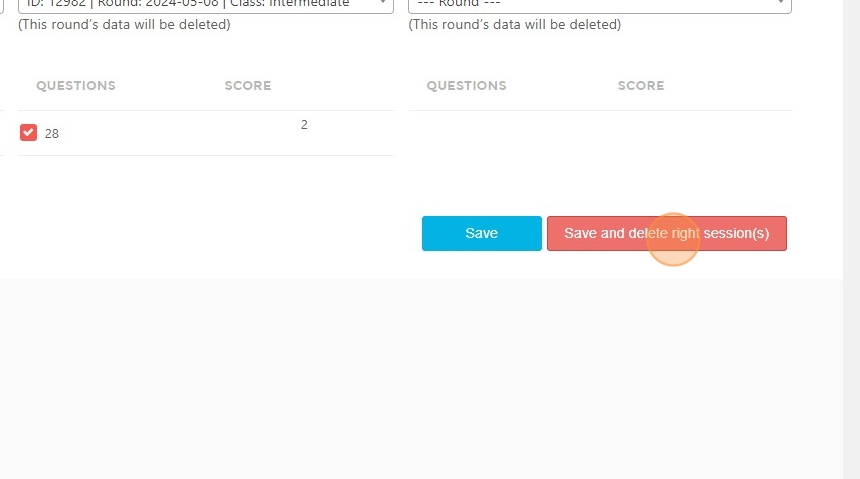
- Click "Save" if you want to merge the score but still keep the session in columns 2 and 3.
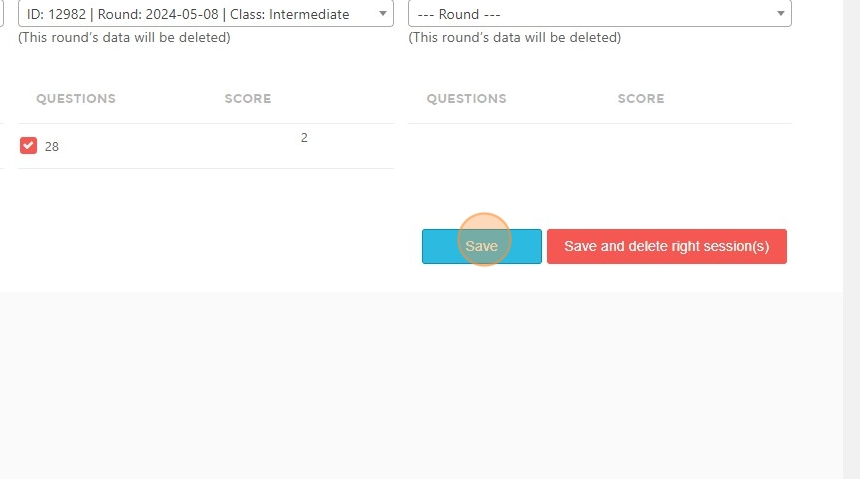
- Click "Save and delete right session(s)" if you want to merge the scores and delete the selected sessions in columns 2 and 3.