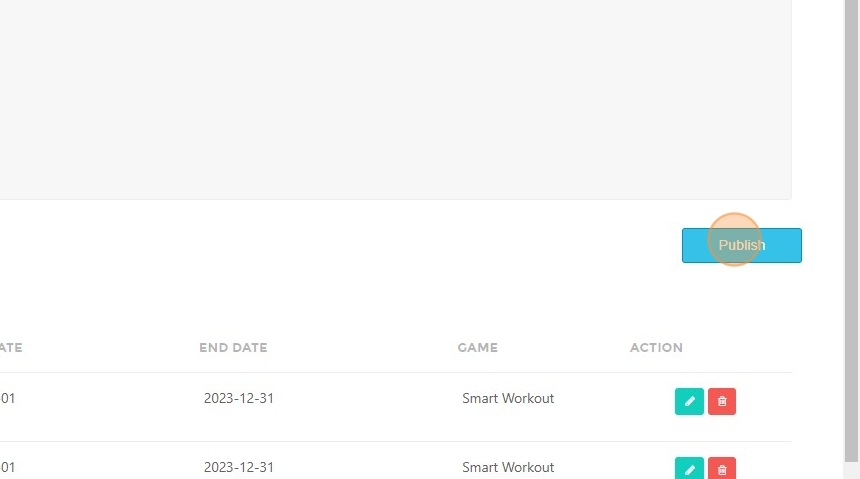
How to Publish Progress Reports in Student Detail View
This feature is for SA, ML, CA, Trainer
Steps to Search for a Student's Progress Report
- Navigate to BrainFit ACP.
- Click "Students".
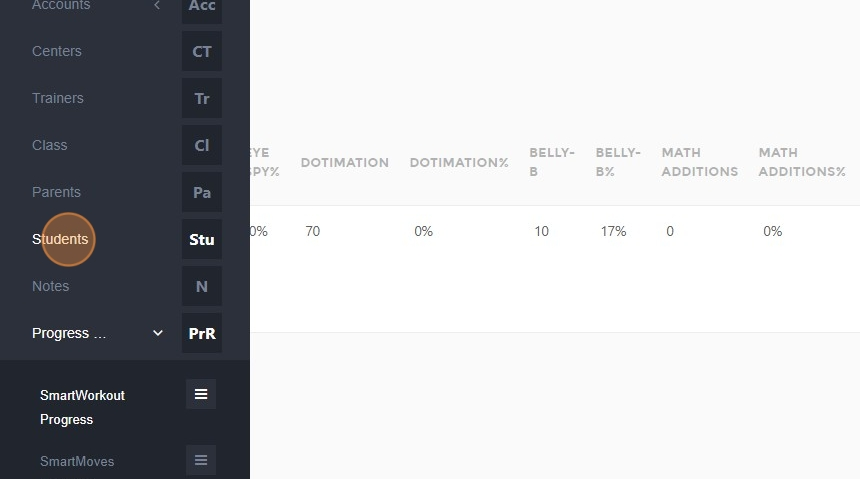
- Click the "Name..." field.
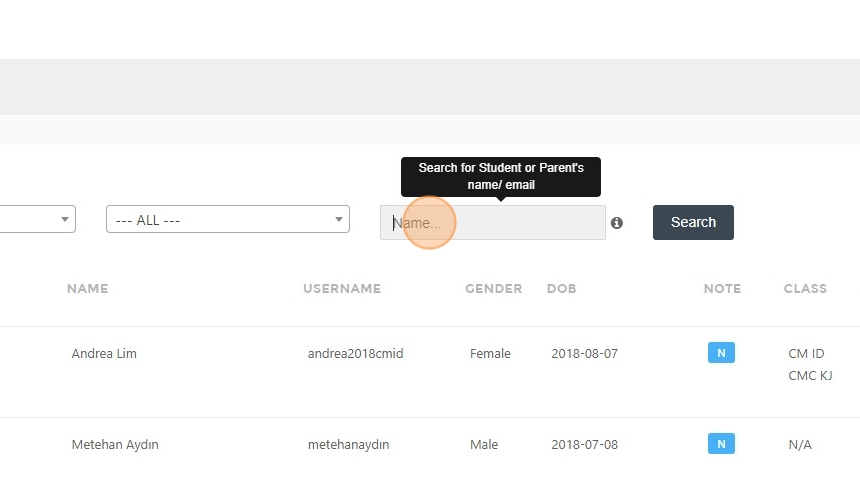
- Type the student's name.
- Click "Search".
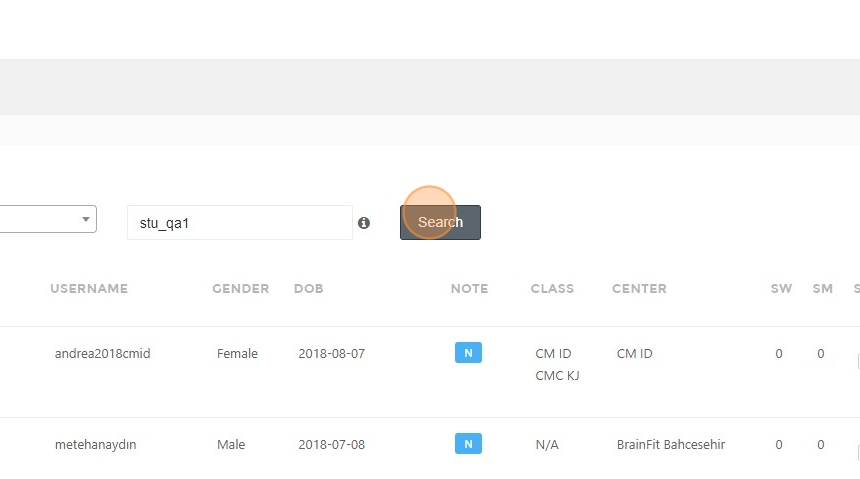
- Click here.
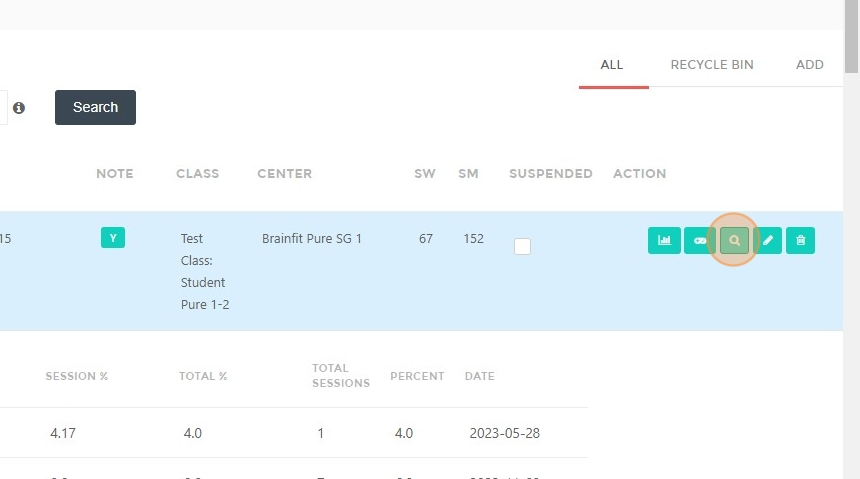
Steps to Publish a Progress Report
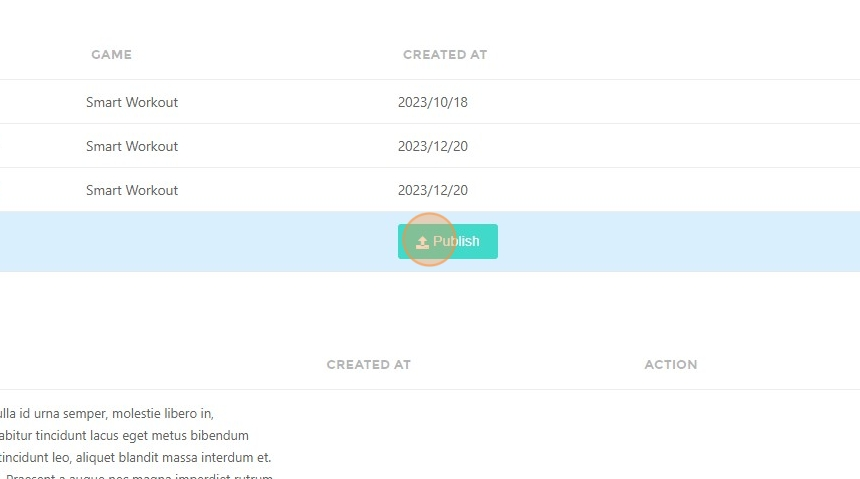
- Click "Publish".
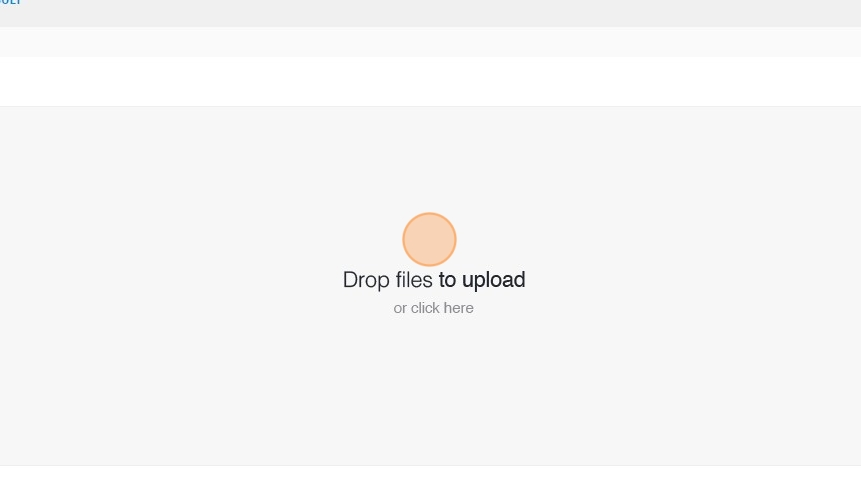
- Click here and choose a file.
- Click "Publish" again.